
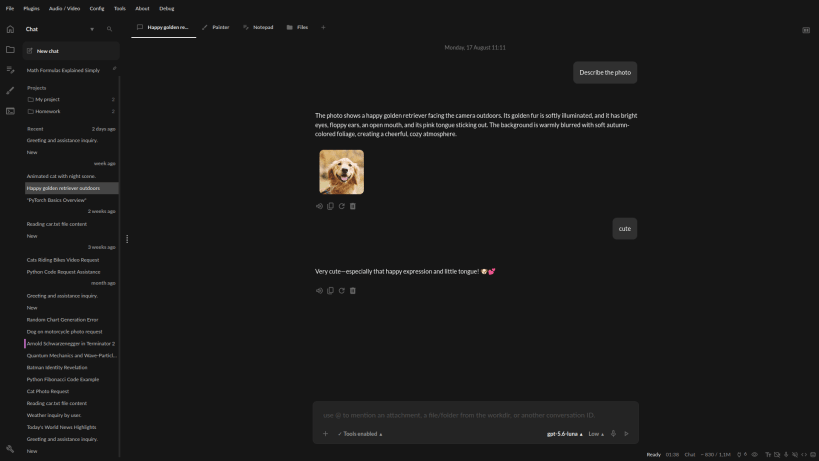
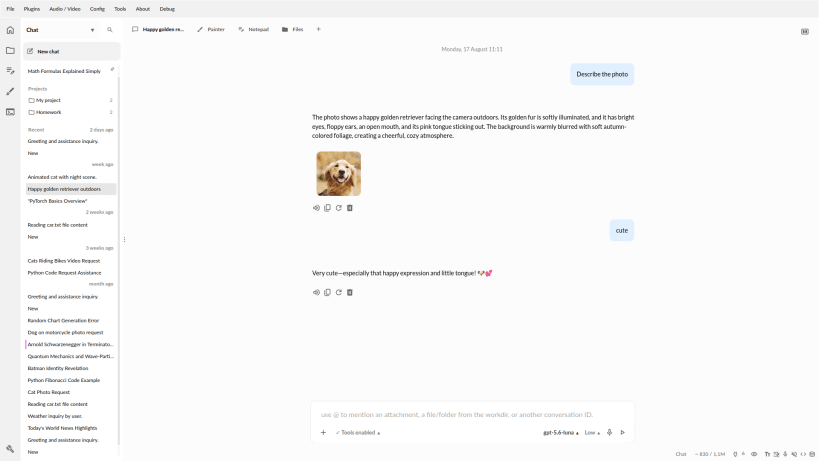
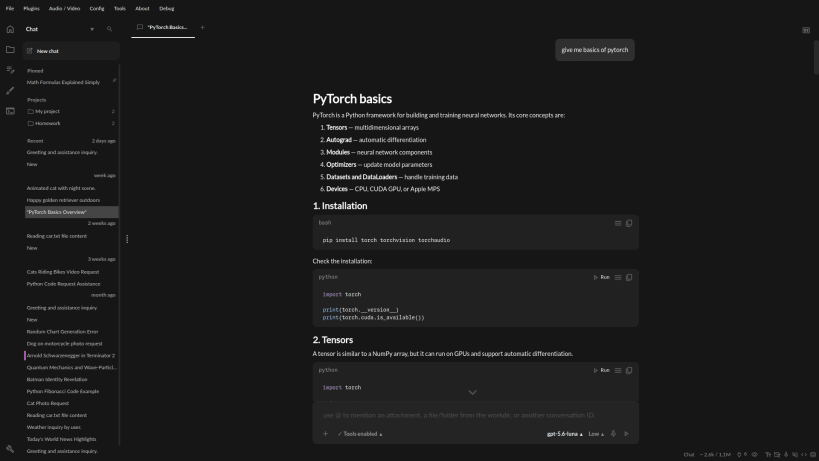
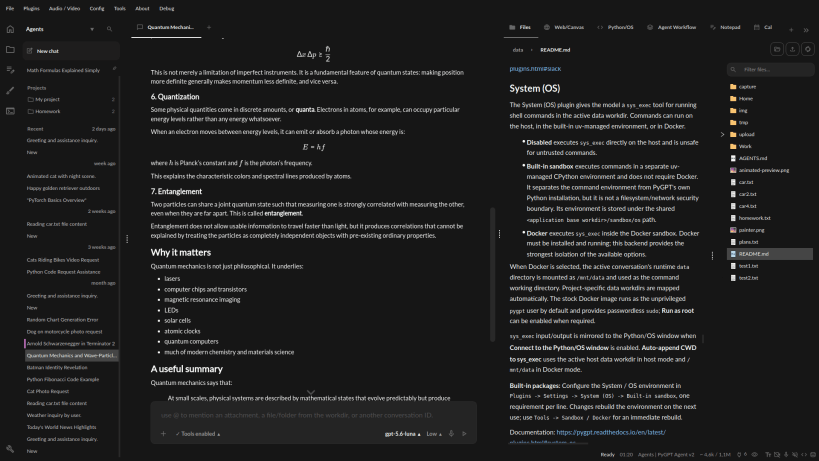
PyGPT is an open-source desktop AI assistant supporting OpenAI GPT-6/GPT-5/GPT-4, Google Gemini, Anthropic Claude, xAI Grok, DeepSeek, Perplexity / Sonar, HuggingFace, OpenAI-compatible APIs, and local Ollama models such as DeepSeek, Qwen, gpt-oss, Gemma, Mistral, Llama, and others.
It combines chat and multi-agent workflows with RAG, Agent Skills, plugins and MCP, Python/system tools, vision, image and video generation, Computer use, web access, file handling, voice, automation, and extensible tools.
Features
Linux, Windows and macOS.SKILL.md-based Agent Skills with catalog browsing and GitHub/local import.LlamaIndex RAG for files, webpages, external sources, media, and conversation history.gpt-image, Imagen, Gemini, Nano Banana, Grok, and others.Veo and Sora.DuckDuckGo, Google and Microsoft Bing.@mentions.AGENTS.md, themes, translations and accessibility features.Project Website: https://pygpt.net
GitHub: https://github.com/szczyglis-dev/py-gpt
PyPI: https://pypi.org/project/pygpt-net
Microsoft Store: https://apps.microsoft.com/detail/XP99R4MX3X65VQ
Documentation: https://pygpt.readthedocs.io/en/latest
Changelog
2.9.1 (2026-10-06)
You are about to open
Do you wish to proceed?
Thank you for your report. Information you provided will help us investigate further.
There was an error while sending your report. Please try again later.
Snaps are applications packaged with all their dependencies to run on all popular Linux distributions from a single build. They update automatically and roll back gracefully.
Snaps are discoverable and installable from the Snap Store, an app store with an audience of millions.
If you’re running Kubuntu 16.04 LTS (Xenial Xerus) or later, including Kubuntu 18.04 LTS (Bionic Beaver) and Kubuntu 18.10 (Cosmic Cuttlefish), you don’t need to do anything. Snap is already installed and ready to go.
Versions of Kubuntu between 14.04 LTS (Trusty Tahr) and 15.10 (Wily Werewolf) don’t include snap by default, but snap can be installed from the command line as follows:
sudo apt update
sudo apt install snapd
To install PyGPT - Desktop AI Assistant, simply use the following command:
sudo snap install pygpt
Browse and find snaps from the convenience of your desktop using the snap store snap.

Interested to find out more about snaps? Want to publish your own application? Visit snapcraft.io now.