Screen capture, vector annotations, step badges, and blur redaction studio
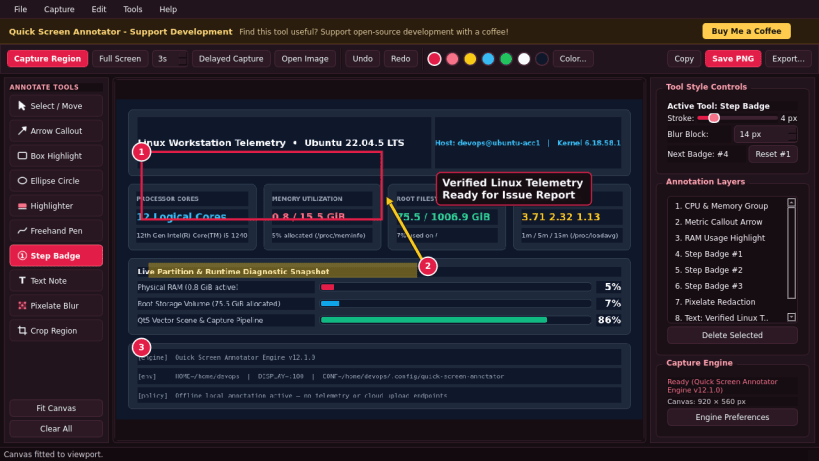
Quick Screen Annotator is an offline-first Linux desktop capture and
annotation studio combining a native Qt5 capture engine with a responsive
vector markup and redaction workspace.
Features:
Region capture, full-screen capture, and timed delay capture modes
Interactive vector arrows, boxes, ellipses, highlighter markers, and pen paths
Auto-incrementing numbered step callout badges (1, 2, 3...) and text notes
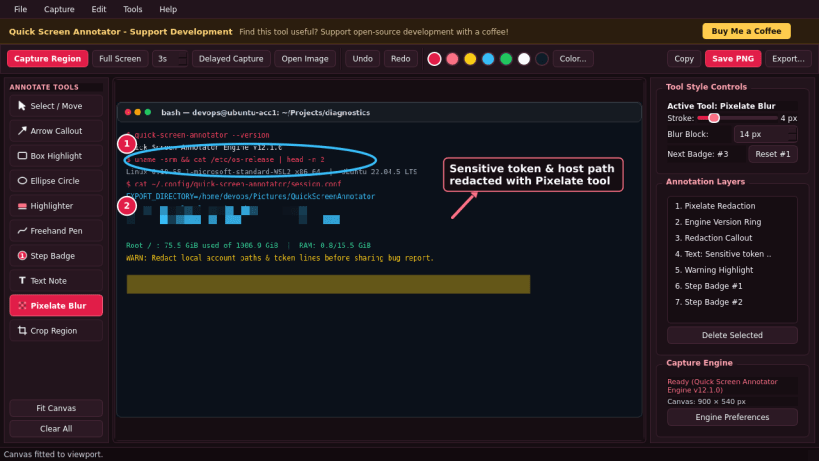
Built-in pixelate mosaic redaction for obscuring sensitive details
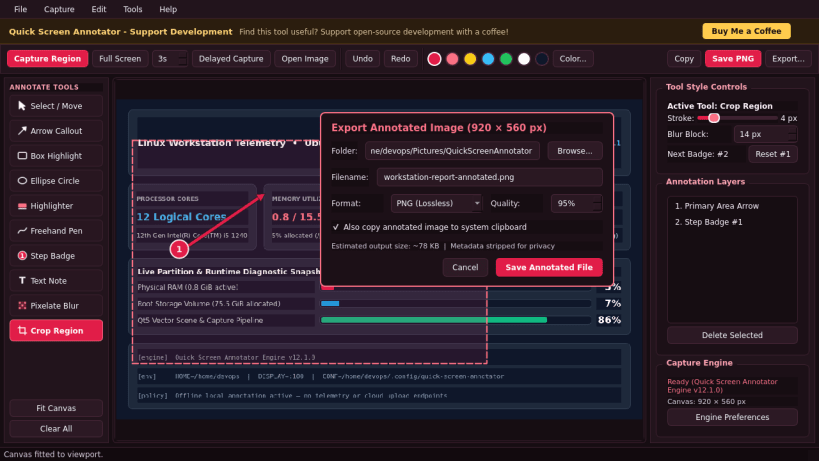
Interactive region crop, color swatches, stroke width, and undo/redo history
Crisp PNG, JPG, and WebP export plus instant system clipboard copy
Privacy-first offline workflow with zero telemetry or cloud accounts
License: GPL-3.0-or-later (source modifications and build notes included under
the licenses directory).
(Ownership verified)
The publisher has verified that they own this domain.
It does not guarantee the Snap is an official upload
from the upstream project.
Enable snaps on KDE Neon and install Quick Screen Annotator
Snaps are applications packaged with all their dependencies to run on all popular Linux distributions from a single build. They update automatically and roll back gracefully.
Snaps are discoverable and installable from the Snap Store, an app store with an audience of millions.
Enable snapd
Snap can be installed from the command line. Open the Konsole terminal and enter the following:
sudo apt update
sudo apt install snapd
Install Quick Screen Annotator
To install Quick Screen Annotator, simply use the following command: