

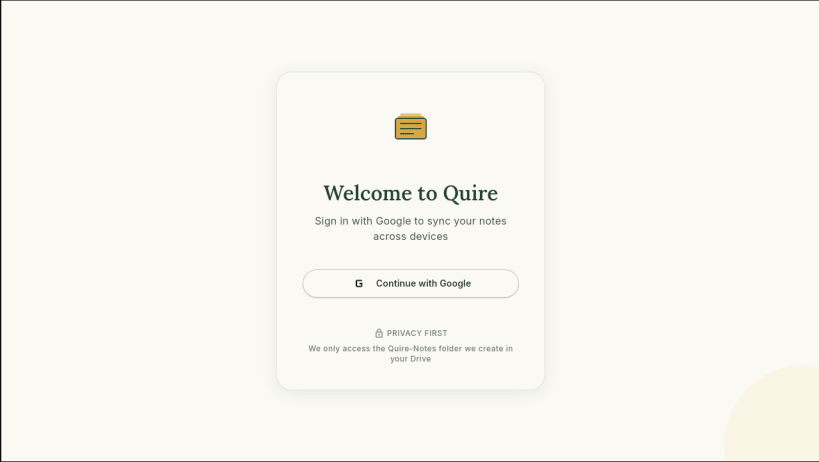
Quire is a privacy-first academic file organizer that helps students collect, organize, search, and access study materials from anywhere.
Share PDFs, notes, assignments, and documents directly from WhatsApp, Telegram, email, browsers, or any other application into Quire. Everything is automatically organized and synced through your own Google Drive account, giving you access to your files across devices without relying on custom cloud servers.
Key Features
Why Quire?
Students often receive important notes and study materials across multiple platforms such as WhatsApp groups, Telegram channels, email threads, and classroom portals. Quire brings everything together into a single searchable workspace, making it easy to find exactly what you need when you need it.
Privacy by Design
Quire does not store your files on its own servers, sell your data, or use third-party analytics. Your documents stay in your Google Drive, and Quire only accesses its dedicated application folder.
Website: https://quire-privacy.pages.dev/
Privacy Policy: https://quire-privacy.pages.dev/privacy
Perfect for students who want a simple, searchable, and privacy-respecting home for all their academic materials.
You are about to open
Do you wish to proceed?
Thank you for your report. Information you provided will help us investigate further.
There was an error while sending your report. Please try again later.
Snaps are applications packaged with all their dependencies to run on all popular Linux distributions from a single build. They update automatically and roll back gracefully.
Snaps are discoverable and installable from the Snap Store, an app store with an audience of millions.
Snap is available for CentOS 7.6+, and Red Hat Enterprise Linux 7.6+, from the Extra Packages for Enterprise Linux (EPEL) repository. The EPEL repository can be added to your system with the following command:
sudo yum install epel-release
Snap can now be installed as follows:
sudo yum install snapd
Once installed, the systemd unit that manages the main snap communication socket needs to be enabled:
sudo systemctl enable --now snapd.socket
To enable classic snap support, enter the following to create a symbolic link between /var/lib/snapd/snap and /snap:
sudo ln -s /var/lib/snapd/snap /snap
Either log out and back in again, or restart your system, to ensure snap’s paths are updated correctly.
To install Quire, simply use the following command:
sudo snap install quire
Browse and find snaps from the convenience of your desktop using the snap store snap.

Interested to find out more about snaps? Want to publish your own application? Visit snapcraft.io now.