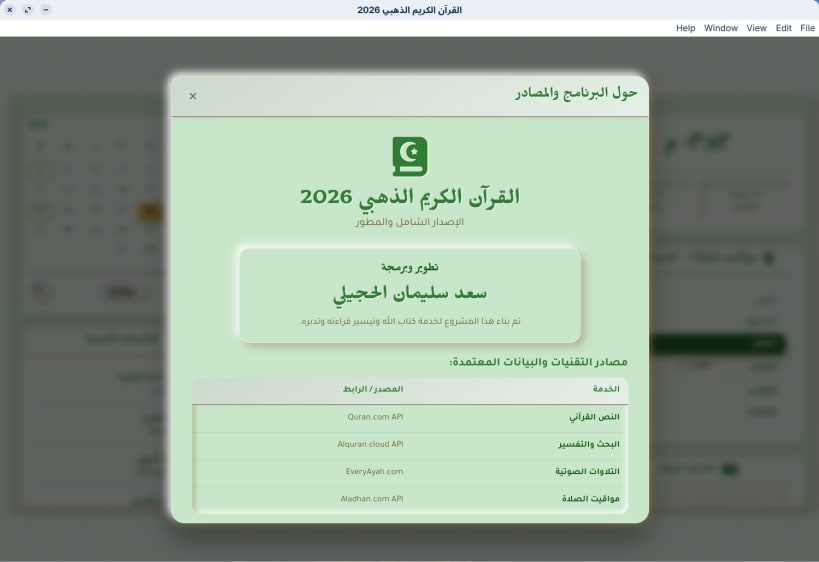

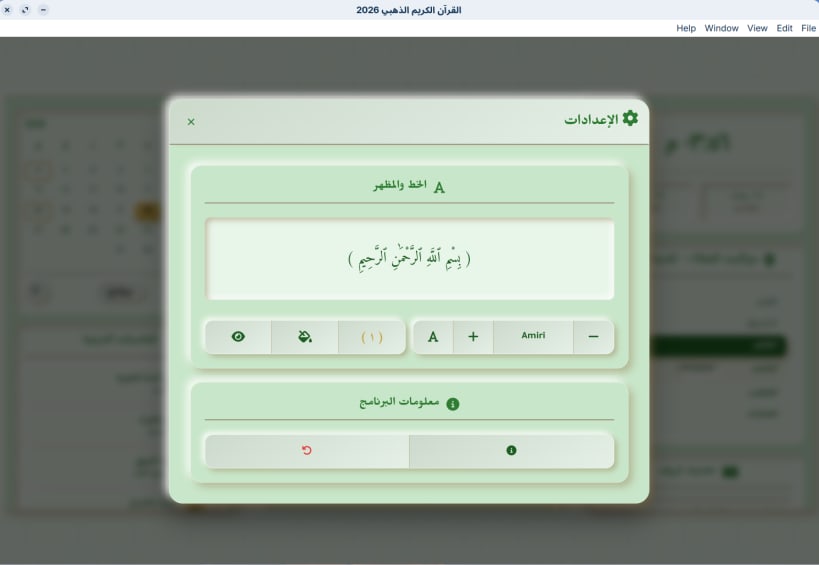

القرآن الكريم - الذهبي 2026 تطبيق مكتبي متكامل يضع مصحفك بين يديك بتجربة استخدام عصرية ومريحة. تم تصميم هذا البرنامج بعناية فائقة ليجمع بين أناقة الواجهة وسهولة التصفح، مما يجعله الرفيق المثالي لقراءة القرآن الكريم والاستماع إليه أثناء استخدام جهاز الكمبيوتر.
المميزات الرئيسية:
واجهة مستخدم عصرية (UI/UX): تصميم أنيق، مريح للعين، ويوفر تجربة قراءة يومية خالية من المشتتات.
استماع وتحكم مرن: مشغل صوتي مدمج مع أدوات تحكم متقدمة للاستماع للتلاوات بكل سهولة ووضوح.
بحث متقدم: محرك بحث سريع ودقيق للوصول إلى الآيات والكلمات في لحظات معدودة.
أداء خفيف وسريع: مبني بأحدث تقنيات الويب ليعمل بسلاسة تامة وباستهلاك منخفض لموارد النظام.
الوصف باللغة الإنجليزية (English Description) Quran Desktop - Golden 2026 A comprehensive desktop application that brings the Holy Quran to your screen with a modern and comfortable user experience. Carefully designed to combine an elegant interface with intuitive navigation, making it the perfect companion for reading and listening to the Quran on your computer.
Key Features:
Modern UI/UX: An elegant, eye-friendly design that provides a seamless and distraction-free reading experience.
Smart Audio Playback: Built-in audio player with full controls to listen to your favorite recitations smoothly.
Advanced Search: Fast and accurate search engine to find specific verses or words instantly.
Lightweight & Fast: Built with modern web technologies to run smoothly on your desktop with minimal resource usage.
Thank you for your report. Information you provided will help us investigate further.
There was an error while sending your report. Please try again later.
Snaps are applications packaged with all their dependencies to run on all popular Linux distributions from a single build. They update automatically and roll back gracefully.
Snaps are discoverable and installable from the Snap Store, an app store with an audience of millions.
Snap can be installed from the command line on openSUSE Leap 15.x and Tumbleweed.
You need first add the snappy repository from the terminal. Choose the appropriate command depending on your installed openSUSE flavor.
Tumbleweed:
sudo zypper addrepo --refresh https://download.opensuse.org/repositories/system:/snappy/openSUSE_Tumbleweed snappy
Leap 15.x:
sudo zypper addrepo --refresh https://download.opensuse.org/repositories/system:/snappy/openSUSE_Leap_15.6 snappy
If needed, Swap out openSUSE_Leap_15. for, openSUSE_Leap_16.0 if you’re using a different version of openSUSE.
With the repository added, import its GPG key:
sudo zypper --gpg-auto-import-keys refresh
Finally, upgrade the package cache to include the new snappy repository:
sudo zypper dup --from snappy
Snap can now be installed with the following:
sudo zypper install snapd
You then need to either reboot, logout/login or source /etc/profile to have /snap/bin added to PATH.
Additionally, enable and start both the snapd and the snapd.apparmor services with the following commands:
sudo systemctl enable --now snapd
sudo systemctl enable --now snapd.apparmor
To install القرآن الكريم الذهبي, simply use the following command:
sudo snap install quran-desktop
Browse and find snaps from the convenience of your desktop using the snap store snap.

Interested to find out more about snaps? Want to publish your own application? Visit snapcraft.io now.