

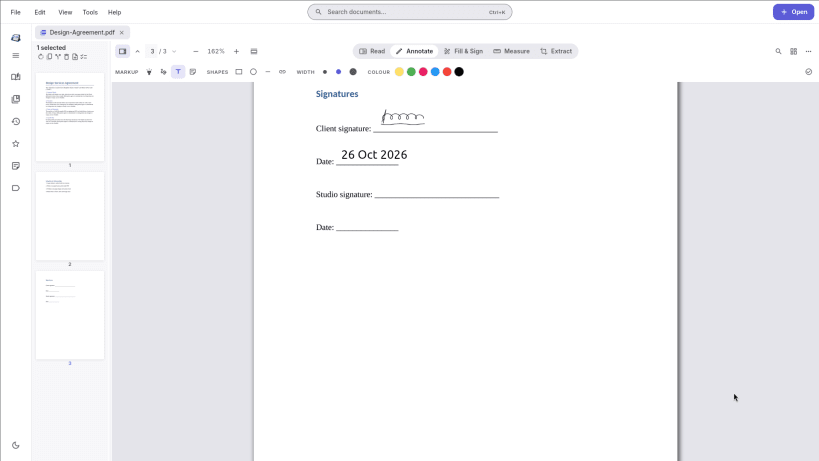
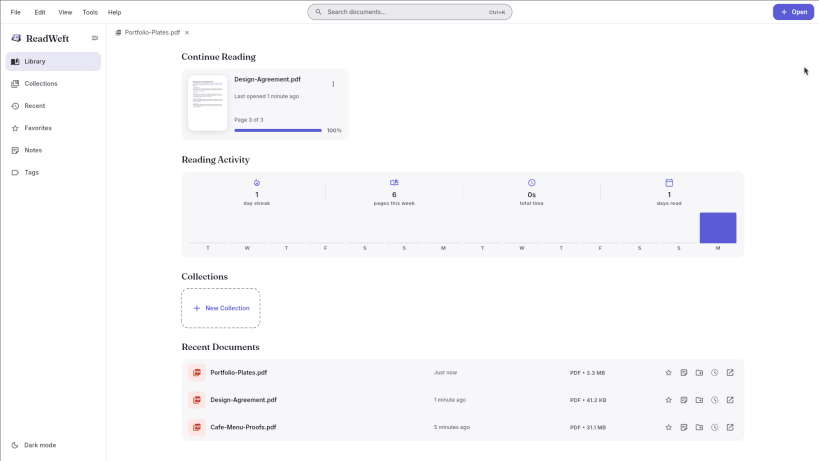
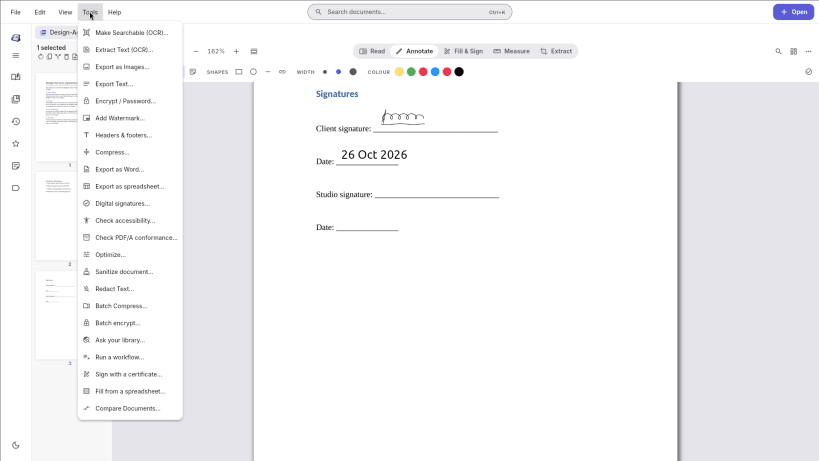
Free PDF editor and EPUB reader for Linux. Read, fill, sign and rearrange PDFs, run OCR on scans, and read your e-books, all in one app that works offline. No account, no ads, no watermark on your files.
READ
FILL & SIGN
EDIT PAGES
OCR FOR SCANS
PRIVATE BY DESIGN
Optional extras: on-device document summaries, and you can connect a local Ollama model if you want to chat with your PDFs. Off unless you use them.
Also on Windows: https://apps.microsoft.com/detail/9NTF88R0PR6C
Interface in English. ES: Editor de PDF y lector de EPUB gratuito. PT: Editor de PDF e leitor de EPUB gratuito. DE: Kostenloser PDF-Editor und EPUB-Reader. FR: Éditeur PDF et lecteur EPUB gratuit. JA: 無料のPDF編集・EPUBリーダー(表示は英語)。
You are about to open
Do you wish to proceed?
Thank you for your report. Information you provided will help us investigate further.
There was an error while sending your report. Please try again later.
Snaps are applications packaged with all their dependencies to run on all popular Linux distributions from a single build. They update automatically and roll back gracefully.
Snaps are discoverable and installable from the Snap Store, an app store with an audience of millions.
Snap can be installed on elementary OS from the command line. Open Terminal from the Applications launcher and type the following:
sudo apt update
sudo apt install snapd
Either log out and back in again, or restart your system, to ensure snap’s paths are updated correctly.
To install ReadWeft — PDF Editor & EPUB Reader, simply use the following command:
sudo snap install readweft
Browse and find snaps from the convenience of your desktop using the snap store snap.
Interested to find out more about snaps? Want to publish your own application? Visit snapcraft.io now.