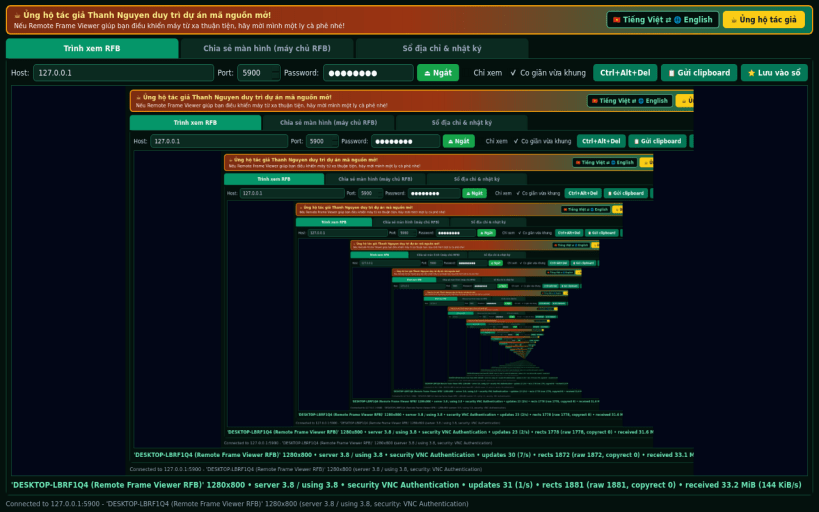
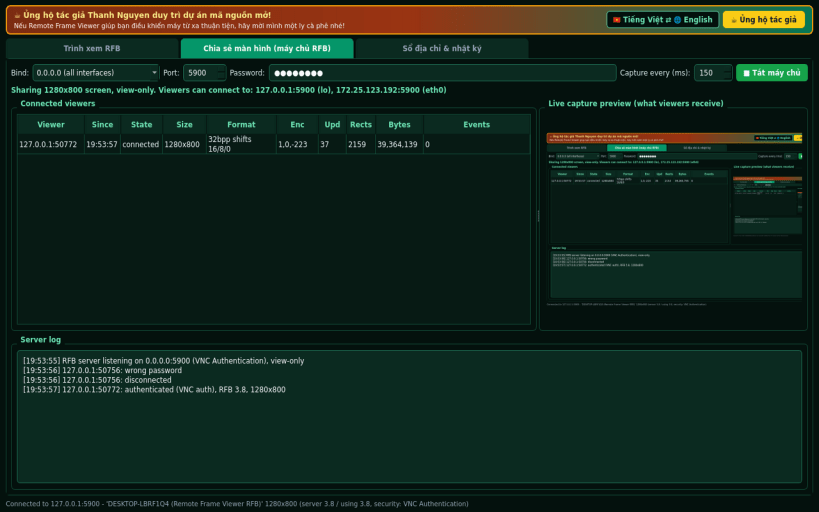
RFB protocol remote desktop viewer & screen server (compatible with VNC / TightVNC / UltraVNC servers). A Linux alternative to TightVNC and UltraVNC for viewing remote RFB desktops and sharing your X11 screen. Disclaimer: This project is an independent open-source tool. Not affiliated with, sponsored by, or endorsed by GlavSoft LLC or UltraVNC.
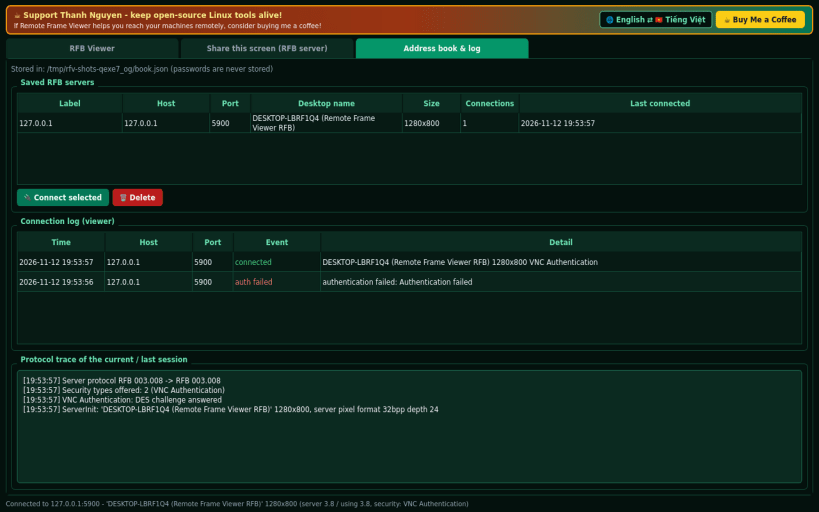
FEATURES (100% real TCP/RFB socket operations, zero mock data): • Pure-Python RFB 3.3 / 3.7 / 3.8 client with live framebuffer rendering, Scale-to-Fit and View-Only modes • Security types: None (1) and password challenge-response authentication (type 2, pure-Python FIPS 46-3 DES) • Encodings: Raw (0), CopyRect (1), and DesktopSize (-223) dynamic resolution changes • Full remote keyboard (X11 keysyms), mouse pointer/wheel, Ctrl+Alt+Del shortcut, and clipboard sync • Built-in view-only RFB 3.8 server sharing the active X11 screen with 64x64 dirty-tile detection • Saved server address book (never stores passwords on disk), connection history, and live protocol trace
NOTES & HONEST LIMITATIONS: • Client supports Raw and CopyRect encodings and None / DES challenge authentication (no Tight/ZRLE/TLS/VeNCrypt). • Built-in screen server is view-only (captures X11 via QScreen.grabWindow; remote input is counted, not injected; under Wayland sessions only X11/XWayland surfaces are visible).
Support development: https://buymeacoffee.com/thanhnv128b
You are about to open
Do you wish to proceed?
Thank you for your report. Information you provided will help us investigate further.
There was an error while sending your report. Please try again later.
Snaps are applications packaged with all their dependencies to run on all popular Linux distributions from a single build. They update automatically and roll back gracefully.
Snaps are discoverable and installable from the Snap Store, an app store with an audience of millions.
Snap can be installed on Fedora from the command line:
sudo dnf install snapd
Either log out and back in again, or restart your system, to ensure snap’s paths are updated correctly.
To enable classic snap support, enter the following to create a symbolic link between /var/lib/snapd/snap and /snap:
sudo ln -s /var/lib/snapd/snap /snap
To install Remote Frame Viewer RFB, simply use the following command:
sudo snap install remote-frame-viewer
Browse and find snaps from the convenience of your desktop using the snap store snap.
Interested to find out more about snaps? Want to publish your own application? Visit snapcraft.io now.