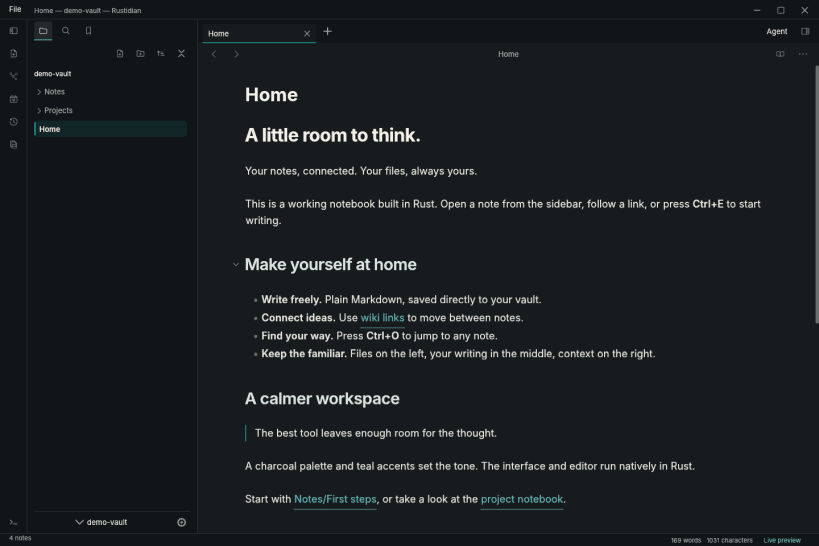
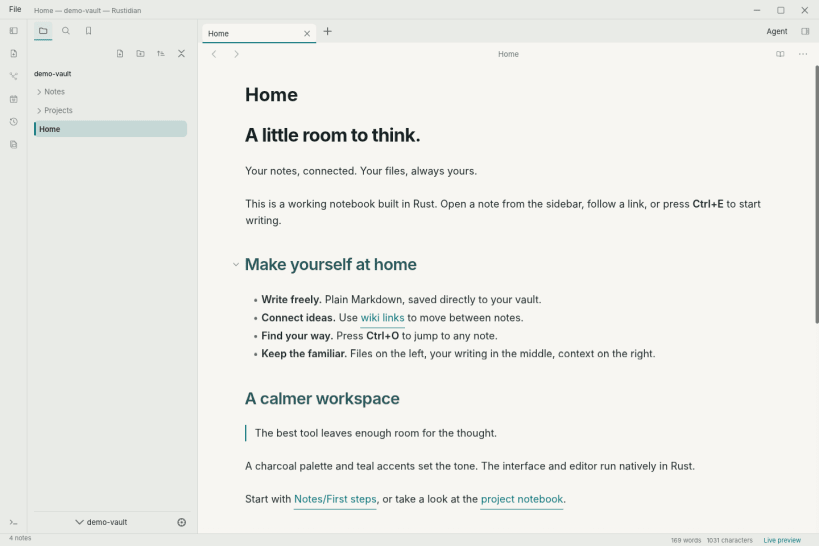
Rustidian is a fast, native Markdown notebook for Linux. Your notes stay plain files in ordinary folders: no account, no import, no lock-in.
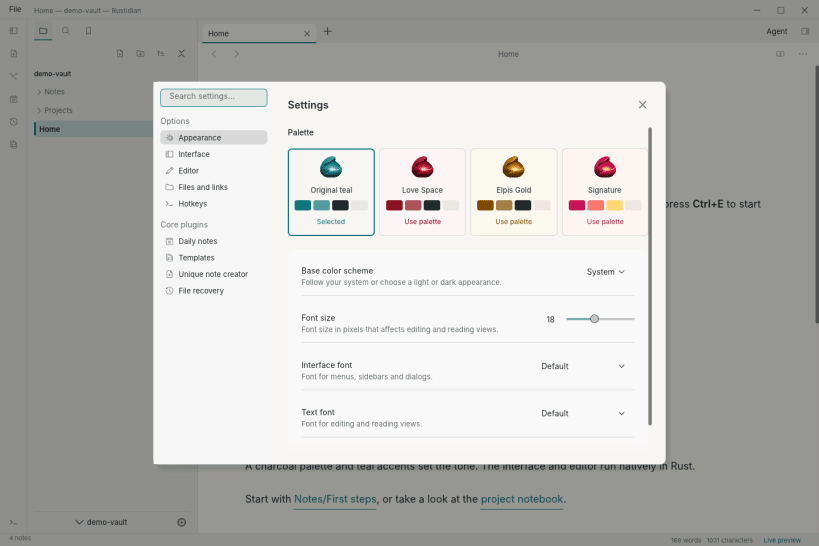
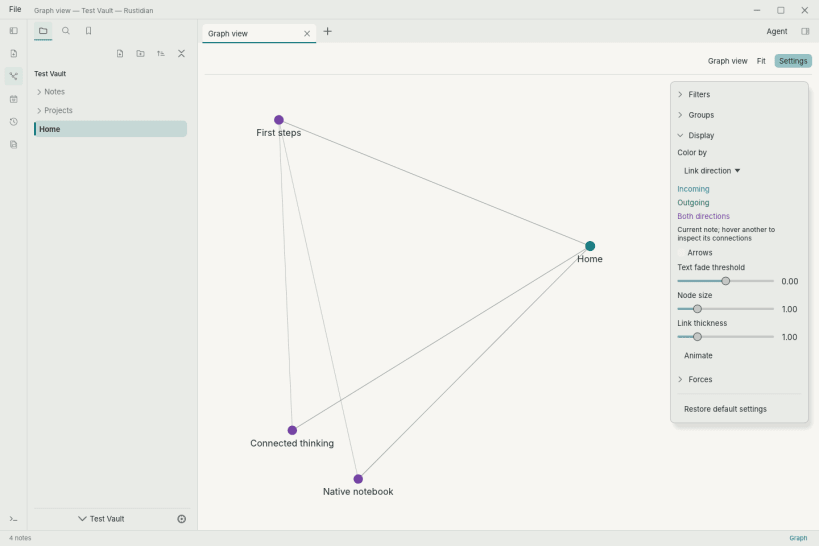
• Live preview, source and reading modes, with wiki links, backlinks, tags and vault-wide search • Tables, tasks, callouts, code with syntax highlighting, LaTeX math and Mermaid diagrams • A global graph and a local graph that follows the note you are reading • Daily notes, templates, bookmarks, pinned tabs, workspaces and file recovery • Four colour palettes, in light and dark
It opens Obsidian-format vaults. Try it on a copy of your vault first: Obsidian plugins, Canvas and Bases are not supported yet. Rustidian is an independent project and is not affiliated with Obsidian.
This snap can read your home folder. To open a vault on another drive, run: sudo snap connect rustidian:removable-media
The Agent tab, which runs Codex, Claude Code or Elpis in a terminal beside your notes, needs your own tools and is available in the .deb and AppImage builds from GitHub.
Source, downloads and bug reports: https://github.com/MasihMoafi/rustidian
You are about to open
Do you wish to proceed?
Thank you for your report. Information you provided will help us investigate further.
There was an error while sending your report. Please try again later.
Snaps are applications packaged with all their dependencies to run on all popular Linux distributions from a single build. They update automatically and roll back gracefully.
Snaps are discoverable and installable from the Snap Store, an app store with an audience of millions.
Snap can be installed from the command line. Open the Konsole terminal and enter the following:
sudo apt update
sudo apt install snapd
To install Rustidian, simply use the following command:
sudo snap install rustidian

Browse and find snaps from the convenience of your desktop using the snap store snap.

Interested to find out more about snaps? Want to publish your own application? Visit snapcraft.io now.