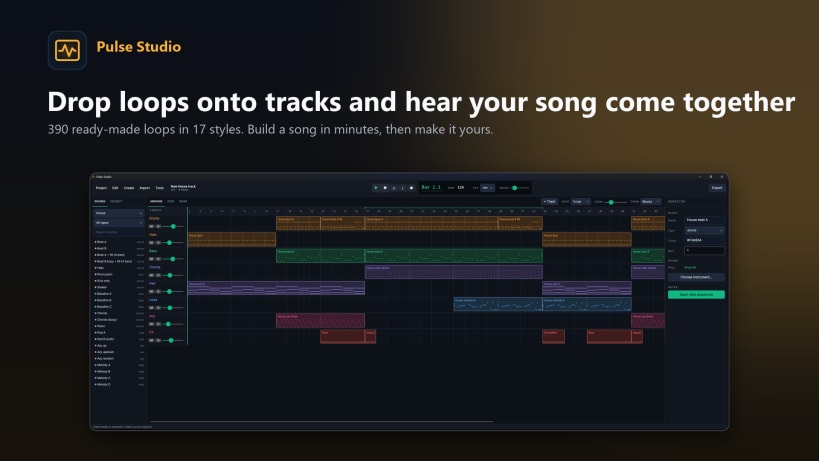
Make music the fun way. Pick a style, drop ready-made loops onto tracks and hear a full song come together in minutes. Then go as deep as you like with a step sequencer, piano roll, live pads, a mixer and effects.
START FAST • 390 ready-made loops in 17 styles, from house, techno and trance to drum & bass, trap, lo-fi, synthwave and Eurodance. Every loop plays in your song's key. • New song from a style writes a complete track for you (intro, build, drop, break and outro) to make your own. • Generators write fresh drum beats, basslines, chords, arpeggios, melodies, risers and impacts at the click of a button.
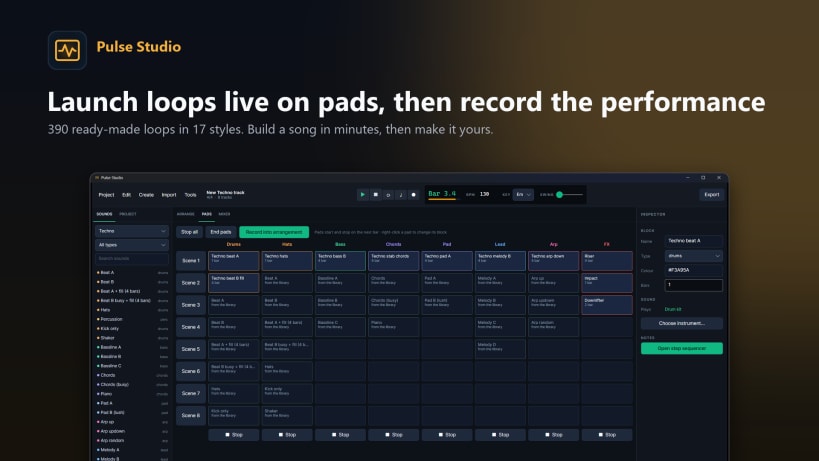
PLAY IT LIVE • Pads launch loops in time with the beat. Record your performance straight into the song. • Play notes from your computer keyboard and record them as you play. • Record vocals or an instrument from your microphone.
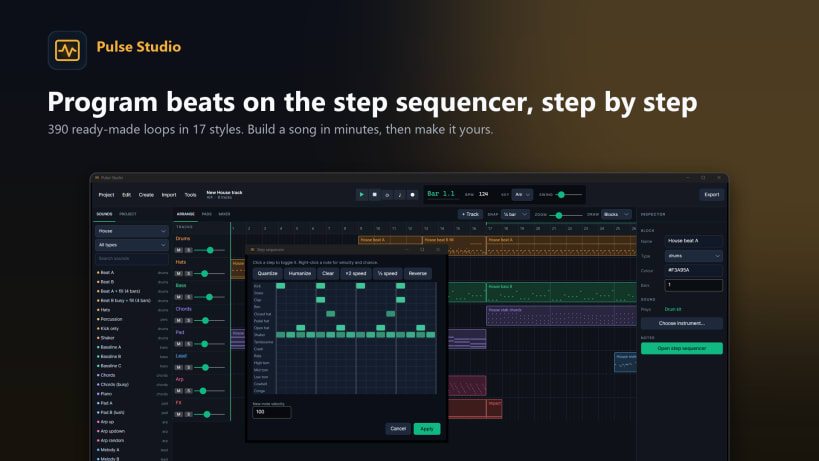
MAKE IT YOURS • Step sequencer and piano roll with chord stamps, keep-to-key, quantize, humanize, swing and note chance. • Hundreds of instruments and drum kits, a built-in synth with wobble bass, acid slides and 808 presets, or your own SoundFonts and samples. • Mixer with reverb and delay sends, sidechain pumping, 13 effects and drawn automation for volume, pan and filter sweeps.
FINISH AND SHARE • Save a 24-bit WAV, 320 kbps MP3, FLAC, OGG, MIDI or every track as a separate stem, at streaming loudness. • Bring in MIDI files and audio samples.
PRIVATE • Everything runs on your computer. No account and no internet needed to make music.
Works on Windows 10 and 11 and on Linux.
Pay once and it's yours to keep. No subscription and no adverts.
You are about to open
Do you wish to proceed?
Thank you for your report. Information you provided will help us investigate further.
There was an error while sending your report. Please try again later.
Snaps are applications packaged with all their dependencies to run on all popular Linux distributions from a single build. They update automatically and roll back gracefully.
Snaps are discoverable and installable from the Snap Store, an app store with an audience of millions.
Snap can be installed on Pop!_OS from the command line. Open Terminal from the Applications launcher and type the following:
sudo apt update
sudo apt install snapd
Either log out and back in again, or restart your system, to ensure snap’s paths are updated correctly.
To install Pulse Studio, simply use the following command:
sudo snap install sc-pulse-studio

Browse and find snaps from the convenience of your desktop using the snap store snap.

Interested to find out more about snaps? Want to publish your own application? Visit snapcraft.io now.