
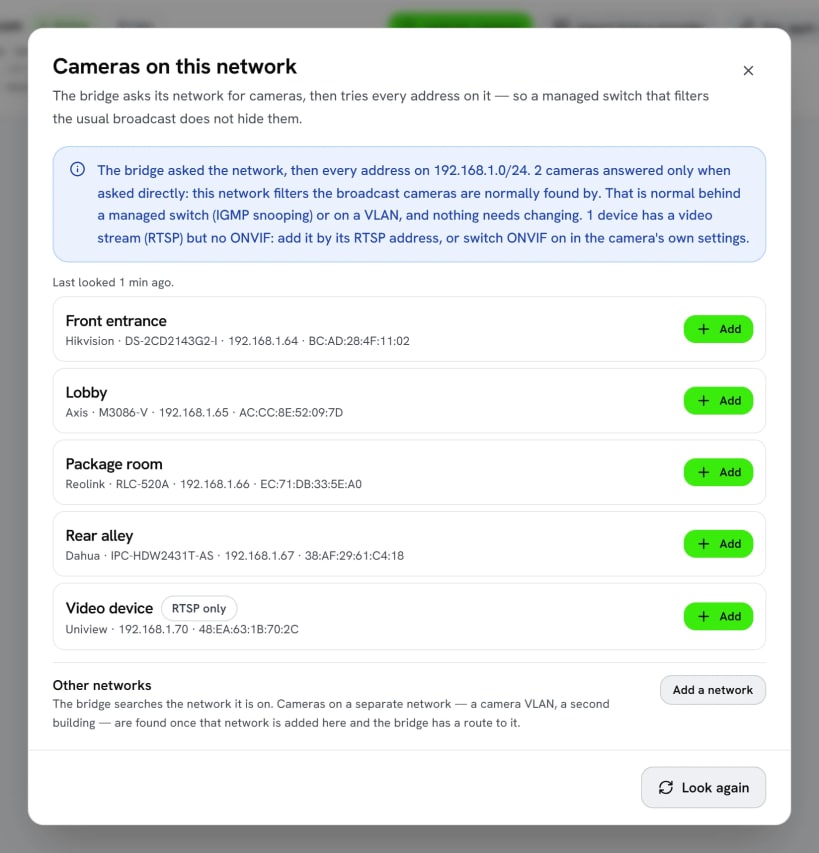
SeaBridge (the Seayora Bridge) connects the security cameras and building equipment on a property's own network to Seayora, the property management platform. It finds ONVIF cameras and recorders on the network, relays live video and recordings to Seayora, and reads building equipment over BACnet/IP and Modbus TCP.
It only ever connects outward: nothing on the property's network is opened to the internet. Camera passwords are sealed so that only this computer can open them, and every time it starts, the bridge checks each of its files against a release Seayora has signed.
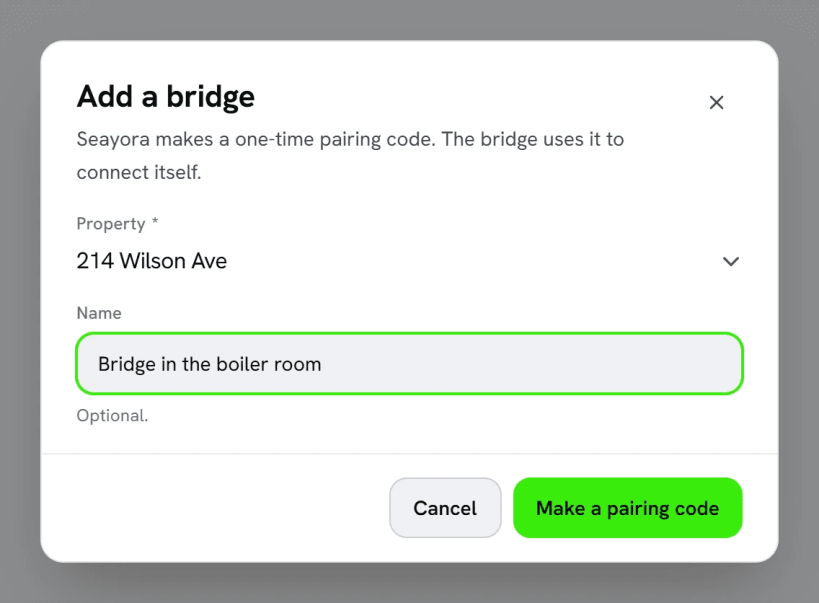
Pair it. In Seayora, open Cameras, then Bridges, then Add a bridge, and use the code it shows you:
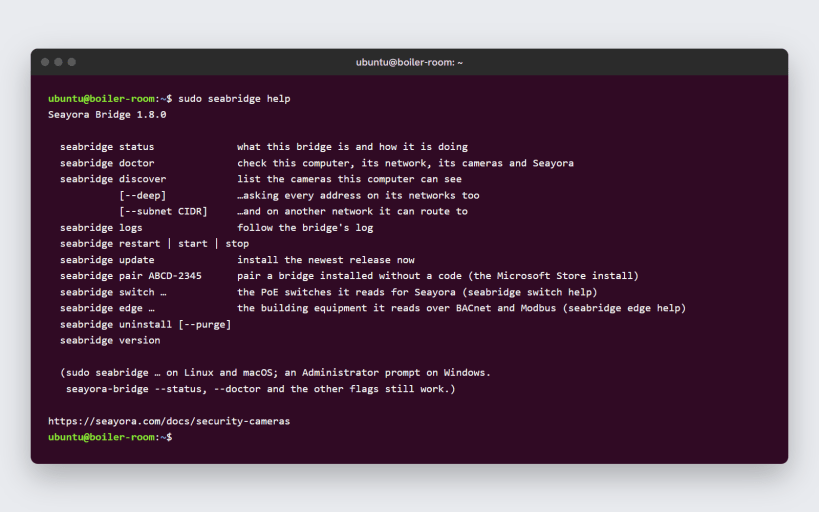
sudo seabridge pair ABCD-2345
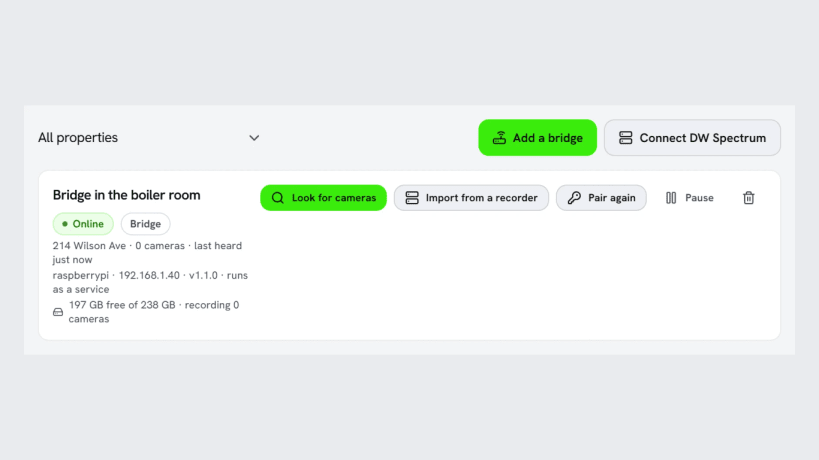
Check on it: sudo seabridge status, sudo seabridge doctor or sudo seabridge logs.
Find more cameras. To let it find cameras through the computer's ARP table as well, run this once:
sudo snap connect seabridge:network-observe
FFmpeg (for snapshots, motion and masked clips) is downloaded from its publisher the first time the service starts. It is not part of the snap.
You are about to open
Do you wish to proceed?
Thank you for your report. Information you provided will help us investigate further.
There was an error while sending your report. Please try again later.
Snaps are applications packaged with all their dependencies to run on all popular Linux distributions from a single build. They update automatically and roll back gracefully.
Snaps are discoverable and installable from the Snap Store, an app store with an audience of millions.
Snap is available for CentOS 7.6+, and Red Hat Enterprise Linux 7.6+, from the Extra Packages for Enterprise Linux (EPEL) repository. The EPEL repository can be added to your system with the following command:
sudo yum install epel-release
Snap can now be installed as follows:
sudo yum install snapd
Once installed, the systemd unit that manages the main snap communication socket needs to be enabled:
sudo systemctl enable --now snapd.socket
To enable classic snap support, enter the following to create a symbolic link between /var/lib/snapd/snap and /snap:
sudo ln -s /var/lib/snapd/snap /snap
Either log out and back in again, or restart your system, to ensure snap’s paths are updated correctly.
To install SeaBridge, simply use the following command:
sudo snap install seabridge
Browse and find snaps from the convenience of your desktop using the snap store snap.

Interested to find out more about snaps? Want to publish your own application? Visit snapcraft.io now.