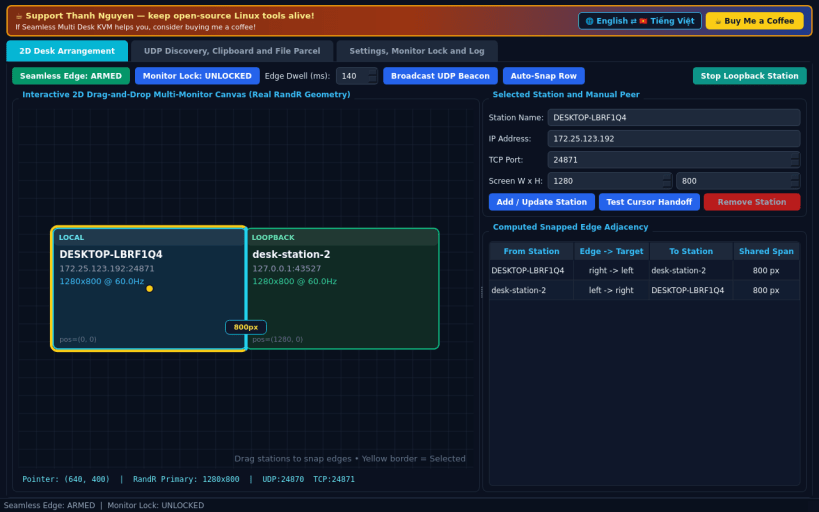
A Linux X11 multi-computer 2D desk arrangement and LAN KVM suite inspired by ShareMouse workflows. Disclaimer: Independent open-source project, not affiliated with, sponsored by, or endorsed by Bartels Media GmbH.
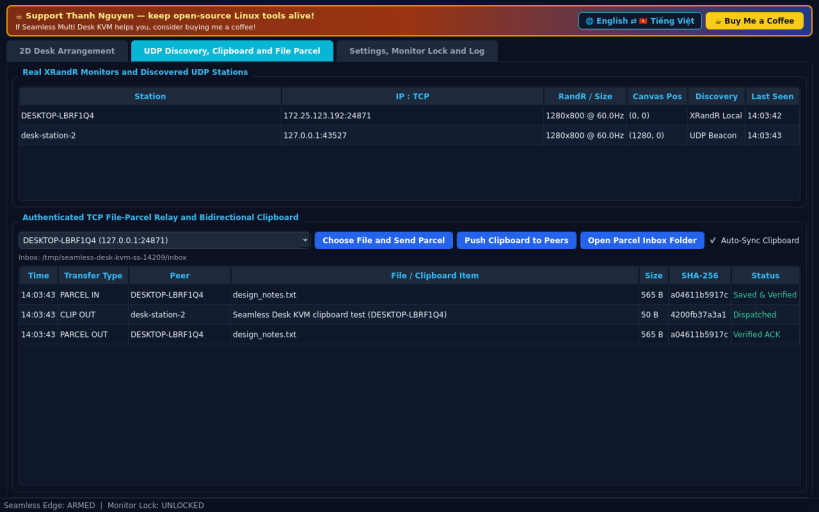
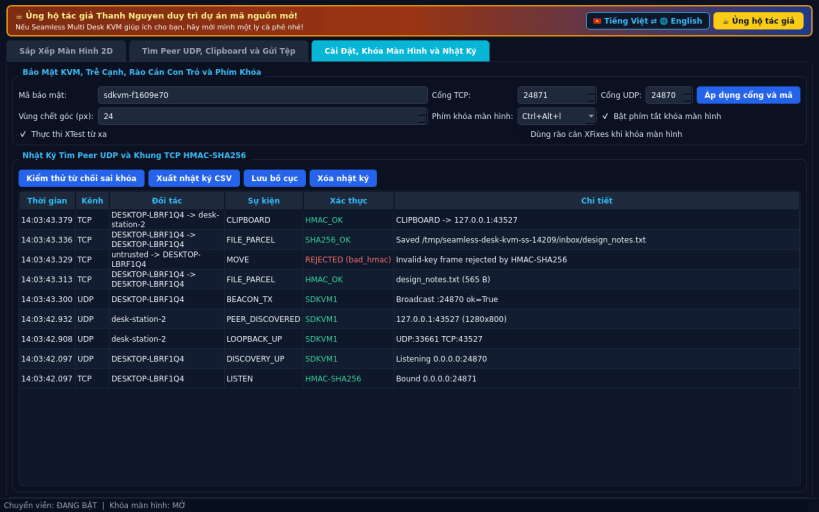
FEATURES • Interactive 2D Desk Arrangement Canvas: Detect real XRandR display geometry, drag and snap workstations in 2D space, and compute shared edge transitions with configurable edge-dwell thresholds. • UDP Discovery & Monitor Lock: Discover nearby stations via UDP LAN beacons and toggle a global X11 Monitor-Lock shortcut (XGrabKey / XFixes pointer barriers) to hold the cursor on your active display. • Authenticated Clipboard & File-Parcel Relay: Transfer clipboard text, input events (XTest), and SHA-256 verified file parcels over HMAC-SHA256 TCP frames.
SUPPORT & DONATE • Created by Thanh Nguyen — https://buymeacoffee.com/thanhnv128b
You are about to open
Do you wish to proceed?
Thank you for your report. Information you provided will help us investigate further.
There was an error while sending your report. Please try again later.
Snaps are applications packaged with all their dependencies to run on all popular Linux distributions from a single build. They update automatically and roll back gracefully.
Snaps are discoverable and installable from the Snap Store, an app store with an audience of millions.
Snap can be installed on elementary OS from the command line. Open Terminal from the Applications launcher and type the following:
sudo apt update
sudo apt install snapd
Either log out and back in again, or restart your system, to ensure snap’s paths are updated correctly.
To install Seamless Multi Desk KVM, simply use the following command:
sudo snap install seamless-desk-kvm
Browse and find snaps from the convenience of your desktop using the snap store snap.
Interested to find out more about snaps? Want to publish your own application? Visit snapcraft.io now.