
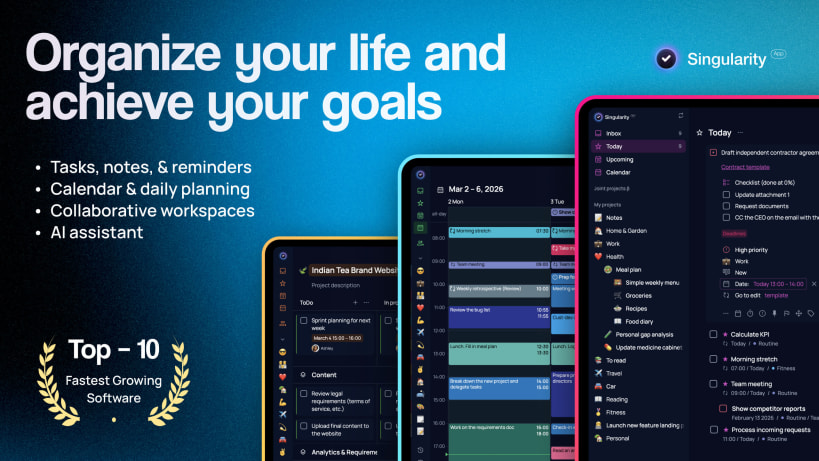
SingularityApp brings together everything you need to manage your tasks, projects, and daily schedule. A to-do list and calendar, daily planner and notepad, habit tracker, checklist, reminders, and Pomodoro timer — all in one free productivity app. Take control of the chaos and plan your day with confidence.
ADD TASKS AND NOTES WITH EASE Voice input, home screen widgets, and a clean interface make capturing tasks effortless. Create tasks via email to get ideas out of your head and into your to-do list instantly.
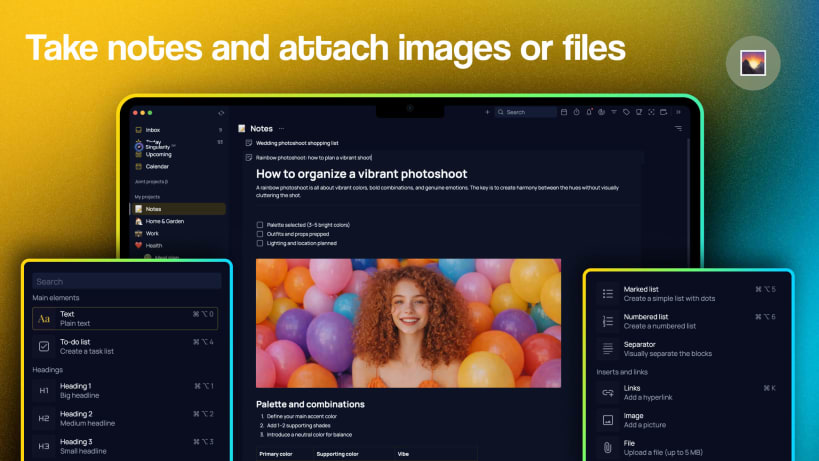
KEEP NOTES WITH PHOTOS AND DOCUMENTS Attach files, images, and documents to your tasks and notes. Use the built-in notepad for journaling, meeting notes, or saving important details — SingularityApp is a planner and a notes app in one.
SET SMART REMINDERS Add up to five reminders per task. Turn on alarm mode for high-priority tasks so nothing slips through the cracks.
AUTOMATE RECURRING TASKS Flexible repeat settings let you schedule recurring tasks for daily routines, birthdays, workouts, study sessions, or work deadlines. Offload the mental load and let the app handle your schedule.
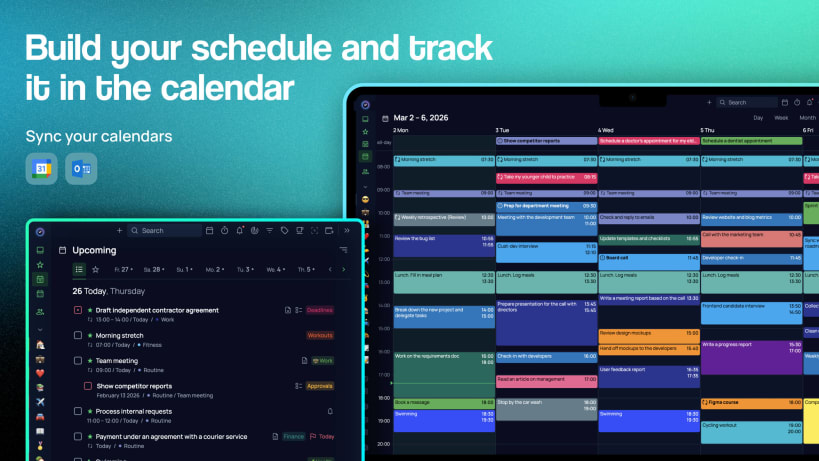
PLAN YOUR DAY WITH CALENDAR AND DAILY PLANS Two powerful planning views: a Calendar to see your schedule by day, week, or month in a grid layout, and a Daily Plans view to browse your task list for any date.
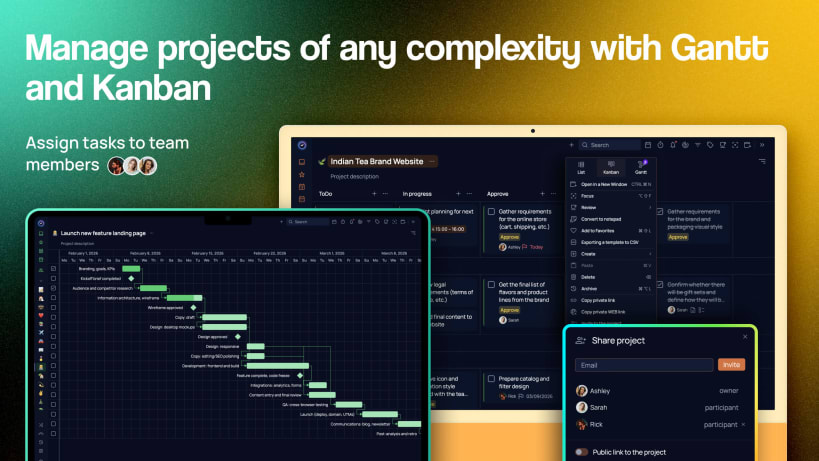
ORGANIZE WITH PROJECTS, TAGS, AND CHECKLISTS Build your task list the way you think. Nest projects and tasks with unlimited depth. Add color-coded tags and filter your to-do list by them. Use checklists for shopping lists, packing lists, or step-by-step workflows.
STAY FOCUSED WITH POMODORO TIMER Use the built-in Pomodoro timer to work in focused intervals and boost productivity. Attach the timer to any task and monitor time spent.
BUILD HABITS AND REACH YOUR GOALS The habit tracker helps you form healthy routines and drop bad ones. Drink water, learn a language, exercise, meditate — add habits to your list and check them off daily. Set daily goals, track your streaks, and stay motivated.
SHARE LISTS AND COLLABORATE Run family projects, shared to-do lists, or team tasks together. Share any list by link — even with people who don't use SingularityApp. Assign tasks and stay in sync.
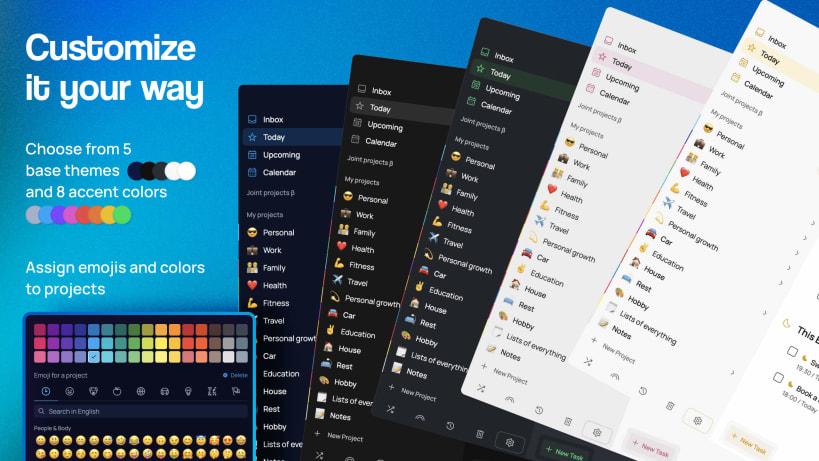
PERSONALIZE WITH THEMES AND COLORS Choose from beautiful themes and color options to make planning enjoyable. Add emoji to your projects for a personal touch. Color-code your calendar for quick visual navigation.
SYNC ACROSS ALL YOUR DEVICES Install SingularityApp on every device so your tasks, notes, and to-do lists are always at hand. Use the desktop version for advanced features like Focus Mode and Project Check Mode. The Apple Watch app delivers reminders and lets you add tasks from your wrist. Most features are free. Upgrade to SingularityApp Pro or Elite for the most powerful productivity tools — task management, daily planner, calendar, goal tracking, and more, all in one place.
Terms of use: https://singularity-app.com/terms_of_service/ Privacy Policy: https://singularity-app.com/policy/ Website: https://singularity-app.com/ Blog: https://singularity-app.com/blog/ Support: https://helpdesk.singularity-app.com/
You are about to open
Do you wish to proceed?
Thank you for your report. Information you provided will help us investigate further.
There was an error while sending your report. Please try again later.
Snaps are applications packaged with all their dependencies to run on all popular Linux distributions from a single build. They update automatically and roll back gracefully.
Snaps are discoverable and installable from the Snap Store, an app store with an audience of millions.
On Debian 9 (Stretch) and newer, snap can be installed directly from the command line:
sudo apt update
sudo apt install snapd
After this, install the snapd snap in order to get the latest snapd:
sudo snap install snapd
To install SingularityApp, simply use the following command:
sudo snap install singularityapp
Browse and find snaps from the convenience of your desktop using the snap store snap.

Interested to find out more about snaps? Want to publish your own application? Visit snapcraft.io now.