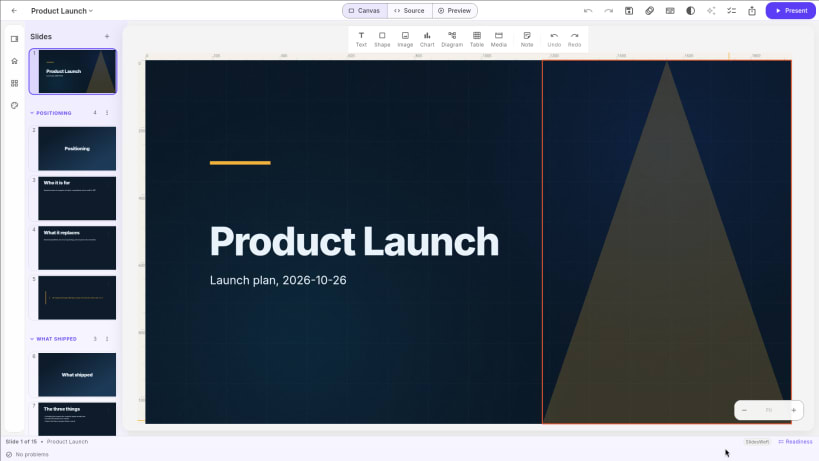
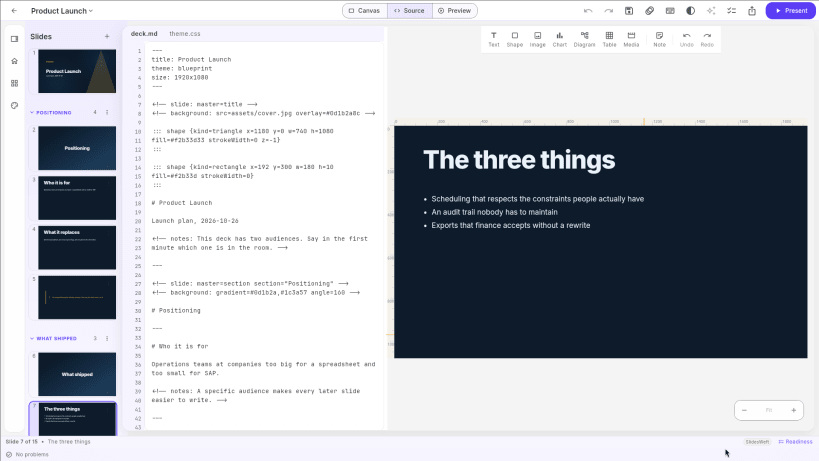
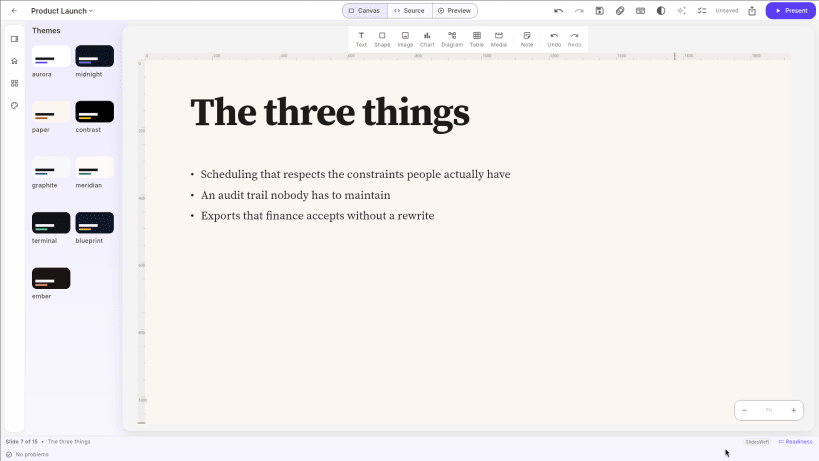
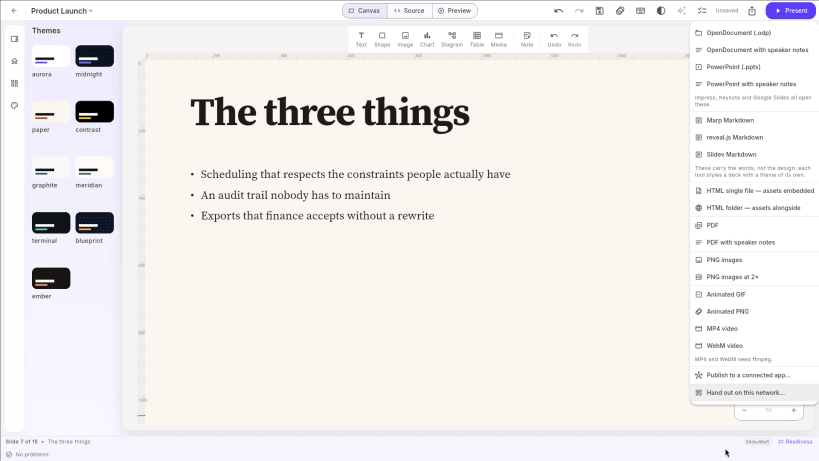
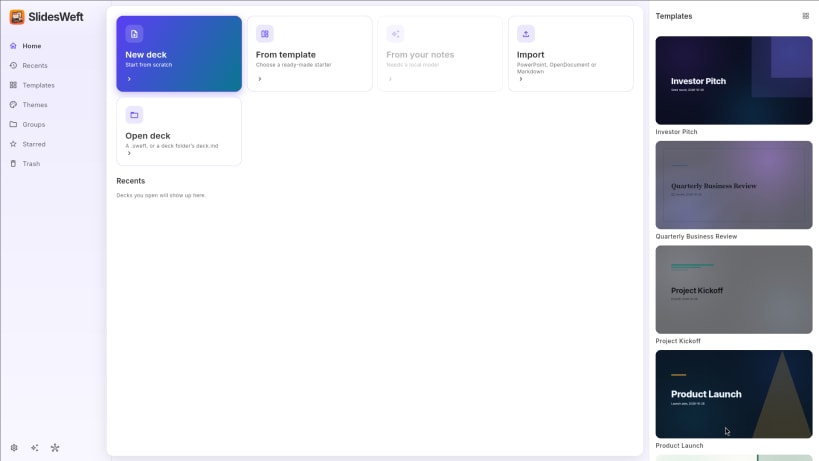
Free presentation maker for Linux, written in Markdown. Type your slides as plain text or work on the canvas, pick a theme, and export to PowerPoint, PDF and more. Works offline, with no account and no cloud.
WRITE IT, OR DRAW IT
BRING WHAT YOU HAVE
EXPORT ANYWHERE
YOUR DECK IS JUST FILES
MP4 and WebM export are not available in the snap (they need ffmpeg). An optional assistant can be pointed at a local model such as Ollama; it is off by default.
Also on Windows: https://apps.microsoft.com/detail/9NC4VD991FBW
Interface in English. ES: Creador de presentaciones en Markdown, gratis. PT: Criador de apresentações em Markdown, grátis. DE: Kostenlose Präsentationen in Markdown. FR: Créateur de présentations en Markdown, gratuit. JA: Markdownで作る無料のスライドアプリ(表示は英語)。
You are about to open
Do you wish to proceed?
Thank you for your report. Information you provided will help us investigate further.
There was an error while sending your report. Please try again later.
Snaps are applications packaged with all their dependencies to run on all popular Linux distributions from a single build. They update automatically and roll back gracefully.
Snaps are discoverable and installable from the Snap Store, an app store with an audience of millions.
Snap can be installed on Fedora from the command line:
sudo dnf install snapd
Either log out and back in again, or restart your system, to ensure snap’s paths are updated correctly.
To enable classic snap support, enter the following to create a symbolic link between /var/lib/snapd/snap and /snap:
sudo ln -s /var/lib/snapd/snap /snap
To install SlidesWeft — Markdown Presentation Maker, simply use the following command:
sudo snap install slidesweft
Browse and find snaps from the convenience of your desktop using the snap store snap.

Interested to find out more about snaps? Want to publish your own application? Visit snapcraft.io now.