

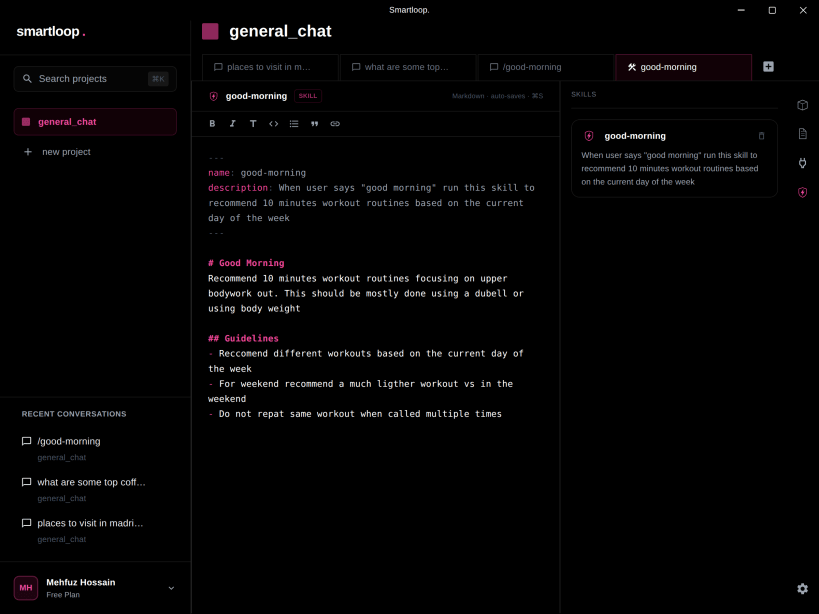
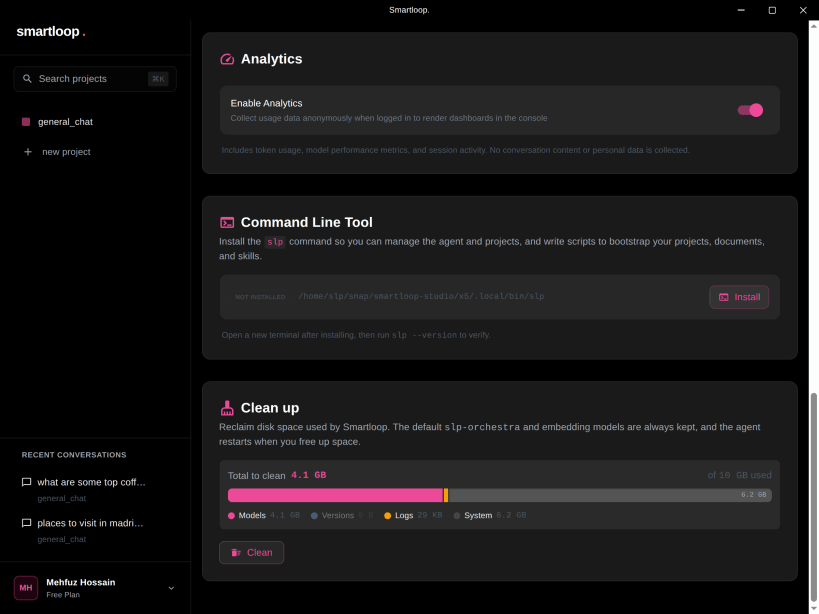
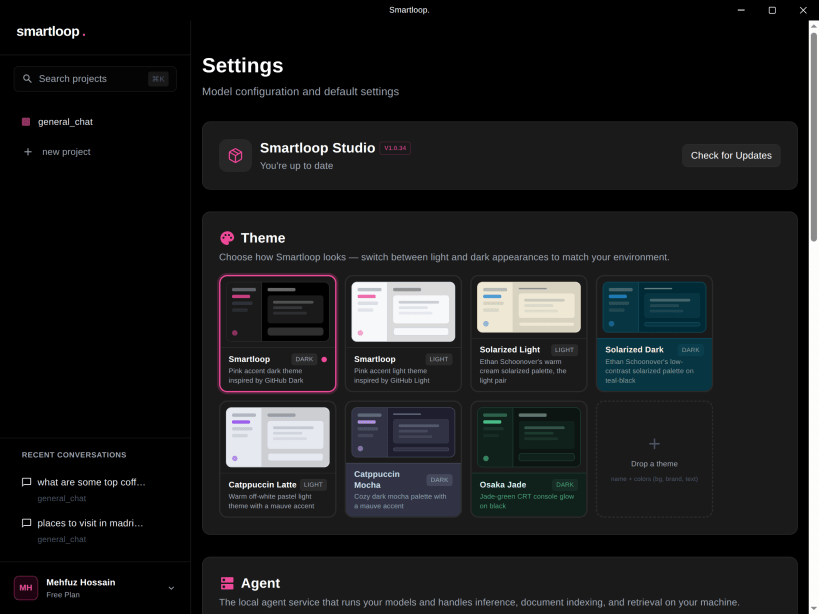

Running AI locally today means choosing between hundreds of models, guessing at quantization, and hoping it fits in your RAM. We make those calls for you, so it just works — without you making a single technical decision.
Features:
Nothing leaves your device. Nothing to leak.
Free to use, with an optional Pro plan for AI search credits and limited support
You are about to open
Do you wish to proceed?
Thank you for your report. Information you provided will help us investigate further.
There was an error while sending your report. Please try again later.
Snaps are applications packaged with all their dependencies to run on all popular Linux distributions from a single build. They update automatically and roll back gracefully.
Snaps are discoverable and installable from the Snap Store, an app store with an audience of millions.
Snap can be installed on elementary OS from the command line. Open Terminal from the Applications launcher and type the following:
sudo apt update
sudo apt install snapd
Either log out and back in again, or restart your system, to ensure snap’s paths are updated correctly.
To install Smartloop Studio, simply use the following command:
sudo snap install smartloop-studio
Browse and find snaps from the convenience of your desktop using the snap store snap.

Interested to find out more about snaps? Want to publish your own application? Visit snapcraft.io now.


