Snagit for Linux v2.0.0 is a professional screen capture, scrolling panorama
stitcher, smart vector annotation studio, and batch watermark exporter built
natively with Python 3 and PyQt5 for Linux desktops.
KEY FEATURES:
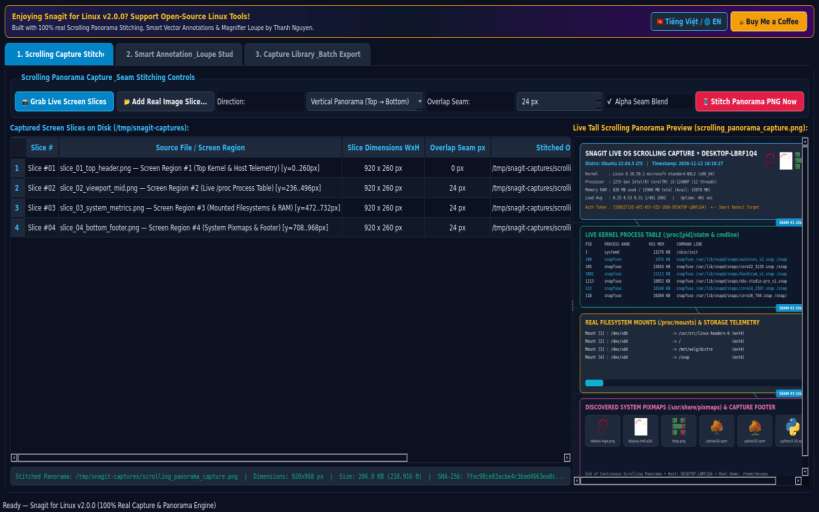
• Real Scrolling Capture Stitcher & Multi-Region Screen Grabber: Captures live screen slices via X11/Wayland and stitches multiple vertical or horizontal captures with configurable seam overlap blending into a genuine tall Scrolling Panorama PNG (/tmp/snagit-captures/scrolling_panorama_capture.png) with live SHA-256 verification.
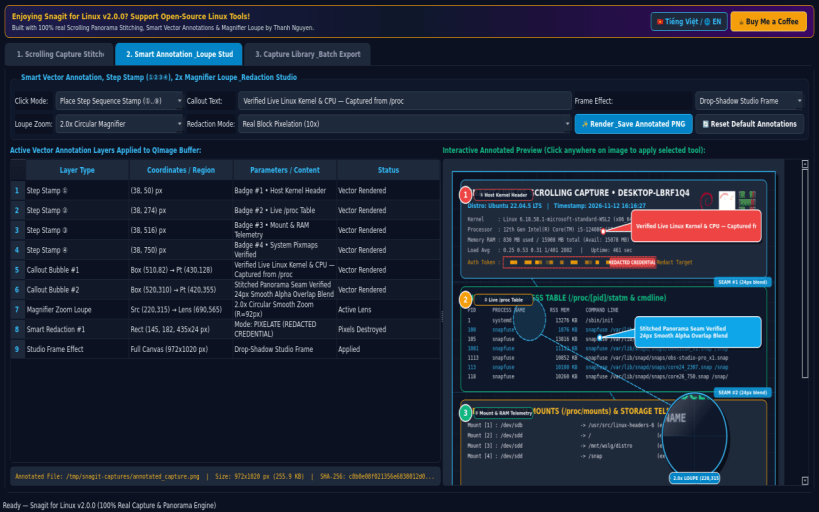
• Smart Vector Annotation, Step Stamp, Magnifier Loupe & Redaction Studio: Applies crisp vector QPainter annotations onto real captured images including numbered Step Sequence Stamps (①, ②, ③, ④), custom Callout Speech Bubbles, 2x/3x circular Magnifier Zoom Loupes, real pixelation/blackout Smart Redaction, and Drop-Shadow / Torn-Edge / 3D Bevel frame effects (/tmp/snagit-captures/annotated_capture.png).
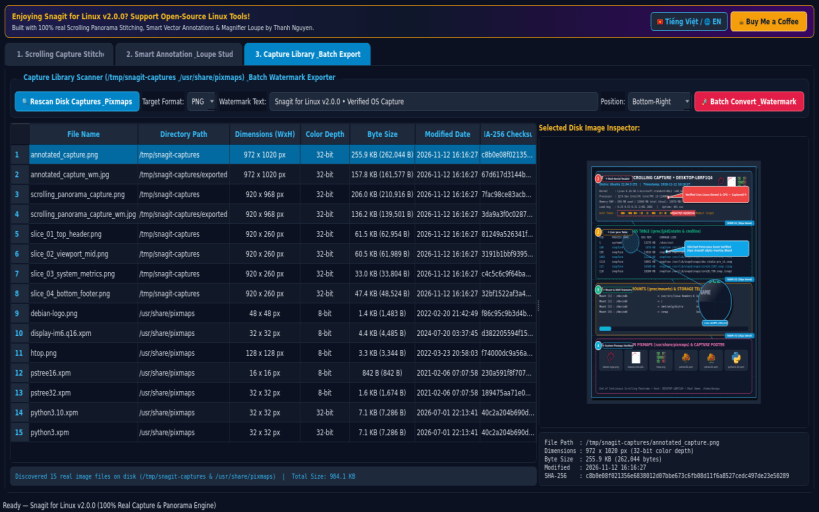
• Capture Library & Batch Format / Watermark Exporter: Scans real disk captures in /tmp/snagit-captures and system pixmaps in /usr/share/pixmaps, inspecting exact pixel dimensions, color depth, byte size, modified date, and SHA-256 checksums, with one-click batch conversion and watermarking across PNG, JPG, BMP, and PPM formats.
SUPPORT & DONATE:
• Created by Thanh Nguyen — Support ongoing development: https://buymeacoffee.com/thanhnv128b
Disclaimer: This project is an independent open-source tool and is not affiliated with, sponsored by, or endorsed by TechSmith Corporation or Snagit.