
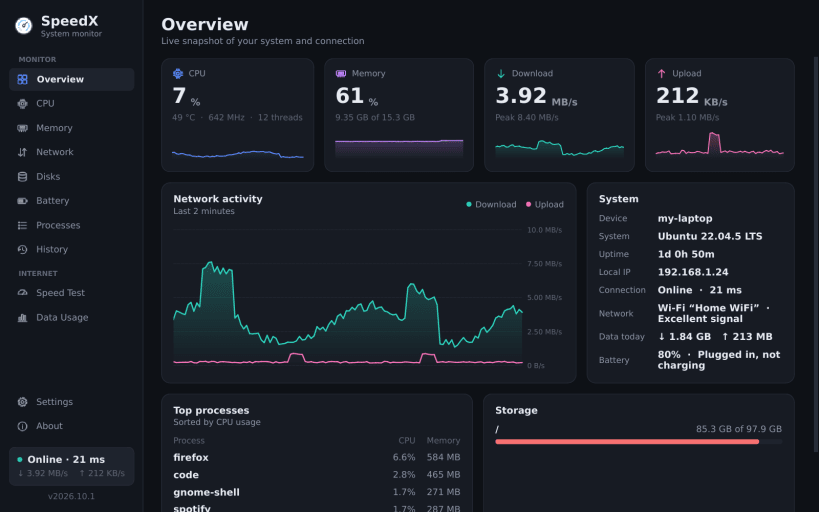

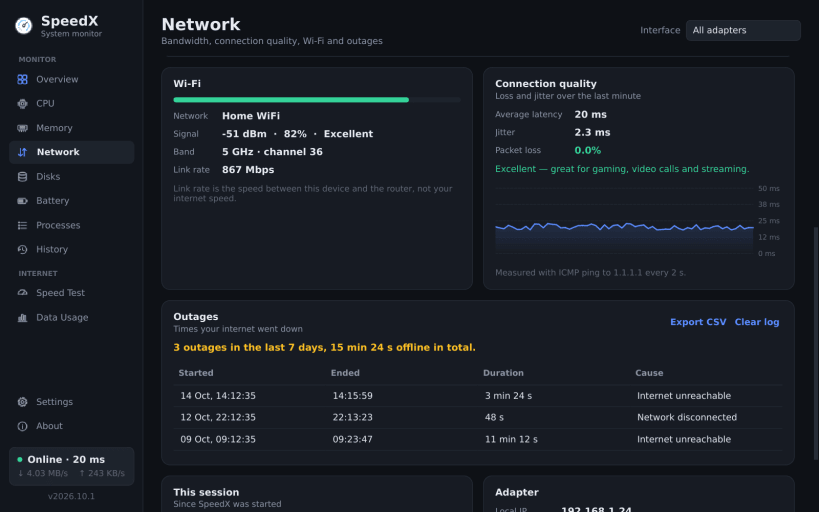
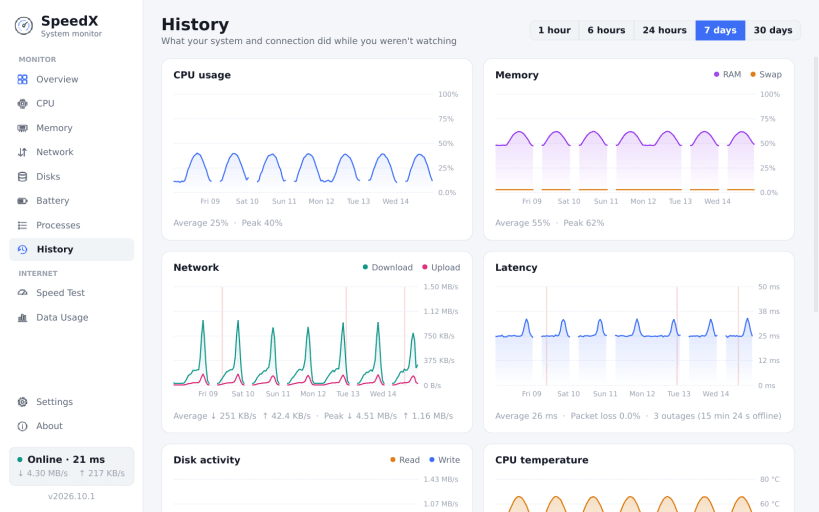
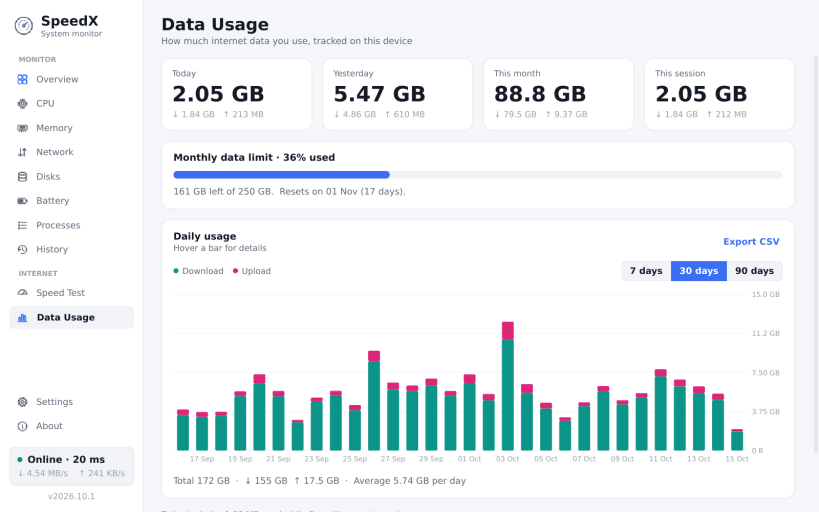
SpeedX shows how fast your internet really is, and what your computer is doing, in one clean, lightweight app.
Features:
Internet speed test
Live speed in your top bar
Connection quality and outages
Data usage
System monitor
Dark and light themes, launch at login, and no account needed. Your data stays on your computer.
Some features need permissions that the Snap Store may not connect automatically:
sudo snap connect speedx:hardware-observe # CPU temperature and battery details sudo snap connect speedx:system-observe # process list sudo snap connect speedx:mount-observe # disk volumes sudo snap connect speedx:process-control # ending processes sudo snap connect speedx:network-manager-observe # Wi-Fi name, signal and band
KEYWORDS:
SpeedX, Linux system monitor, CPU monitor, RAM monitor, memory monitor, internet speed monitor, network monitor, bandwidth monitor, CPU usage, RAM usage, performance monitor, resource monitor, Ubuntu system monitor, Linux desktop utility, real-time system monitor, live CPU graphs, live RAM graphs, upload speed monitor, download speed monitor, lightweight system monitor
You are about to open
Do you wish to proceed?
Thank you for your report. Information you provided will help us investigate further.
There was an error while sending your report. Please try again later.
Snaps are applications packaged with all their dependencies to run on all popular Linux distributions from a single build. They update automatically and roll back gracefully.
Snaps are discoverable and installable from the Snap Store, an app store with an audience of millions.
Snap can be installed on elementary OS from the command line. Open Terminal from the Applications launcher and type the following:
sudo apt update
sudo apt install snapd
Either log out and back in again, or restart your system, to ensure snap’s paths are updated correctly.
To install SpeedX - Realtime internet speed monitor, simply use the following command:
sudo snap install speedx
Browse and find snaps from the convenience of your desktop using the snap store snap.

Interested to find out more about snaps? Want to publish your own application? Visit snapcraft.io now.


