
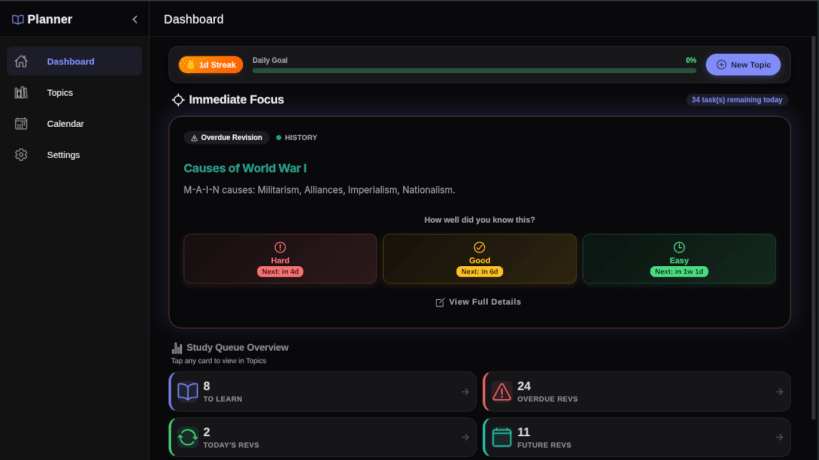
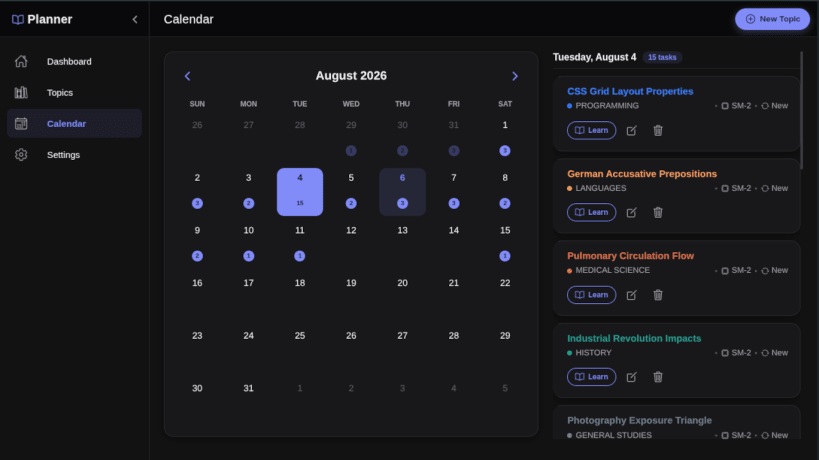
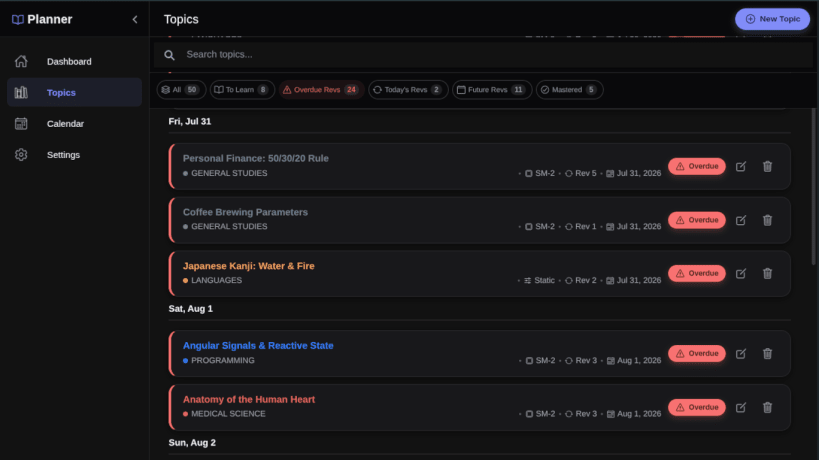
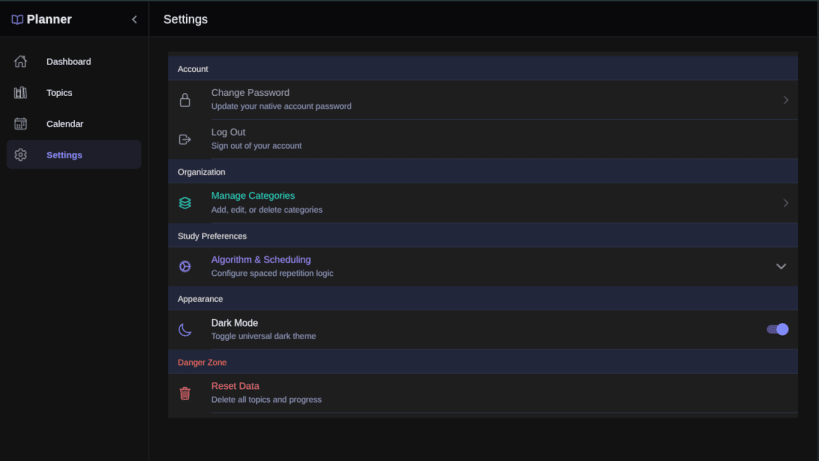

Unlock Your Full Learning Potential with Study & Revision Planner!
Are you tired of spending hours cramming for exams, only to forget the information a week later? Meet your ultimate study companion. Study & Revision Planner is designed to help students, professionals, and lifelong learners retain knowledge effectively and effortlessly using the scientifically proven method of Spaced Repetition.
Whether you are preparing for crucial university exams, learning a new language, mastering complex technical skills, or just trying to stay on top of your coursework, our app organizes your study material and automatically schedules your revisions at the optimal psychological intervals for maximum memory retention.
Why Choose Study & Revision Planner? Traditional studying—reading the same notes over and over—is highly inefficient. By leveraging the "spacing effect," you actually spend less overall time studying while dramatically increasing how much you remember. It’s not about studying harder; it’s about studying smarter.
Stop cramming and start retaining. Download Study & Revision Planner today and completely transform the way you learn!
Release v1.1.4 What's New: • Topic Filtering: Easily organize and find your subjects with our powerful new filter sheet and active filter bar. • Better Onboarding: Added helpful coach marks and streamlined the initial study flow to get you started faster. • UI Improvements: Cleaner revision dates and adaptive scrolling for longer revision notes. • Bug Fixes: Resolved display cutoffs on larger screens and fixed missing tutorial states.
Update now for a smoother, more organized study experience!
Thank you for your report. Information you provided will help us investigate further.
There was an error while sending your report. Please try again later.
Snaps are applications packaged with all their dependencies to run on all popular Linux distributions from a single build. They update automatically and roll back gracefully.
Snaps are discoverable and installable from the Snap Store, an app store with an audience of millions.
Snap can be installed from the command line on openSUSE Leap 15.x and Tumbleweed.
You need first add the snappy repository from the terminal. Choose the appropriate command depending on your installed openSUSE flavor.
Tumbleweed:
sudo zypper addrepo --refresh https://download.opensuse.org/repositories/system:/snappy/openSUSE_Tumbleweed snappy
Leap 15.x:
sudo zypper addrepo --refresh https://download.opensuse.org/repositories/system:/snappy/openSUSE_Leap_15.6 snappy
If needed, Swap out openSUSE_Leap_15. for, openSUSE_Leap_16.0 if you’re using a different version of openSUSE.
With the repository added, import its GPG key:
sudo zypper --gpg-auto-import-keys refresh
Finally, upgrade the package cache to include the new snappy repository:
sudo zypper dup --from snappy
Snap can now be installed with the following:
sudo zypper install snapd
You then need to either reboot, logout/login or source /etc/profile to have /snap/bin added to PATH.
Additionally, enable and start both the snapd and the snapd.apparmor services with the following commands:
sudo systemctl enable --now snapd
sudo systemctl enable --now snapd.apparmor
To install Study & Revision: Spaced Repetition, simply use the following command:
sudo snap install study-revision-planner
Browse and find snaps from the convenience of your desktop using the snap store snap.

Interested to find out more about snaps? Want to publish your own application? Visit snapcraft.io now.


