
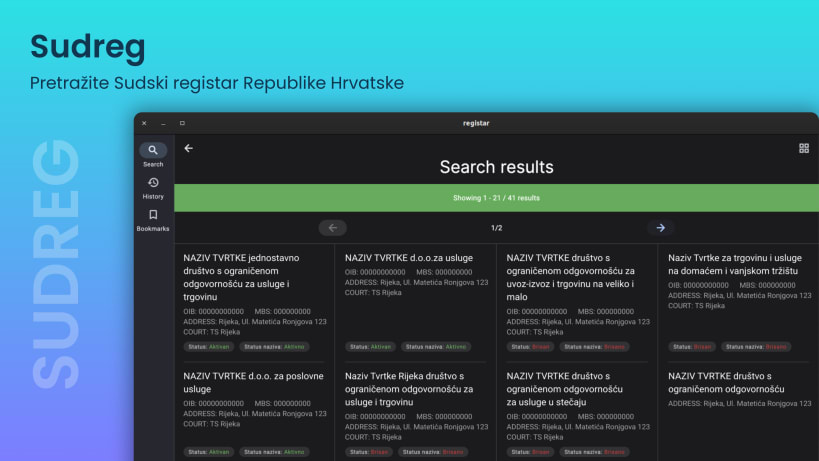

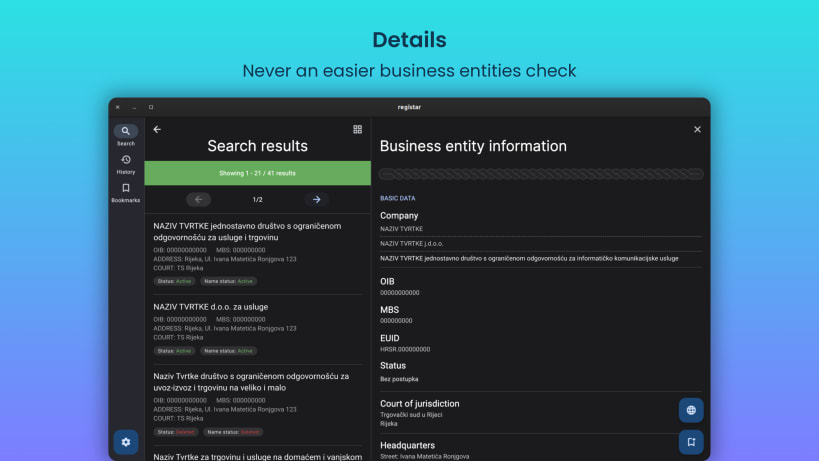
Introducing Sudreg, a mobile client for the Court Registry of the Ministry of Justice and Public Administration of the Republic of Croatia, now available on Linux!
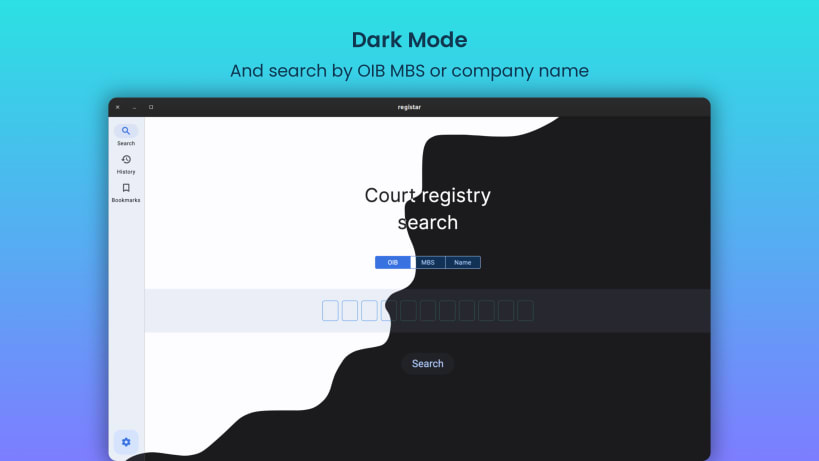
With this app, you can search for business entities by name, OIB (PID), and MBS (Legacy PID), providing you with quick and easy access to information that matters to you. Whether you're conducting research, checking up on competitors, or just curious about a particular company, this app has you covered.
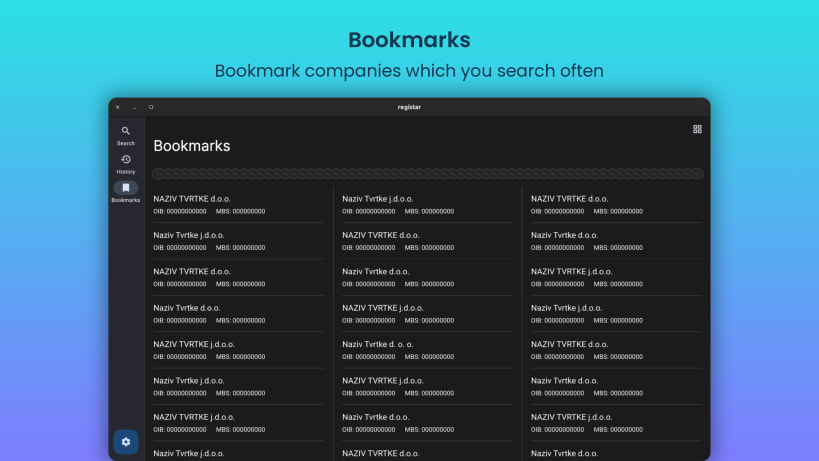
But that's not all - the app also features bookmarks, allowing you to save and retrieve business entity information easily for future reference. Plus, the search history feature lets you keep track of your past searches, making it even easier to find the information you need.
Best of all, this app is adapted for all devices, including desktops, laptops, tablets, and smartphones, and works seamlessly on all display sizes. So no matter where you are or what device you're using, you'll always have access to the Court Registry of the Ministry of Justice and Public Administration of the Republic of Croatia.
Download the Sudreg mobile client for the Court Registry of the Ministry of Justice and Public Administration of the Republic of Croatia today and take the first step towards easy and efficient access to business entity information!
FEATURES:
*Sudreg is an unofficial, third party app and is in no way affiliated or endorsed by the Court Registry of the Ministry of Justice and Public Administration of the Republic of Croatia.
You are about to open
Do you wish to proceed?
Thank you for your report. Information you provided will help us investigate further.
There was an error while sending your report. Please try again later.
Snaps are applications packaged with all their dependencies to run on all popular Linux distributions from a single build. They update automatically and roll back gracefully.
Snaps are discoverable and installable from the Snap Store, an app store with an audience of millions.
On Arch Linux, snap can be installed from the Arch User Repository (AUR). The manual build process is the Arch-supported install method for AUR packages, and you’ll need the prerequisites installed before you can install any AUR package. You can then install snap with the following:
git clone https://aur.archlinux.org/snapd.git
cd snapd
makepkg -si
Once installed, the systemd unit that manages the main snap communication socket needs to be enabled:
sudo systemctl enable --now snapd.socket
If AppArmor is enabled in your system, enable the service which loads AppArmor profiles for snaps:
sudo systemctl enable --now snapd.apparmor.service
To enable classic snap support, enter the following to create a symbolic link between /var/lib/snapd/snap and /snap:
sudo ln -s /var/lib/snapd/snap /snap
Either log out and back in again, or restart your system, to ensure snap’s paths are updated correctly.
To install Sudreg, simply use the following command:
sudo snap install sudreg
Browse and find snaps from the convenience of your desktop using the snap store snap.

Interested to find out more about snaps? Want to publish your own application? Visit snapcraft.io now.