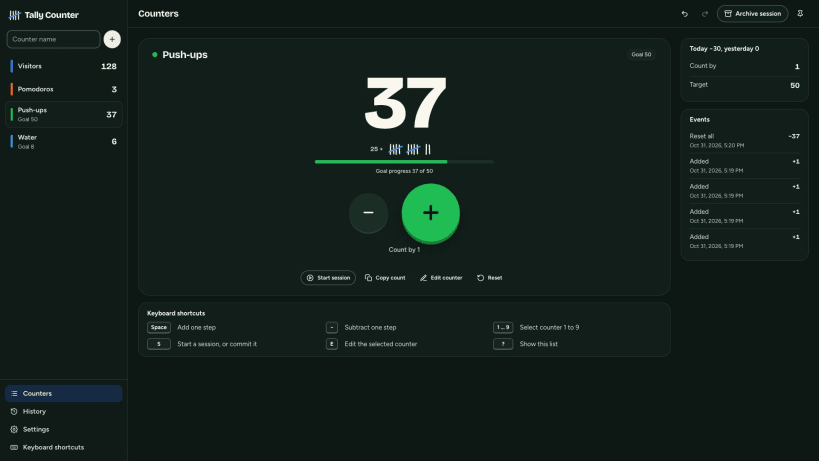
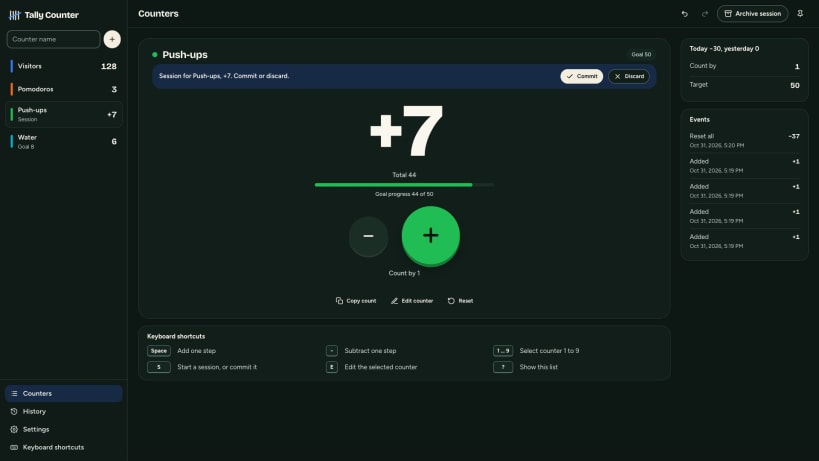
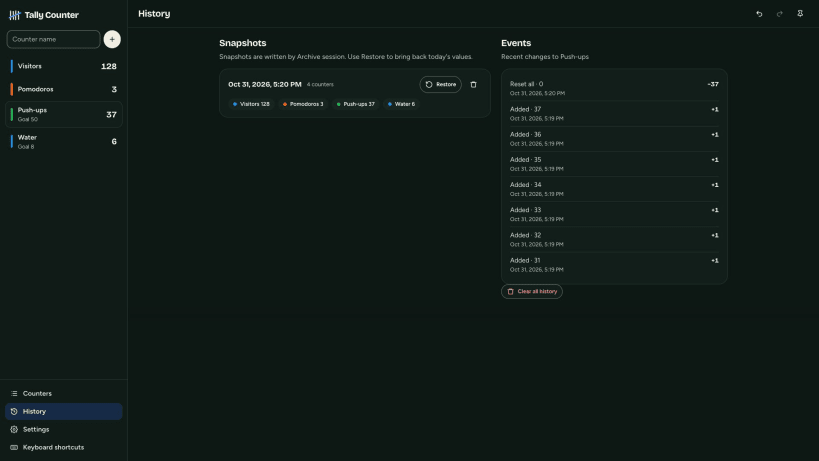
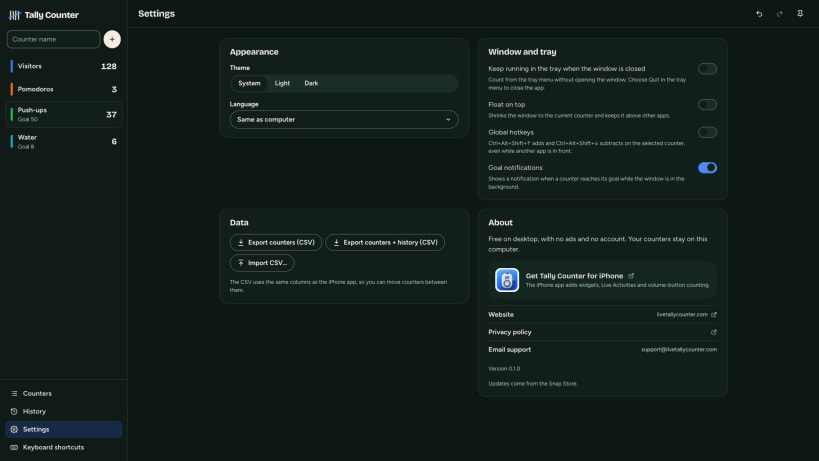
Tally Counter: Multi Clicker lets you track multiple counts on your Windows 10/11 or Linux desktop. Add any number of named counters to the sidebar, give each a color, and add a note when you need one. The desktop app is free, no ads, with no account or in-app purchases.
Use the big plus and minus buttons to count. Your current number appears in large type and as tally marks grouped in fives. Set a step of 1, 5, 10, or any other amount. You can also set a goal with a progress bar and get a notification when you reach it while the window is in the background. Optional lower and upper limits stop the count at the value you choose.
• Count workout reps, laps, visitors, stock, knitting rows, birds, or game points. • Start a temporary session, then add its count to your counter or discard it. • Archive a snapshot of every counter and reset them to zero. Restore a snapshot later from History. • Undo or redo changes. Rapid taps count as one undo step. Check each counter’s event log and its today and yesterday totals. • Export counters or counters with full history to CSV. Import CSV files using the same columns as the separate iPhone app, so you can move counters between phone and computer.
Count from the keyboard: Space or + adds, - subtracts, 1–9 switches counters, S starts or commits a session, and Ctrl+Z undoes a change. Optional global hotkeys let you add or subtract while another app is in front. You can also count from the system tray menu, keep the app running in the tray after closing its window, or show the current counter in a small always-on-top window.
Choose a light or dark theme and an interface in one of 16 languages. Your counters stay on this computer; nothing is uploaded. The Microsoft Store and Snap Store editions never connect to the internet. Published by Indragni Solutions. Visit livetallycounter.com.
You are about to open
Do you wish to proceed?
Thank you for your report. Information you provided will help us investigate further.
There was an error while sending your report. Please try again later.
Snaps are applications packaged with all their dependencies to run on all popular Linux distributions from a single build. They update automatically and roll back gracefully.
Snaps are discoverable and installable from the Snap Store, an app store with an audience of millions.
Snap can be installed on Fedora from the command line:
sudo dnf install snapd
Either log out and back in again, or restart your system, to ensure snap’s paths are updated correctly.
To enable classic snap support, enter the following to create a symbolic link between /var/lib/snapd/snap and /snap:
sudo ln -s /var/lib/snapd/snap /snap
To install Tally Counter: Multi Clicker, simply use the following command:
sudo snap install tally-counter
Browse and find snaps from the convenience of your desktop using the snap store snap.
Interested to find out more about snaps? Want to publish your own application? Visit snapcraft.io now.