
Turn the time you spend creating into something worth sharing.
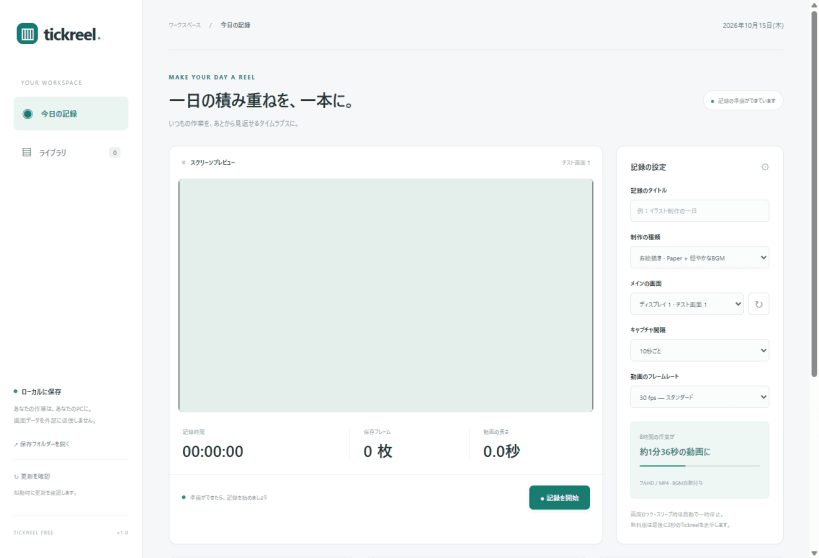
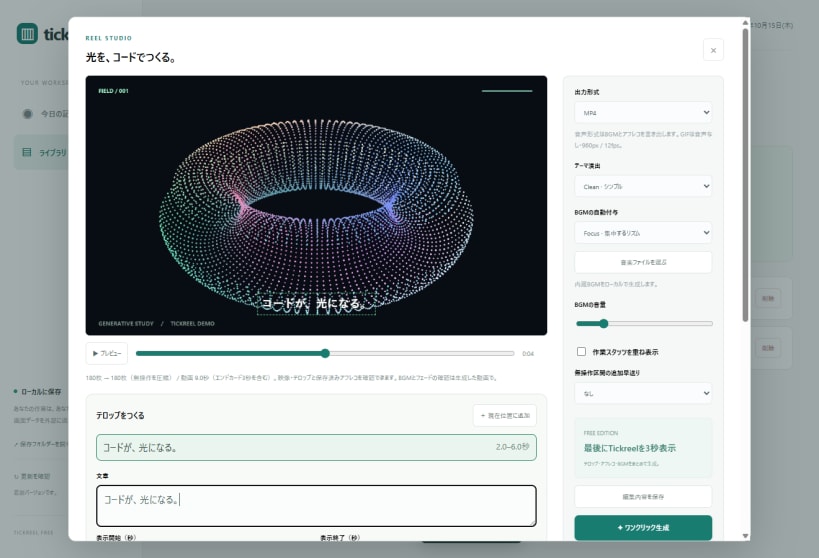
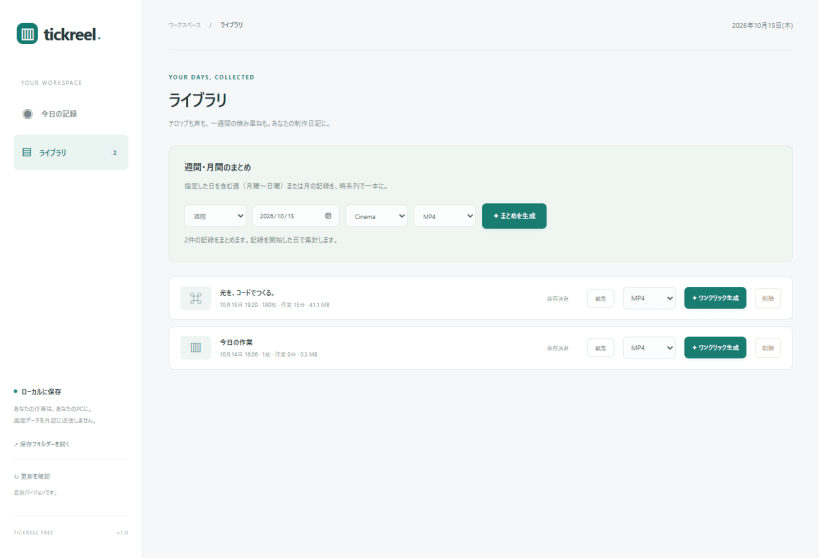
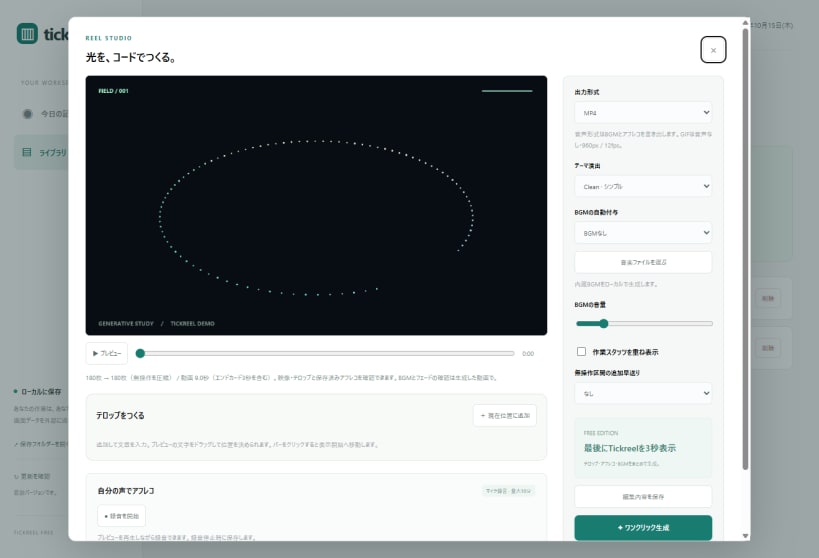
Tickreel records your drawing, programming and everyday desktop work at intervals, then turns it into a timelapse with visual captions, music and your own voice narration. Screen images and recordings stay on your computer.
Features
Linux preview (edge) This initial Linux release supports X11 desktop sessions. Wayland capture is not supported. For microphone narration, run: sudo snap connect tickreel:audio-record
Install the preview: sudo snap install tickreel --edge Updates are managed by snapd. Free exports include a 3-second Tickreel end card. Review exported files before sharing; window masking may not hide every notification or transient window.
日本語 一日の積み重ねを、一本のタイムラプスに。お絵描き・プログラミングなどの制作画面をローカルに記録し、テロップ・BGM・自分の声を添えて動画にできます。週間・月間のまとめにも対応。Linux版は現在edgeで先行公開中、画面記録はX11セッションに対応します。
Website: https://tickreel.ycccompany.jp/ Privacy: https://tickreel.ycccompany.jp/privacy.html Support: https://github.com/appipinopi/tickreel/issues
Watch the Tickreel introduction (MP4): https://github.com/appipinopi/tickreel/releases/download/v1.0.0/tickreel-trailer-1080p.mp4
You are about to open
Do you wish to proceed?
Thank you for your report. Information you provided will help us investigate further.
There was an error while sending your report. Please try again later.
Snaps are applications packaged with all their dependencies to run on all popular Linux distributions from a single build. They update automatically and roll back gracefully.
Snaps are discoverable and installable from the Snap Store, an app store with an audience of millions.
Snap can be installed from the command line on openSUSE Leap 15.x and Tumbleweed.
You need first add the snappy repository from the terminal. Choose the appropriate command depending on your installed openSUSE flavor.
Tumbleweed:
sudo zypper addrepo --refresh https://download.opensuse.org/repositories/system:/snappy/openSUSE_Tumbleweed snappy
Leap 15.x:
sudo zypper addrepo --refresh https://download.opensuse.org/repositories/system:/snappy/openSUSE_Leap_15.6 snappy
If needed, Swap out openSUSE_Leap_15. for, openSUSE_Leap_16.0 if you’re using a different version of openSUSE.
With the repository added, import its GPG key:
sudo zypper --gpg-auto-import-keys refresh
Finally, upgrade the package cache to include the new snappy repository:
sudo zypper dup --from snappy
Snap can now be installed with the following:
sudo zypper install snapd
You then need to either reboot, logout/login or source /etc/profile to have /snap/bin added to PATH.
Additionally, enable and start both the snapd and the snapd.apparmor services with the following commands:
sudo systemctl enable --now snapd
sudo systemctl enable --now snapd.apparmor
To install Tickreel, simply use the following command:
sudo snap install tickreel --edge
Browse and find snaps from the convenience of your desktop using the snap store snap.

Interested to find out more about snaps? Want to publish your own application? Visit snapcraft.io now.


