
History
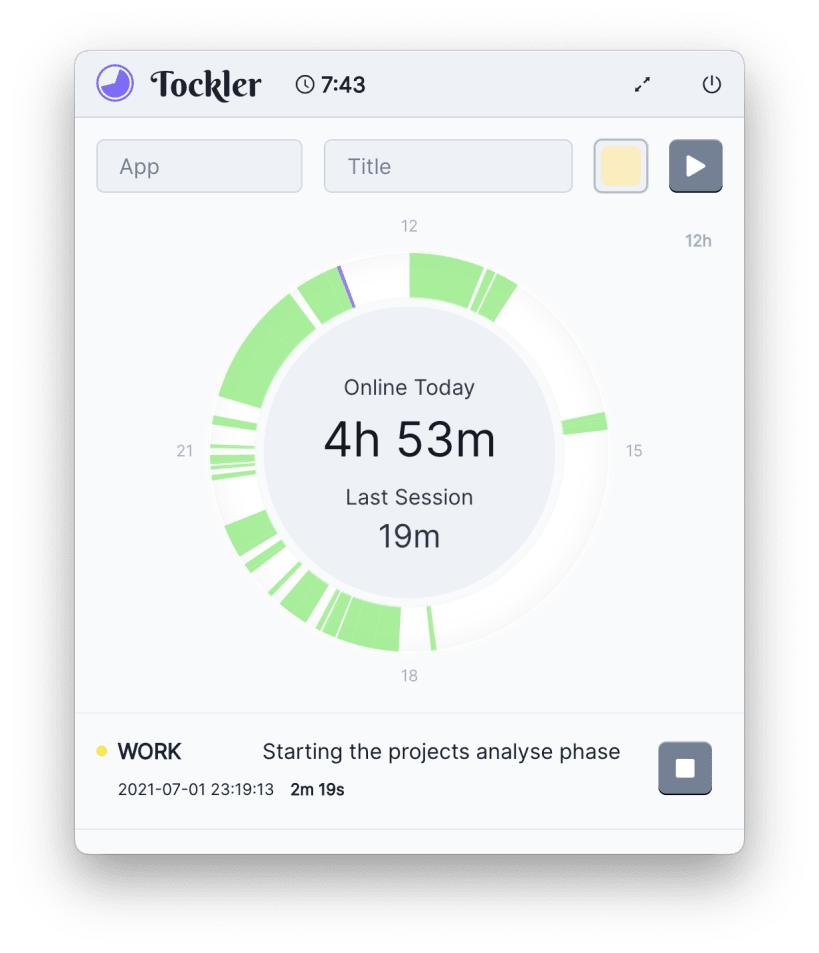
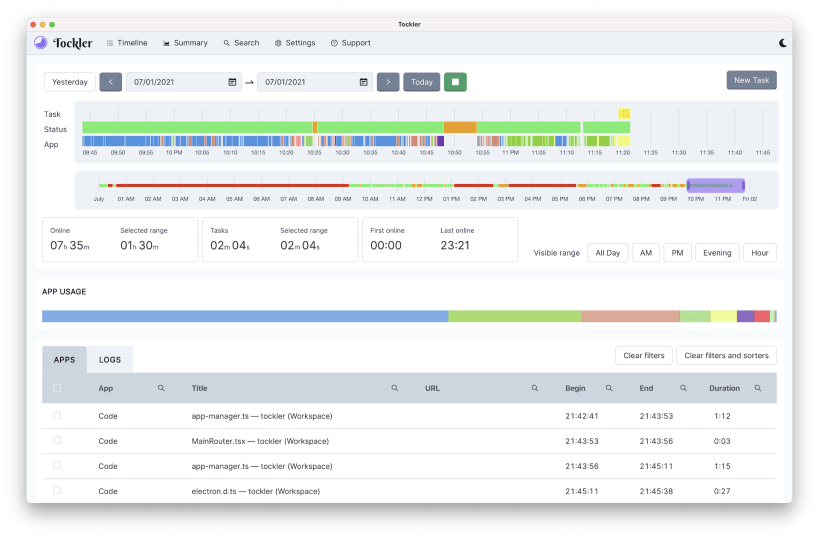
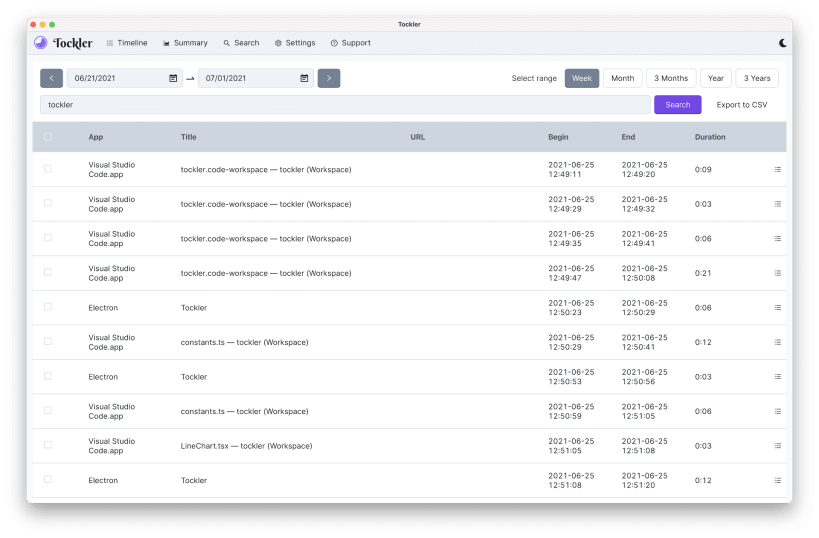
With Tockler you can go back in time and see what you were working on. You can get information on what apps were used - exactly at what time - and what title the application had at that moment. This is enough to determine when and how much you did something.
Tracking
Track how you spent your time on a computer. Tockler tracks active applications usage and computer state. It records active application titles. It tracks idle, offline and online state. You can see this data with nice interactive timeline chart.
Analyze
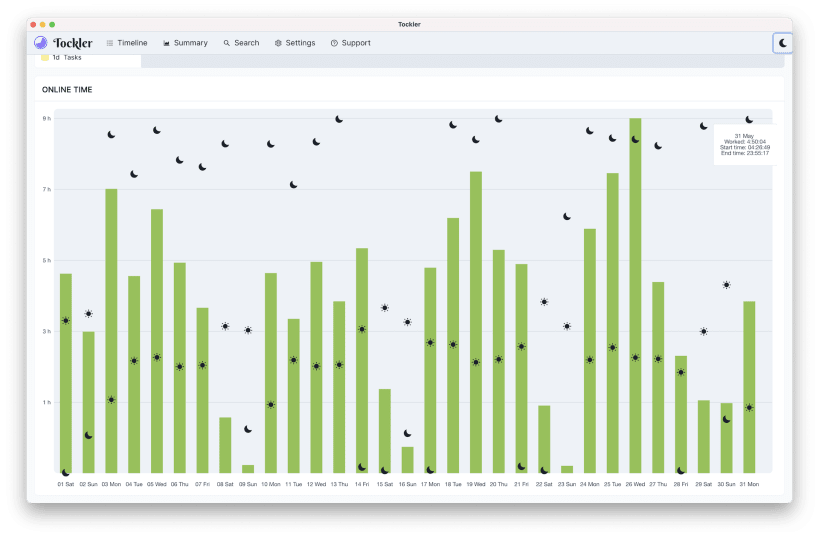
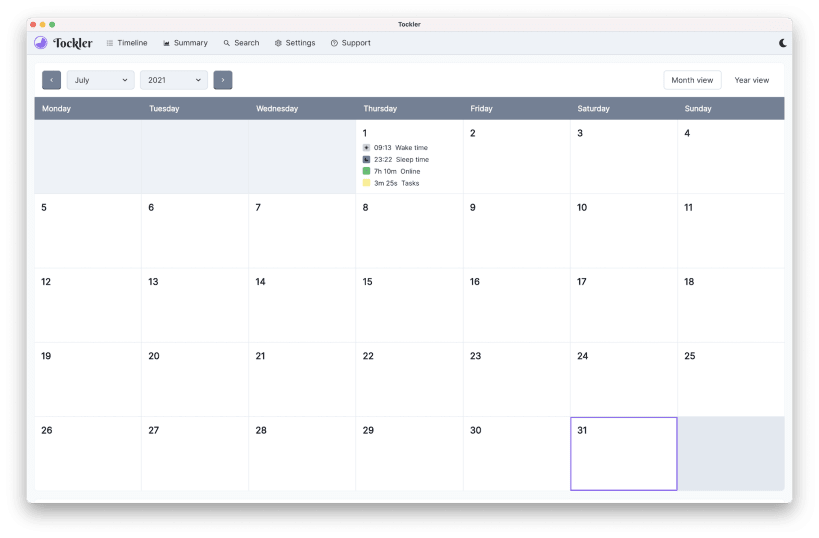
Analyze your computer usage. See your total online time today, yesterday or any other day. In monthly calendar views and with charts.
Dark mode
Dark Mode support. Can automatically change when OS mode changes. You can click here to change screenshots to dark ones.
Local data
Works without internet access. All data is stored locally on your device. You can search items and all data is exportable to CSV.
Reminders
Configure notifications to be fired if an application with a required title is opened.
You are about to open
Do you wish to proceed?
Thank you for your report. Information you provided will help us investigate further.
There was an error while sending your report. Please try again later.
Snaps are applications packaged with all their dependencies to run on all popular Linux distributions from a single build. They update automatically and roll back gracefully.
Snaps are discoverable and installable from the Snap Store, an app store with an audience of millions.
Snap can be installed on Pop!_OS from the command line. Open Terminal from the Applications launcher and type the following:
sudo apt update
sudo apt install snapd
Either log out and back in again, or restart your system, to ensure snap’s paths are updated correctly.
To install Tockler, simply use the following command:
sudo snap install tockler --edge
Browse and find snaps from the convenience of your desktop using the snap store snap.

Interested to find out more about snaps? Want to publish your own application? Visit snapcraft.io now.