
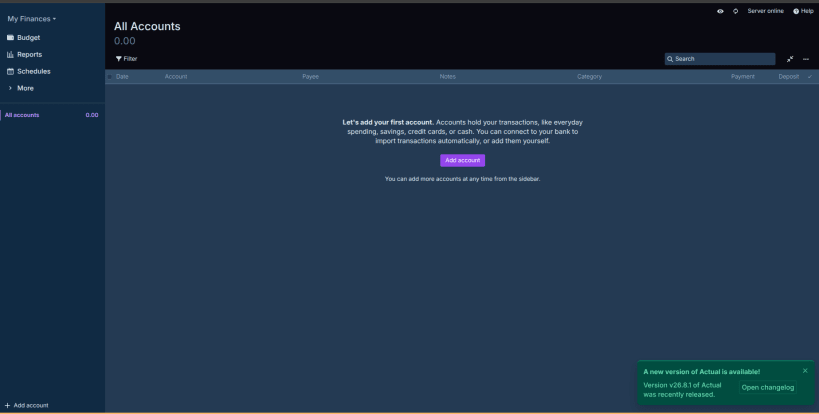
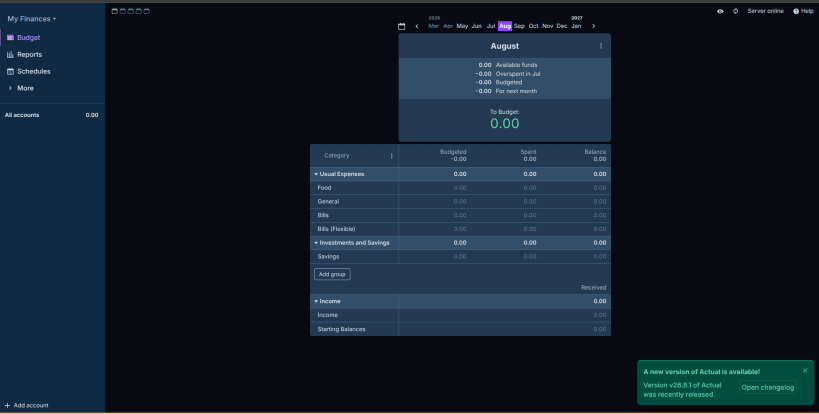
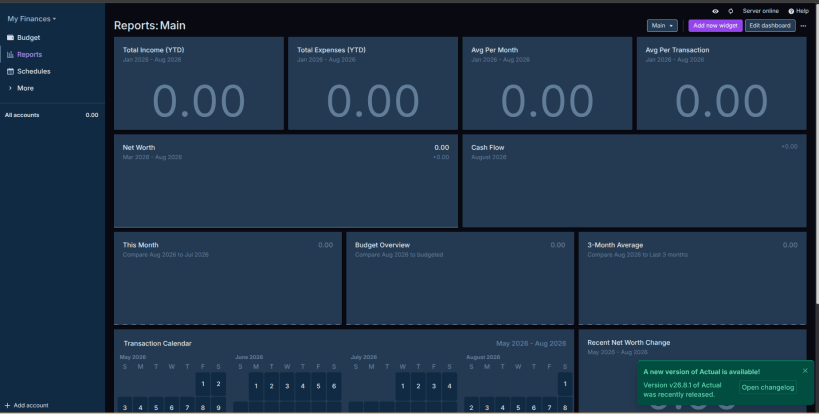
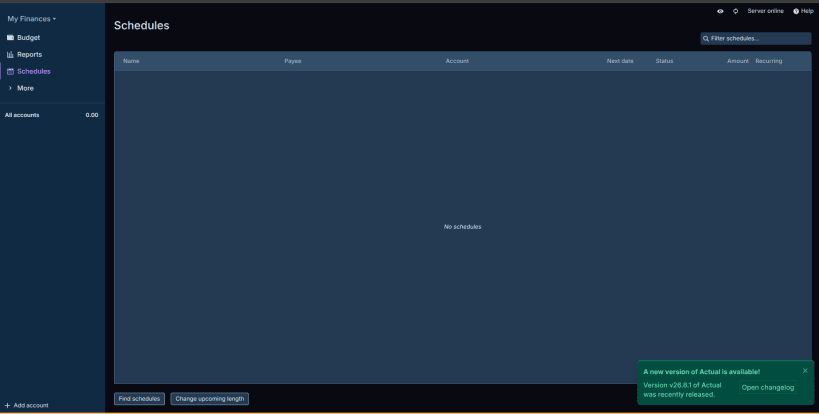
Actual Budget is a local-first personal finance app built around envelope budgeting. Your data lives on your own machine, and this snap runs the piece that syncs it between your devices.
Packages @actual-app/sync-server together with the built @actual-app/web frontend, so one install gives you both the sync API and the web UI on a single port. Built from actualbudget/actual at tag v26.8.0.
After install, browse to http://localhost:5006
REACHING IT FROM ANOTHER MACHINE REQUIRES HTTPS
Actual's budget engine uses SharedArrayBuffer, which browsers only expose over HTTPS or on localhost. Browsing to http://<server-ip>:5006 loads the page and then fails with a SharedArrayBuffer error - this is a transport problem, not a broken install. A VPN address is no different; it is still an IP. Put it behind a reverse proxy with a real certificate, or use an SSH tunnel to test:
$ ssh -L 5006:localhost:5006 user@server
Configuration and data live in $SNAP_COMMON, so both survive refreshes and reverts. Back up /var/snap/vsingh-actual/common/data and you have backed up everything.
This is an unofficial package. Actual Budget is maintained by the Actual Budget community, building on the application originally open-sourced by James Long.
Report packaging problems to [https://github.com/Cruzh3r2107/snap-actual-budget/issues](https://github.com/Cruzh3r2107/snap-actual-budget/issues), not to upstream.
You are about to open
Do you wish to proceed?
Thank you for your report. Information you provided will help us investigate further.
There was an error while sending your report. Please try again later.
Snaps are applications packaged with all their dependencies to run on all popular Linux distributions from a single build. They update automatically and roll back gracefully.
Snaps are discoverable and installable from the Snap Store, an app store with an audience of millions.
Snap can be installed on Pop!_OS from the command line. Open Terminal from the Applications launcher and type the following:
sudo apt update
sudo apt install snapd
Either log out and back in again, or restart your system, to ensure snap’s paths are updated correctly.
To install vsingh-actual-budget, simply use the following command:
sudo snap install vsingh-actual --candidate
Browse and find snaps from the convenience of your desktop using the snap store snap.

Interested to find out more about snaps? Want to publish your own application? Visit snapcraft.io now.