
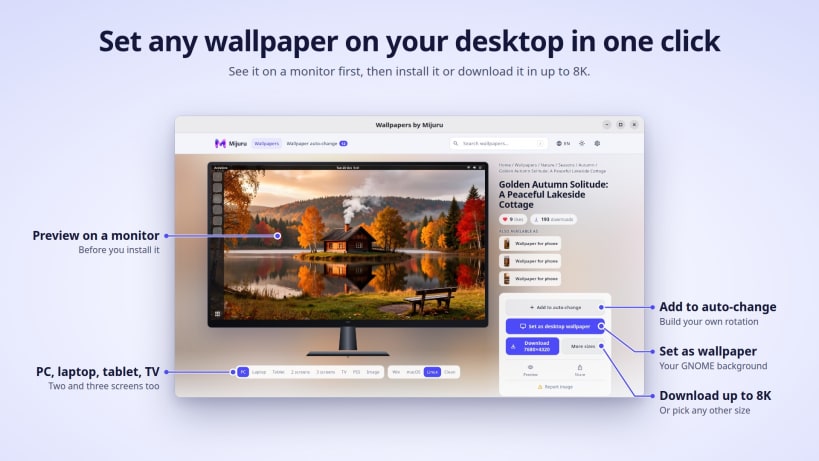

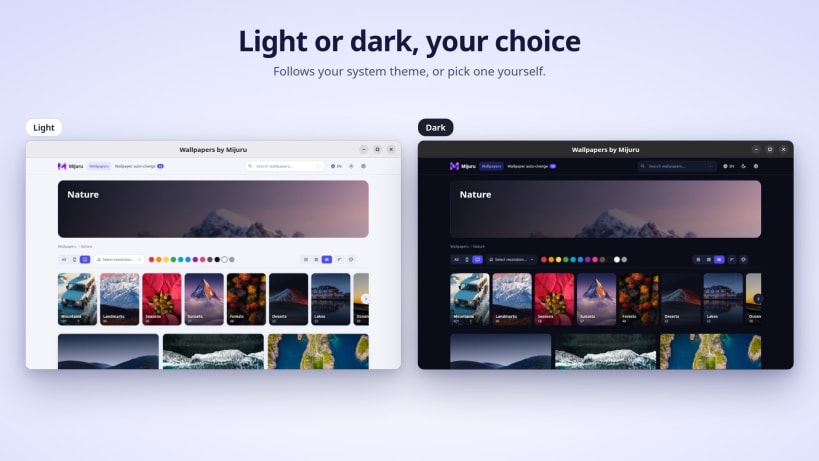
Wallpapers by Mijuru brings the whole mijuru.com gallery to your desktop. Browse thousands of wallpapers by category, search and filters, preview how each one looks on a monitor, and set it on your desktop in one click.
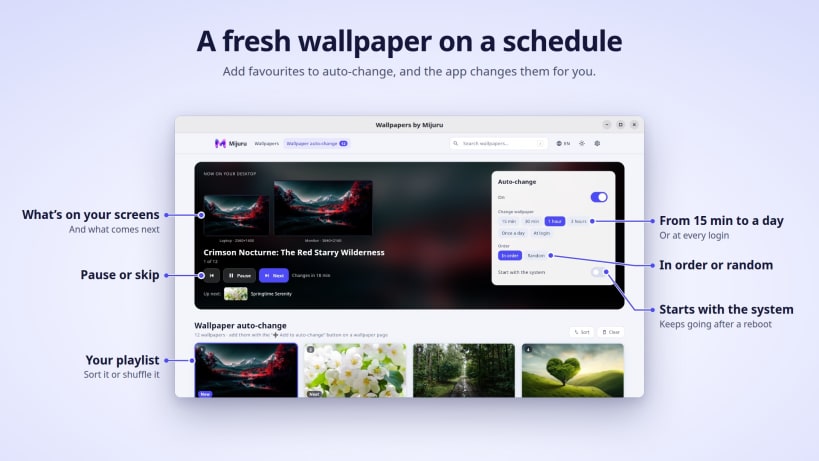
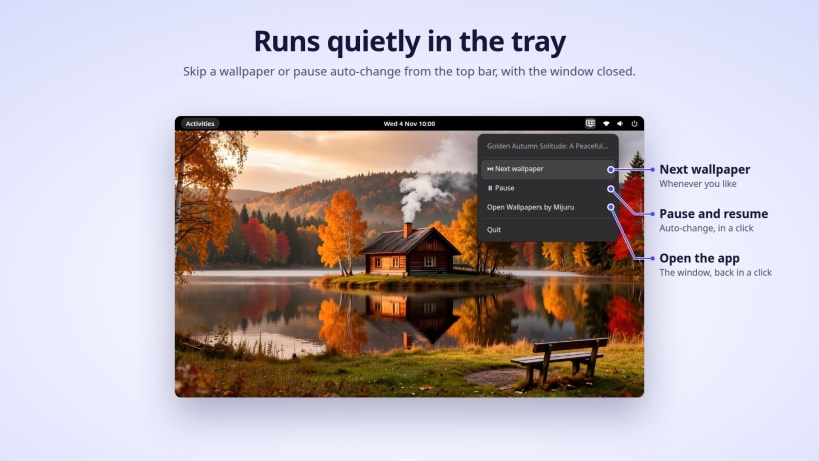
Pick your favourites for auto-change and the app keeps your desktop fresh on a schedule. It runs quietly in the tray, even with the window closed.
Key features:
Free to use. New wallpapers are added to mijuru.com every day.
You are about to open
Do you wish to proceed?
Thank you for your report. Information you provided will help us investigate further.
There was an error while sending your report. Please try again later.
Snaps are applications packaged with all their dependencies to run on all popular Linux distributions from a single build. They update automatically and roll back gracefully.
Snaps are discoverable and installable from the Snap Store, an app store with an audience of millions.
On Debian 9 (Stretch) and newer, snap can be installed directly from the command line:
sudo apt update
sudo apt install snapd
After this, install the snapd snap in order to get the latest snapd:
sudo snap install snapd
To install Wallpapers by Mijuru, simply use the following command:
sudo snap install wallpapers-by-mijuru
Browse and find snaps from the convenience of your desktop using the snap store snap.

Interested to find out more about snaps? Want to publish your own application? Visit snapcraft.io now.


