
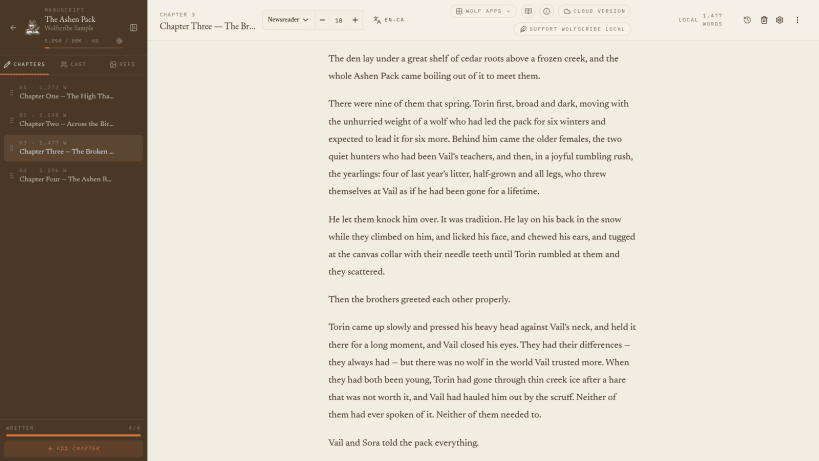
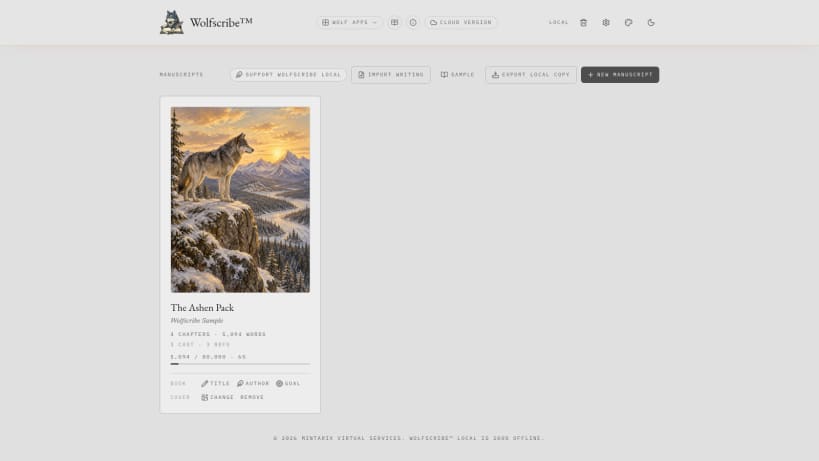
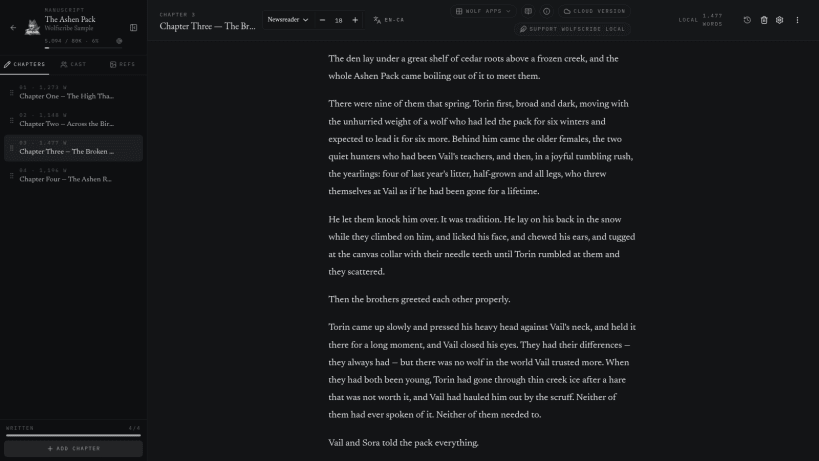
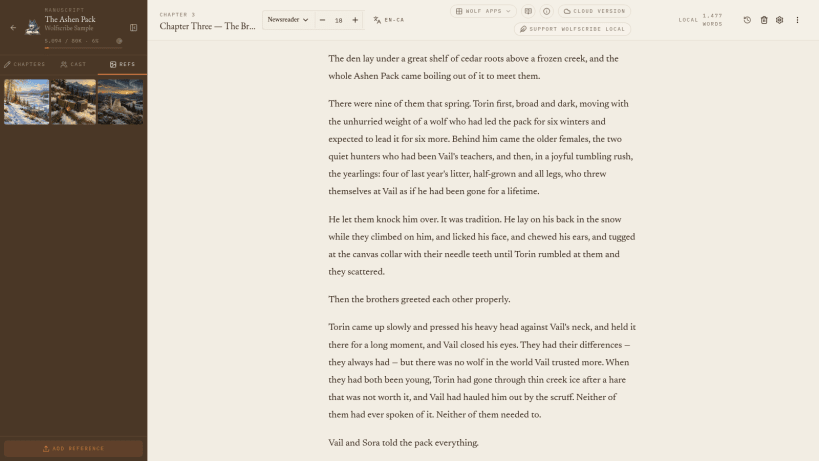
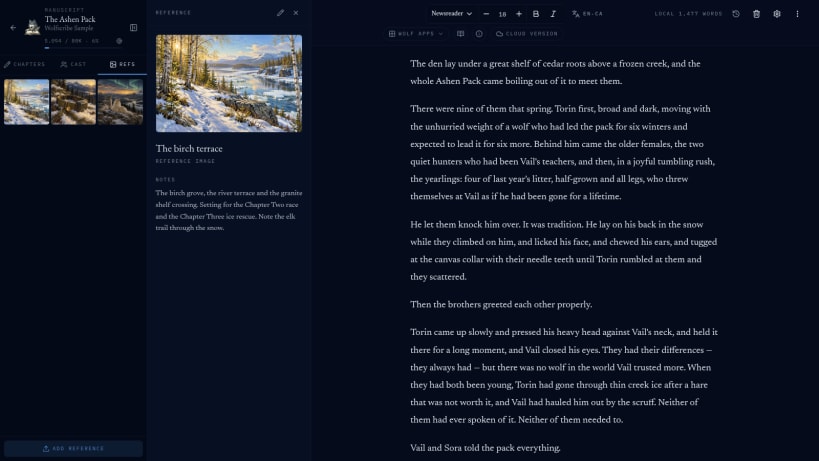
Wolfscribe Local is a complete novel-writing workspace that runs entirely on your own computer. Manuscripts, chapters, character cast, reference images, autosave, and version history stay on your drive, and the app works with no internet connection at all.
Part of the Wolf Creative Suite. With a Wolf account you can optionally back your manuscripts up to WolfScribe Cloud, sealed on your computer before upload. Nothing leaves your machine until you turn that on.
Key features: • Chapter management with drag-to-reorder • Autosave with version history and 30-day Trash • Character cast and reference panels with images • Offline spellcheck in Canadian, UK, and US English, French, French (Canadian), Spanish, German, and Dutch • Import and export DOCX, PDF, EPUB, and plain text • Optional local passphrase encryption • No tracking, no ads, and no AI writing generation
You are about to open
Do you wish to proceed?
Thank you for your report. Information you provided will help us investigate further.
There was an error while sending your report. Please try again later.
Snaps are applications packaged with all their dependencies to run on all popular Linux distributions from a single build. They update automatically and roll back gracefully.
Snaps are discoverable and installable from the Snap Store, an app store with an audience of millions.
Snap can be installed on Fedora from the command line:
sudo dnf install snapd
Either log out and back in again, or restart your system, to ensure snap’s paths are updated correctly.
To enable classic snap support, enter the following to create a symbolic link between /var/lib/snapd/snap and /snap:
sudo ln -s /var/lib/snapd/snap /snap
To install Wolfscribe Local, simply use the following command:
sudo snap install wolfscribe-local
Browse and find snaps from the convenience of your desktop using the snap store snap.
Interested to find out more about snaps? Want to publish your own application? Visit snapcraft.io now.