

3nity-media
Install latest/stable of 3nity-media
Ubuntu 16.04 or later?
Make sure snap support is enabled in your Desktop store.
Install using the command line
sudo snap install 3nity-mediaDon't have snapd? Get set up for snaps.


Details for 3nity-media
Package name
- 3nity-media
License
- GPL-2.0-only
Last updated
- 24 January 2026 - latest/stable
Websites
Contact
Source code
Report a bug
External link warning
You are about to open
Do you wish to proceed?
Report a Snap Store violation
Report 3nity-media for a Snap Store violation
Snap Store Violation Report submitted successfully
Thank you for your report. Information you provided will help us investigate further.
Error submitting report
There was an error while sending your report. Please try again later.
Share this snap
Generate an embeddable card to be shared on external websites.
Modern multimedia player powered by libmpv
3nity media is a modern, lightweight media player built with Lazarus/Free Pascal and powered by the libmpv engine.
Features:
• Audio and video playback with hardware acceleration
• Playlist management (M3U, M3U8, PLS, XSPF)
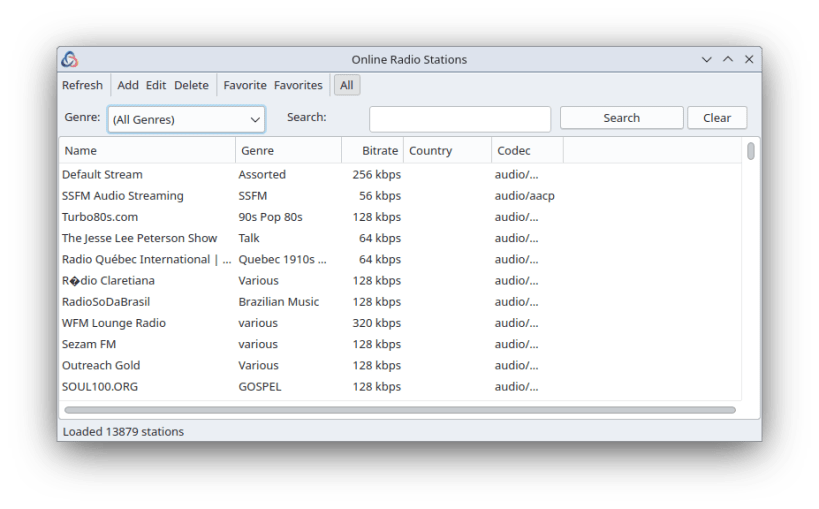
• Internet radio streaming (13,000+ stations via Icecast)
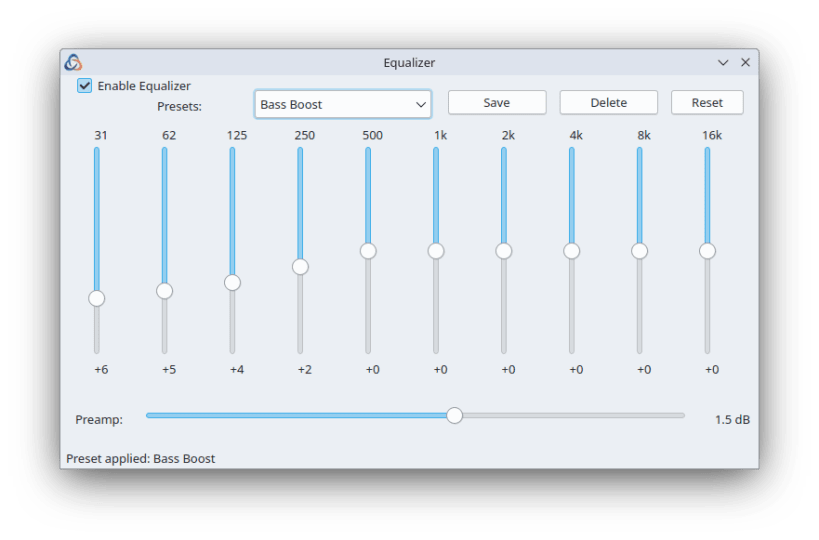
• 10-band audio equalizer with presets
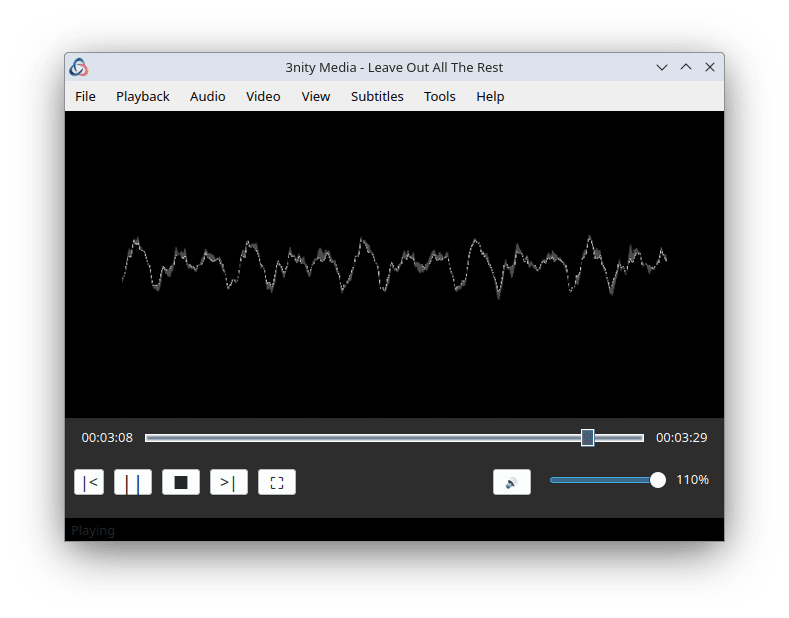
• Audio visualizations
• Video adjustments (brightness, contrast, saturation, hue)
• DVD and Blu-ray folder playback
• Drag & drop support for files and folders
• Customizable keyboard shortcuts
• Multi-language support (100+ languages)
• Playback history with resume support
• Stream recording to disk
INSTALL:
  sudo snap install 3nity-media

  # Connect missing permissions  ( if needed)
  sudo snap connect 3nity-media:audio-playback
  sudo snap connect 3nity-media:pulseaudio
  sudo snap connect 3nity-media:removable-media
  sudo snap connect 3nity-media:optical-drive
  sudo snap connect 3nity-media:udisks2

  hash -r # Refresh shell path cache
| Revision | Channel | Version | Build | Commit | Download SBOM |
|---|
The build and commit information is derived from build infrastructure records.
Install 3nity-media on your Linux distribution
Choose your Linux distribution to get detailed installation instructions. If yours is not shown, get more details on the installing snapd documentation.











