

Academic PDF Researcher
Install latest/stable of Academic PDF Researcher
Ubuntu 16.04 or later?
Make sure snap support is enabled in your Desktop store.
Install using the command line
sudo snap install academic-pdf-researcherDon't have snapd? Get set up for snaps.
Details for Academic PDF Researcher
Package name
- academic-pdf-researcher
License
- AGPL-3.0-or-later
Last updated
- Today - latest/stable
Websites
Contact
External link warning
You are about to open
Do you wish to proceed?
Report a Snap Store violation
Report Academic PDF Researcher for a Snap Store violation
Snap Store Violation Report submitted successfully
Thank you for your report. Information you provided will help us investigate further.
Error submitting report
There was an error while sending your report. Please try again later.
Share this snap
Generate an embeddable card to be shared on external websites.
Technical & academic PDF reader with split reference portal & BibTeX notes
Academic PDF Researcher is an offline technical and scholarly PDF reader designed for focused paper analysis, citation cross-referencing, and structured literature note taking on Linux desktops.
Key features:
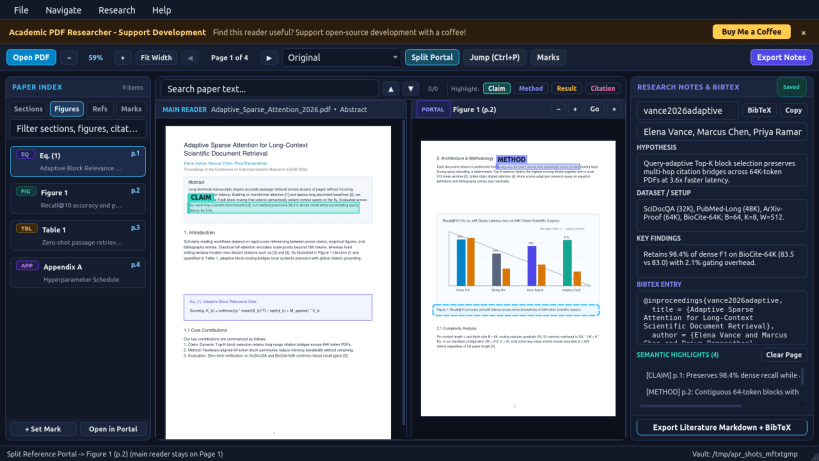
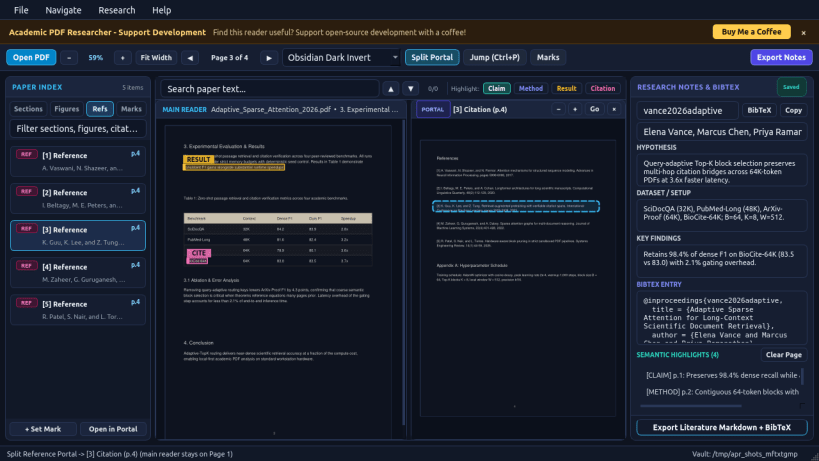
- Synchronized Split Reference Portal: Open any auto-indexed Figure, Table, Equation, Appendix, or Bibliography entry [N] beside your main reading column without losing your current paragraph position.
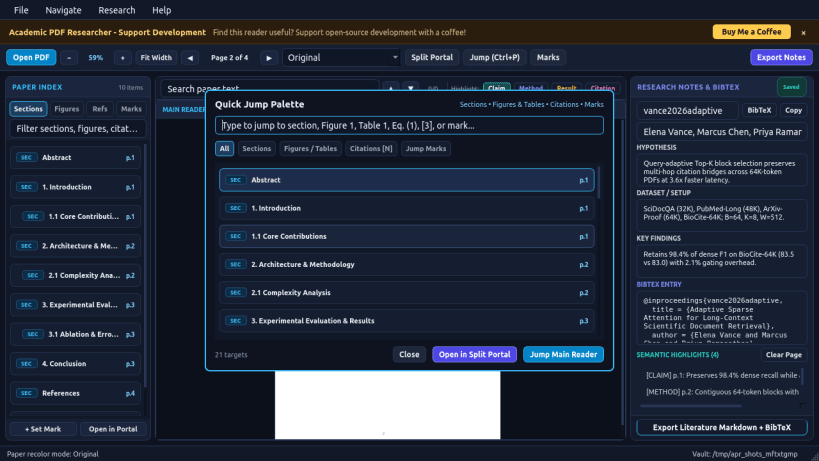
- Auto-Indexed Paper Navigation: Browse document outlines (TOC), auto-detected Figures, Tables, Equations, numbered References [N], and quick-jump Marks (a-z) from a unified sidebar or fast Ctrl+P Jump Palette.
- Eye-Care Paper Recolor Modes: Switch instantaneously between Original, Obsidian Dark Invert, Warm Sepia, and Sage Tint page rendering for long reading sessions.
- Semantic Research Highlights & Inline Search: Drag across text to tag Claims (teal), Methods (indigo), Results (amber), and Citations (pink) with optional annotations alongside full-text search.
- BibTeX & Structured Literature Notes: Generate clean BibTeX citations from paper metadata, record Hypothesis, Dataset/Setup, and Key Findings locally, and export combined Literature Markdown + BibTeX bundles.
| Revision | Channel | Version | Build | Commit | Download SBOM |
|---|
The build and commit information is derived from build infrastructure records.
Install Academic PDF Researcher on your Linux distribution
Choose your Linux distribution to get detailed installation instructions. If yours is not shown, get more details on the installing snapd documentation.











