

Apedi
Install latest/stable of Apedi
Ubuntu 16.04 or later?
Make sure snap support is enabled in your Desktop store.


Details for Apedi
Package name
- apedi
License
- MIT
Last updated
- 7 October 2026 - latest/stable
Websites
External link warning
You are about to open
Do you wish to proceed?
Report a Snap Store violation
Report Apedi for a Snap Store violation
Snap Store Violation Report submitted successfully
Thank you for your report. Information you provided will help us investigate further.
Error submitting report
There was an error while sending your report. Please try again later.
Share this snap
Generate an embeddable card to be shared on external websites.
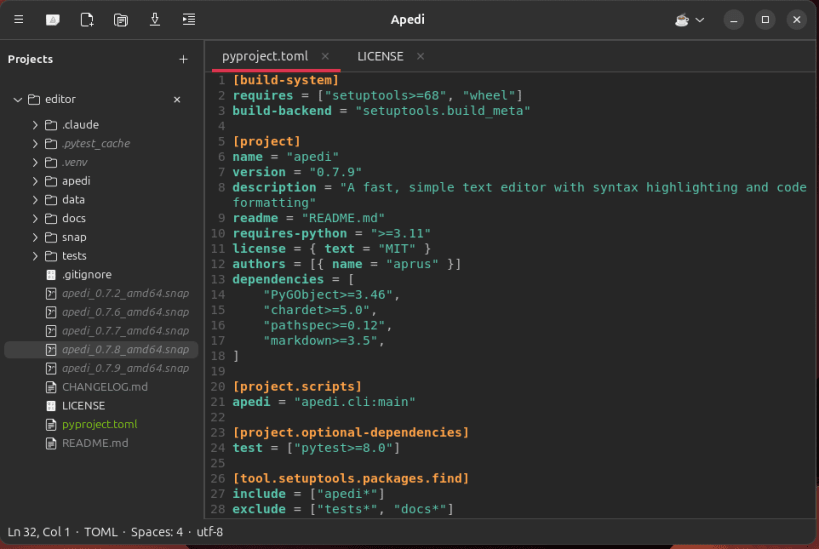
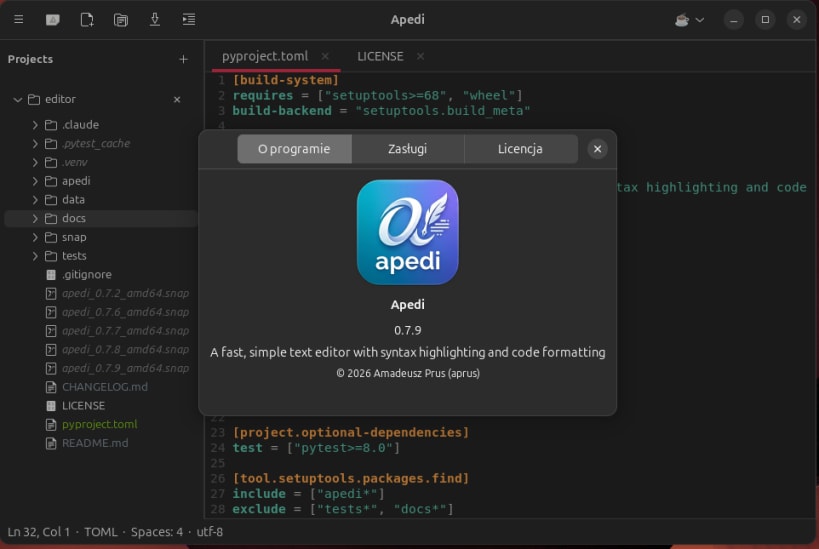
Fast, simple text editor with syntax highlighting, projects and terminal
Apedi is a lightweight GTK 4 / GtkSourceView 5 editor that stays out of your way. It bundles formatters and a small set of IDE conveniences while keeping the start-up footprint of a plain text editor.
Features:
- Multi-tab, multi-window, drag & drop
- Syntax highlighting for ~150 languages
- Code formatting (Ctrl+Shift+I) via bundled black / prettier / gofmt / rustfmt / clang-format / shfmt
- Multi-project sidebar — .gitignore-aware, per-extension icons and colors, auto-reveal of the active tab
- Quick Open (Ctrl+P) and Find in Files (Ctrl+Shift+F)
- Go to Symbol in file (Ctrl+M)
- Integrated VTE terminal with bash and zsh (Ctrl+`)
- Optional autosave (delay / focus loss)
- Crash recovery: drafts survive unexpected exits
- File watcher — external edits reload, or warn if dirty
- Localized UI (English, Polski)
- Snippets, code folding, tabbed Preferences, dark / light / auto theme
- Strict snap confinement — no host-write access beyond the user's home and any drives plugged in via removable-media
Default keybindings follow gedit / VS Code conventions.
| Revision | Channel | Version | Build | Commit | Download SBOM |
|---|
The build and commit information is derived from build infrastructure records.
Install Apedi on your Linux distribution
Choose your Linux distribution to get detailed installation instructions. If yours is not shown, get more details on the installing snapd documentation.











