

Apricus
Install latest/stable of Apricus
Ubuntu 16.04 or later?
Make sure snap support is enabled in your Desktop store.

Details for Apricus
Package name
- apricus
License
- GPL-3.0+
Last updated
- 19 October 2026 - latest/stable
Websites
Contact
Source code
Report a bug
External link warning
You are about to open
Do you wish to proceed?
Report a Snap Store violation
Report Apricus for a Snap Store violation
Snap Store Violation Report submitted successfully
Thank you for your report. Information you provided will help us investigate further.
Error submitting report
There was an error while sending your report. Please try again later.
Share this snap
Generate an embeddable card to be shared on external websites.
Modern live wallpaper for GNOME — videos, playlists, streams & web pages
Apricus transforms your GNOME desktop background on Linux into a fluid, living canvas — without draining resources or getting in your way.
Features:
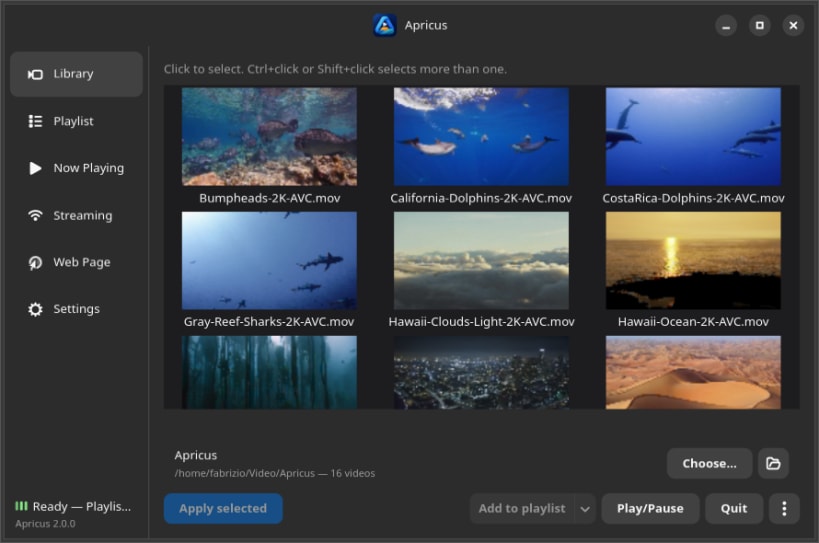
- Native GTK4 + Libadwaita Control Center with Library, Playlist, Now Playing, Streaming, Web Page and Settings
- Visual looping video playlists with thumbnails, drag-and-drop reordering, shuffle and undo
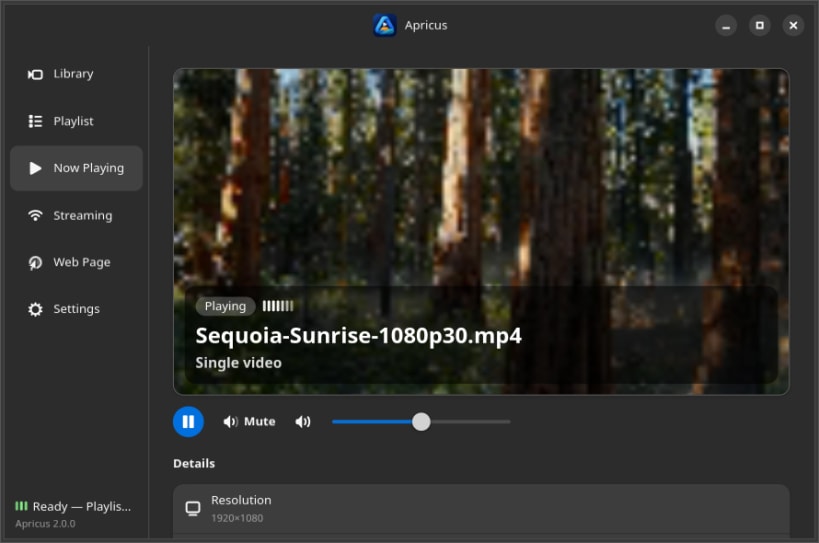
- Now Playing dashboard with 16:9 hero preview, transport controls, media metadata and Up Next queue
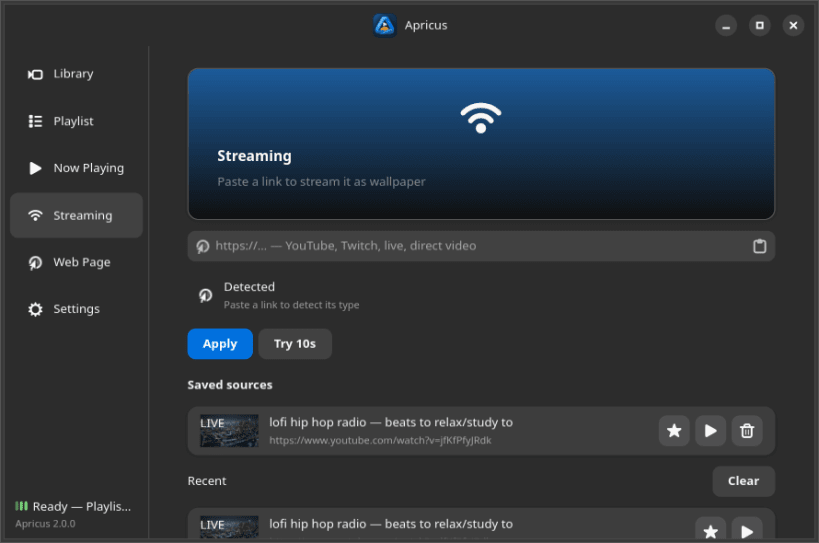
- Streaming hub supporting YouTube, Twitch, live and direct streams, with saved favorites, recent history, cached thumbnails, LIVE badges and 10-second live previews
- Interactive Web Page wallpapers with reachability and title detection, Inspiration presets and static wallpaper snapshots
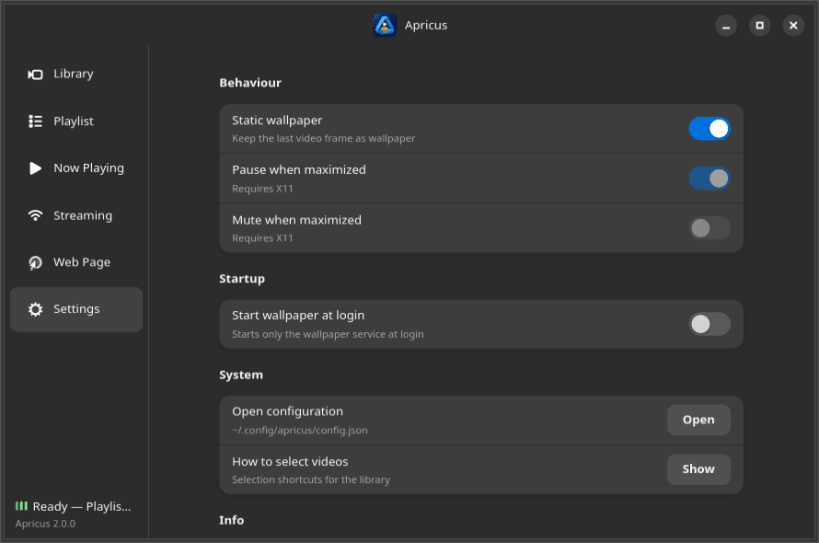
- Gapless video switching, fast login startup, automatic pause/mute on maximized windows (X11) and per-monitor wallpaper assignment
- Available in English, Italian, German, French, Spanish and Japanese
Support & Feedback: Found a bug or have a feature suggestion? Report it on GitHub: https://github.com/fabx-dev/apricus/issues
Source code: https://github.com/fabx-dev/apricus
| Revision | Channel | Version | Build | Commit | Download SBOM |
|---|
The build and commit information is derived from build infrastructure records.
Install Apricus on your Linux distribution
Choose your Linux distribution to get detailed installation instructions. If yours is not shown, get more details on the installing snapd documentation.











