

Astonischika
Install latest/stable of Astonischika
Ubuntu 16.04 or later?
Make sure snap support is enabled in your Desktop store.
Install using the command line
sudo snap install astonischikaDon't have snapd? Get set up for snaps.
Details for Astonischika
Package name
- astonischika
License
- Proprietary
Last updated
- 18 September 2026 - latest/stable
Websites
Contact
External link warning
You are about to open
Do you wish to proceed?
Report a Snap Store violation
Report Astonischika for a Snap Store violation
Snap Store Violation Report submitted successfully
Thank you for your report. Information you provided will help us investigate further.
Error submitting report
There was an error while sending your report. Please try again later.
Share this snap
Generate an embeddable card to be shared on external websites.
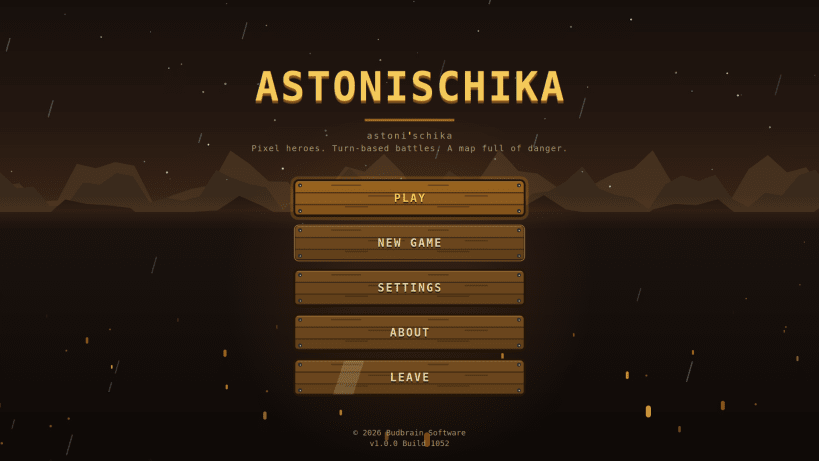
A pixel-art party RPG - three heroes, a branching map, and the boss on top
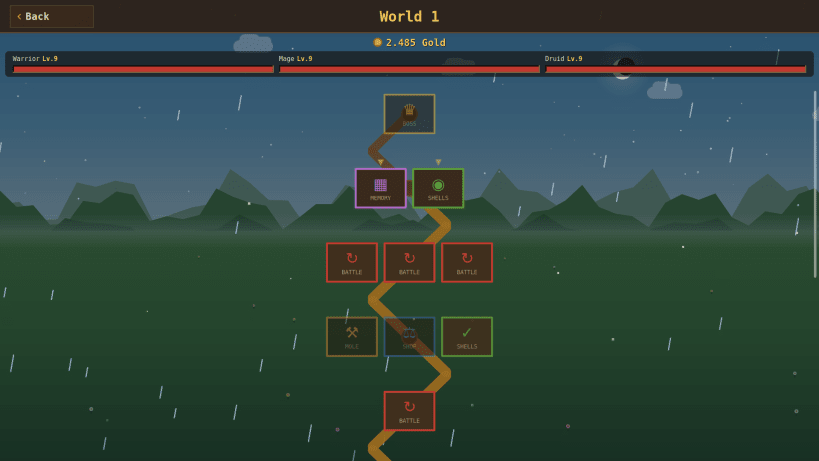
Lead three heroes up a map full of monsters and treasure - with the boss waiting at the top.
Every run is a new path. Fight, rest at a campfire, open chests or visit a merchant - you choose the way. Fall in battle and your heroes still keep their levels and gear, so the next run starts stronger.
Eight classes, over a thousand monsters and loot that is different every time keep each run fresh. Your progress is saved, and a run continues right where you left off.
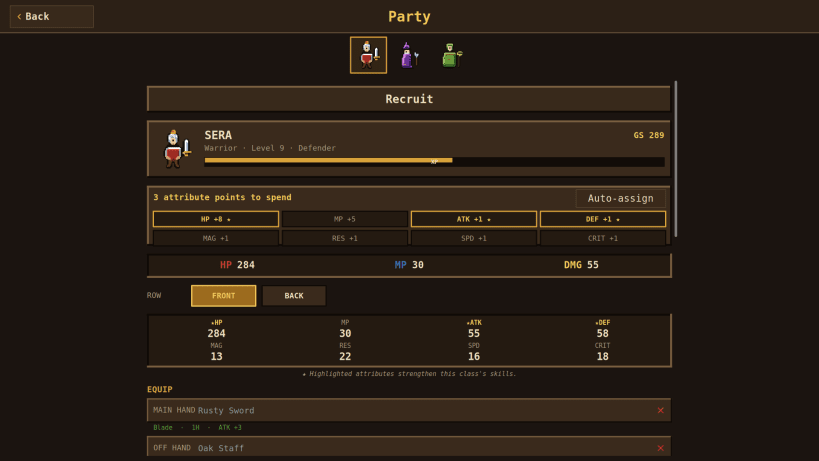
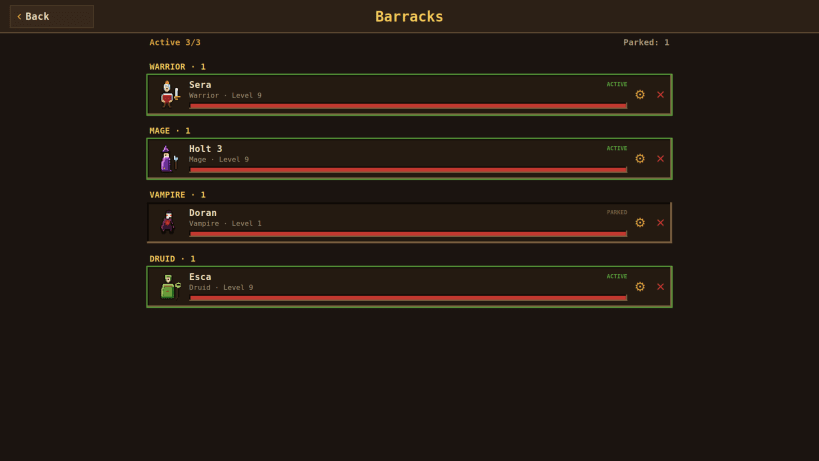
- Pick three of eight heroes: warrior, mage, cleric, rogue, vampire, thief, druid and archer
- Turn-based battles against over a thousand creatures
- Collect weapons, armour, rings and complete item sets
- Try your luck in mini games at the treasure chests
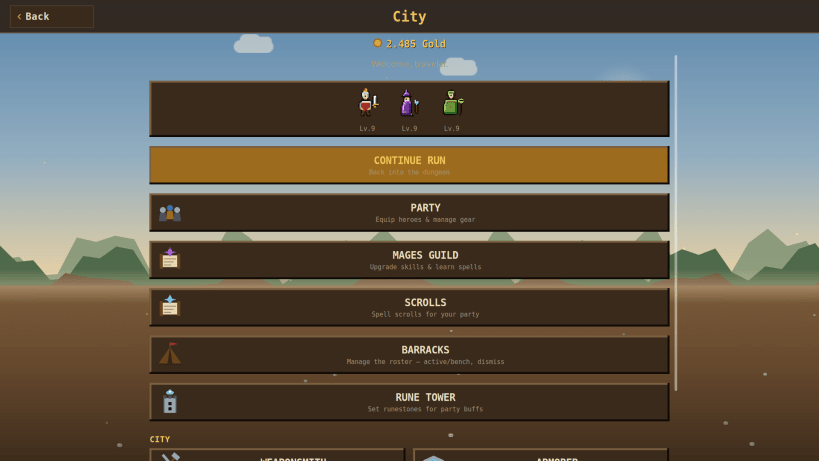
- Shops, trainer, tavern and more in the city between runs
- Heroes grow all the way to level 9999
- Pixel art, music and sound
Available in 44 languages. Plays completely offline.
Music: see the licence screen in the game.
Keywords: rpg, party, turn based, pixel art, roguelite, dungeon, loot, heroes, offline
Also available as .deb, RPM, Flatpak, AppImage and for Arch at www.budbrain.de
Developed by Vera and Josef Sejrek / Budbrain Software Contact: astonischika@budbrain.de
| Revision | Channel | Version | Build | Commit | Download SBOM |
|---|
The build and commit information is derived from build infrastructure records.
Install Astonischika on your Linux distribution
Choose your Linux distribution to get detailed installation instructions. If yours is not shown, get more details on the installing snapd documentation.











