

AudioSTAX
Install latest/stable of AudioSTAX
Ubuntu 16.04 or later?
Make sure snap support is enabled in your Desktop store.
Details for AudioSTAX
Package name
- audiostax
License
- Proprietary
Last updated
- 6 November 2026 - latest/stable
Websites
Contact
Donations
Source code
Report a bug
External link warning
You are about to open
Do you wish to proceed?
Report a Snap Store violation
Report AudioSTAX for a Snap Store violation
Snap Store Violation Report submitted successfully
Thank you for your report. Information you provided will help us investigate further.
Error submitting report
There was an error while sending your report. Please try again later.
Share this snap
Generate an embeddable card to be shared on external websites.
Batch audio studio, convert and normalize to LUFS
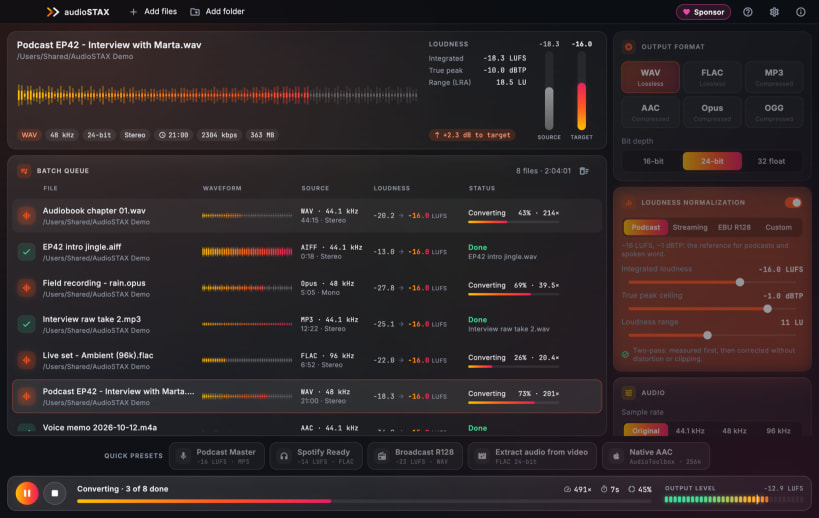
AudioSTAX takes a folder of recordings, songs or videos and gives you back files that are all in the format you need and at the same loudness, ready for podcasts, streaming or broadcast. Everything happens on your computer: nothing is uploaded.
Batch conversion
- WAV (16/24/32-bit float), FLAC, MP3 (CBR/VBR), AAC (.m4a), Opus and OGG Vorbis
- From almost any audio format and from the soundtrack of MP4, MOV, MKV, WebM and AVI videos
- Drag files or whole folders, hundreds at a time; several files in parallel on all your cores
Loudness in LUFS
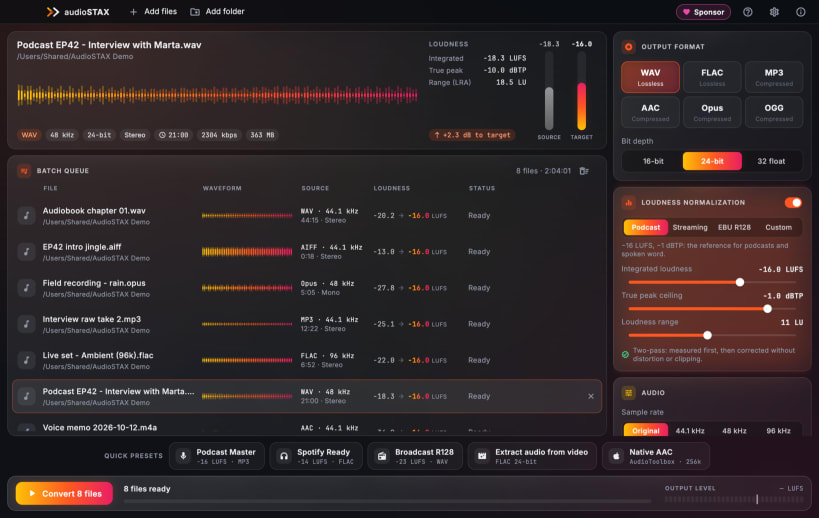
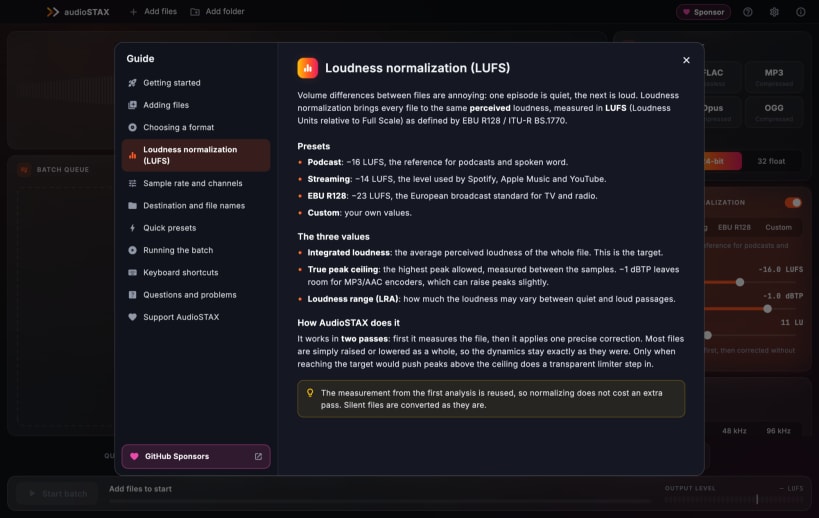
- Two-pass EBU R128 normalization: one precise gain that keeps your dynamics, with a true-peak ceiling
- Presets for podcasts (-16), streaming (-14) and broadcast (-23), or your own values
- Waveform and measured loudness of every file before you convert
Speech cleanup and subtitles
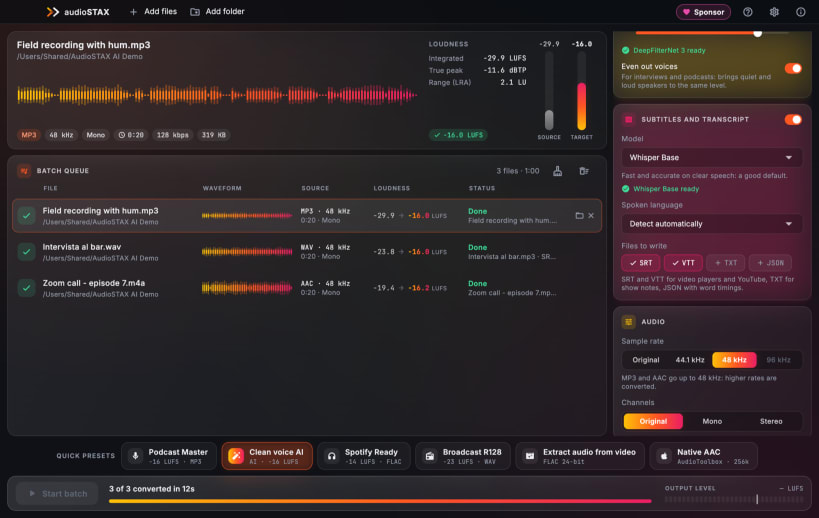
- AI noise reduction (DeepFilterNet) for fans, traffic and noisy rooms; a light mode for faint hiss
- Automatic removal of 50/60 Hz mains hum and a leveler that evens out quiet and loud voices
- Subtitles and transcripts with Whisper: SRT, VTT, TXT and JSON next to every file, language detected automatically
Tags, cover art and file names
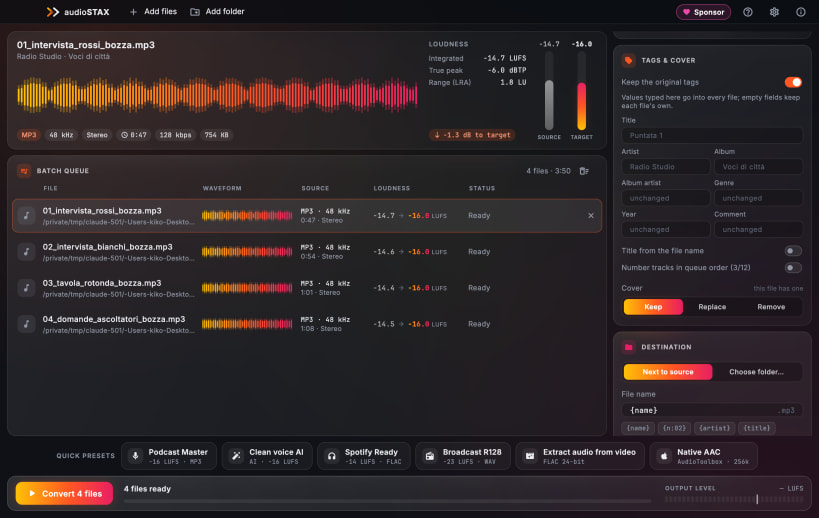
- Write artist, album, year or genre into every file at once; title from the file name, track numbers in queue order
- Keep, replace or remove the cover art (MP3, FLAC, AAC)
- File names from variables, find-and-replace rules and letter case, with a live preview of the final names
Private by design
- No account, no ads, no tracking: your audio never leaves the computer. The AI models are downloaded only when you ask for them
- Free, in English, Italian, German, French and Spanish, with a complete built-in guide
AudioSTAX opens files in your home folder and on removable drives (/media, /run/media; connect removable-media if it is not connected).
| Revision | Channel | Version | Build | Commit | Download SBOM |
|---|
The build and commit information is derived from build infrastructure records.
Install AudioSTAX on your Linux distribution
Choose your Linux distribution to get detailed installation instructions. If yours is not shown, get more details on the installing snapd documentation.


