

Aurora Media Player
Install latest/stable of Aurora Media Player
Ubuntu 16.04 or later?
Make sure snap support is enabled in your Desktop store.
Install using the command line
sudo snap install aurora-media-playerDon't have snapd? Get set up for snaps.


Details for Aurora Media Player
Package name
- aurora-media-player
License
- GPL-3.0+
Last updated
- 14 April 2026 - latest/stable
Websites
Contact
Donations
Source code
Report a bug
External link warning
You are about to open
Do you wish to proceed?
Report a Snap Store violation
Report Aurora Media Player for a Snap Store violation
Snap Store Violation Report submitted successfully
Thank you for your report. Information you provided will help us investigate further.
Error submitting report
There was an error while sending your report. Please try again later.
Share this snap
Generate an embeddable card to be shared on external websites.
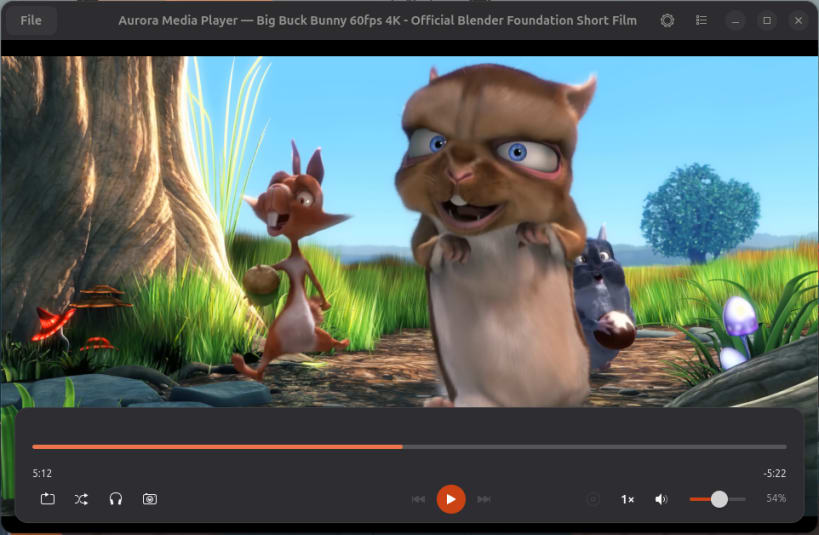
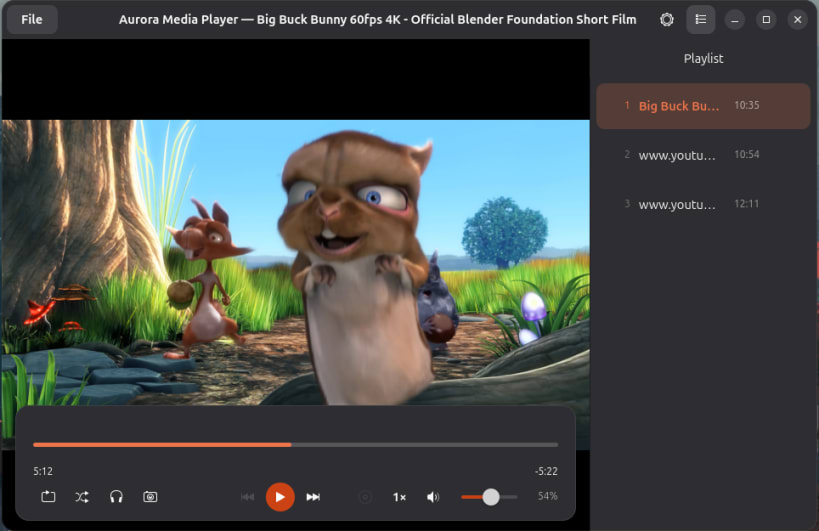
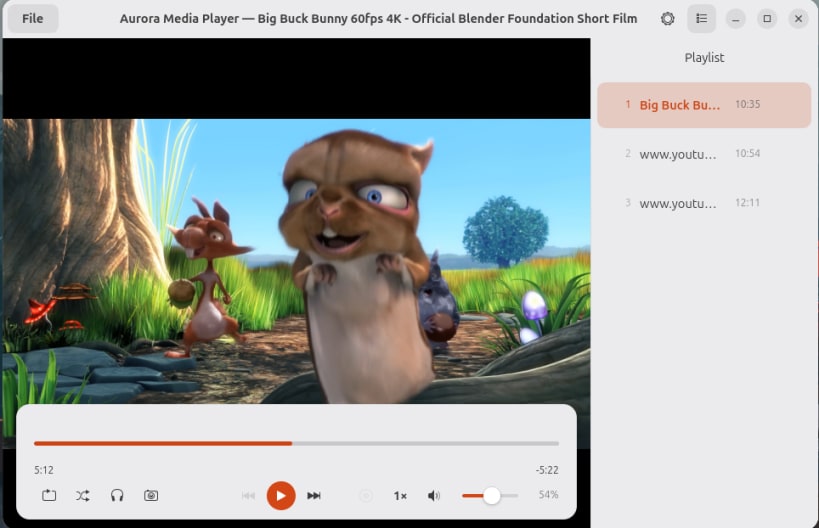
Video & audio player for GNOME — YouTube, IPTV, MPV-powered
Aurora is a modern media player for GNOME built on the power of MPV. Play any video or audio format, stream YouTube and Twitch, load IPTV and playlists.
KEY FEATURES • Plays all common formats: MP4, MKV, AVI, WebM, MP3, FLAC, AAC and more • YouTube & Twitch streaming via yt-dlp (no browser needed) • IPTV support — load any M3U or M3U8 playlist URL • Hardware-accelerated decoding via VA-API (Intel, AMD, NVIDIA) • Chapters display and navigation in the seek bar • Subtitles: SRT, ASS, VTT, PGS — external file support • Playlist queue with drag & drop • MPRIS integration — control with media keys and lock screen • Playback speed control, screenshots, shuffle and repeat modes • Podcast mode with skip-silence support • Floating or fixed control bar • Modern theme added • thumbnail in seek bar for local videos
Aurora is designed to feel at home on GNOME while being powerful enough for daily use as your only media player on Linux.
| Revision | Channel | Version | Build | Commit | Download SBOM |
|---|
The build and commit information is derived from build infrastructure records.
Install Aurora Media Player on your Linux distribution
Choose your Linux distribution to get detailed installation instructions. If yours is not shown, get more details on the installing snapd documentation.











