

Battely
Install latest/stable of Battely
Ubuntu 16.04 or later?
Make sure snap support is enabled in your Desktop store.
Details for Battely
Package name
- battely
License
- Proprietary
Last updated
- 27 August 2026 - latest/stable
Websites
External link warning
You are about to open
Do you wish to proceed?
Report a Snap Store violation
Report Battely for a Snap Store violation
Snap Store Violation Report submitted successfully
Thank you for your report. Information you provided will help us investigate further.
Error submitting report
There was an error while sending your report. Please try again later.
Share this snap
Generate an embeddable card to be shared on external websites.
Battery monitoring application for Linux
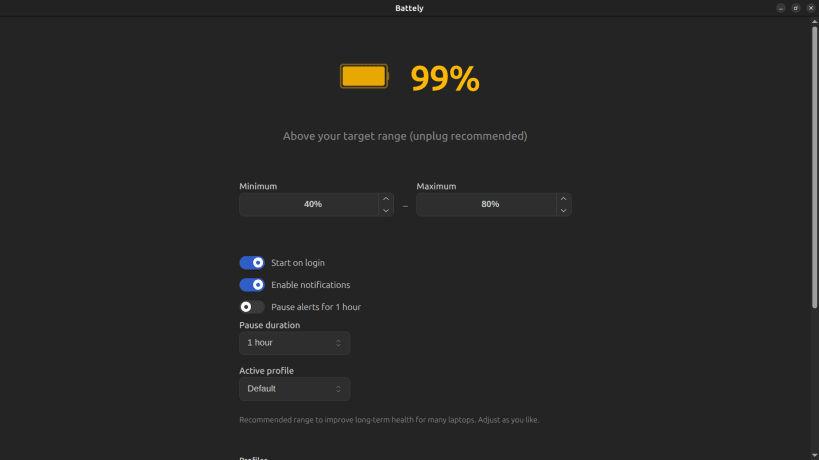
Battely is a battery monitoring and management application designed to help you keep track of your device's battery health, status, and charging levels. With automatic startup support, Battely can continuously monitor your battery in the background and notify you about important battery events.
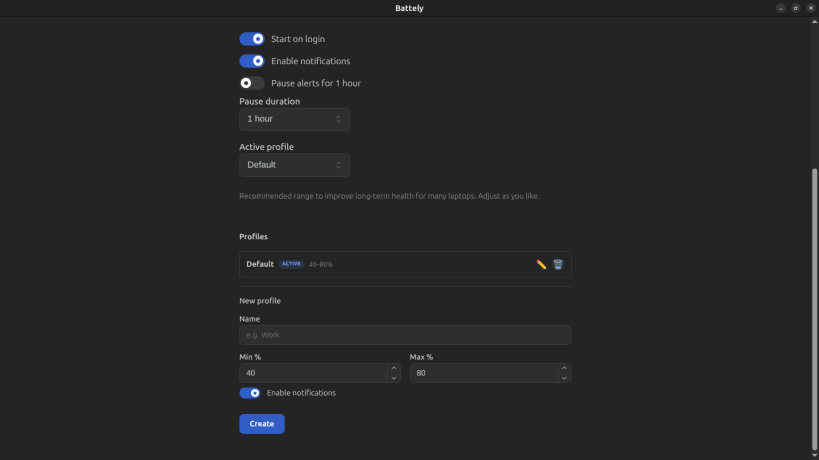
Battely also lets you manage your battery using multiple customizable profiles based on how you use your device. Each profile can have its own minimum and maximum battery level limits.
For example, if you're working for long hours and want to get the most out of your battery, you can create a Work profile with a minimum battery level of 10% and a maximum level of 90%. You can create additional profiles with different limits for other situations and switch between them according to your needs.
With Battely, you can:
- Monitor your battery status and health.
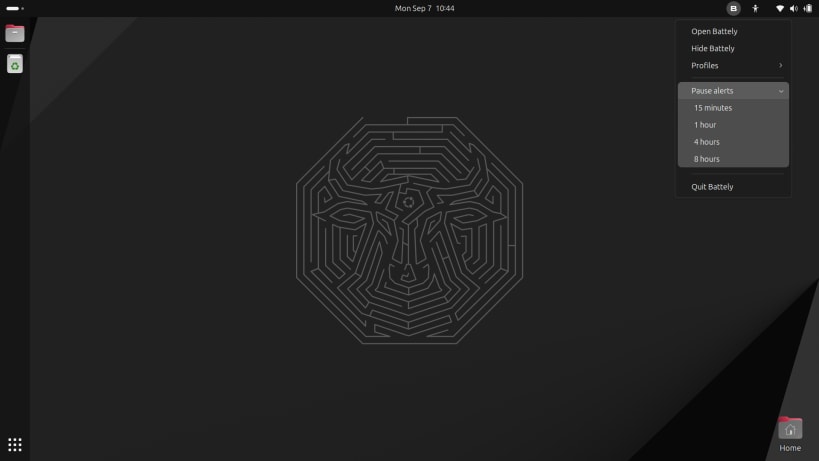
- Receive notifications about important battery levels and events.
- Automatically start battery monitoring when you log in.
- Create and manage multiple battery profiles.
- Set custom minimum and maximum battery levels for each profile.
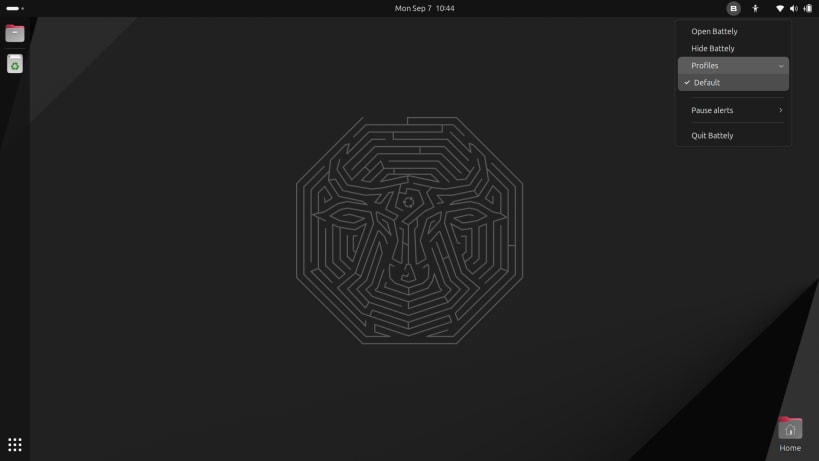
- Switch between profiles based on your usage requirements.
Battely provides a simple and flexible way to monitor and manage your Linux device's battery according to the way you work.
Linux Snap Installation
When installing via Snap, the app requires the hardware-observe interface to read battery information.
Connecting the interface
If battery information is not showing, connect the interface manually:
sudo snap connect battely:hardware-observe
Verifying the connection
snap connections battely | grep hardware-observe
You should see the interface connected. If not, run the connect command above.
| Revision | Channel | Version | Build | Commit | Download SBOM |
|---|
The build and commit information is derived from build infrastructure records.
Install Battely on your Linux distribution
Choose your Linux distribution to get detailed installation instructions. If yours is not shown, get more details on the installing snapd documentation.











