

Battery Health Viewer
Install latest/stable of Battery Health Viewer
Ubuntu 16.04 or later?
Make sure snap support is enabled in your Desktop store.
Install using the command line
sudo snap install battery-health-viewerDon't have snapd? Get set up for snaps.
Details for Battery Health Viewer
Package name
- battery-health-viewer
License
- MIT
Last updated
- Yesterday - latest/stable
Report a Snap Store violation
Report Battery Health Viewer for a Snap Store violation
Snap Store Violation Report submitted successfully
Thank you for your report. Information you provided will help us investigate further.
Error submitting report
There was an error while sending your report. Please try again later.
Share this snap
Generate an embeddable card to be shared on external websites.
Battery Health Viewer - Real Capacity, Wear and Charge Data for Laptops
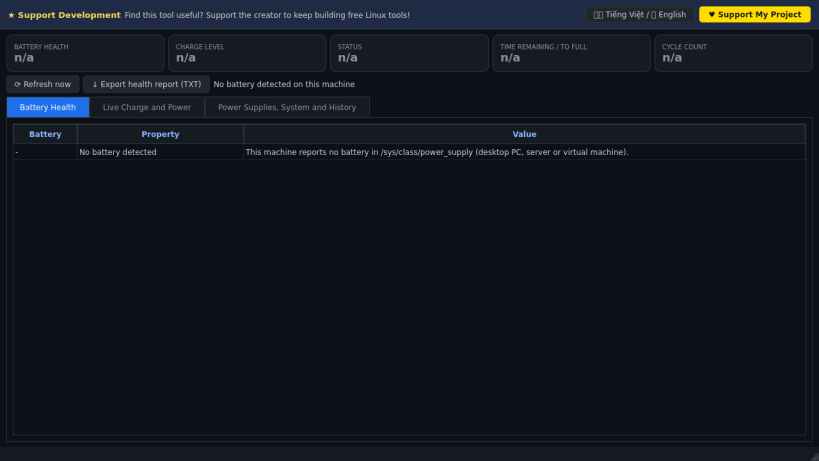
Battery Health Viewer shows the real condition of your laptop battery: design capacity, actual full-charge capacity, wear, cycle count, voltage, charge/discharge power and estimated time remaining. A lightweight Linux alternative to BatteryInfoView for checking how worn a battery is.
Everything is read from the Linux kernel power-supply interface (/sys/class/power_supply) and normalised to watt-hours; health is full-charge capacity divided by design capacity. One health record per day is kept locally so you can see the trend. On machines without a battery (desktops, servers, virtual machines) the app says so and still shows the AC adapter, raw power-supply attributes and system power/thermal context.
Key Features:
- Health, wear %, charge level, status, chemistry, manufacturer, model and serial when the firmware exposes them.
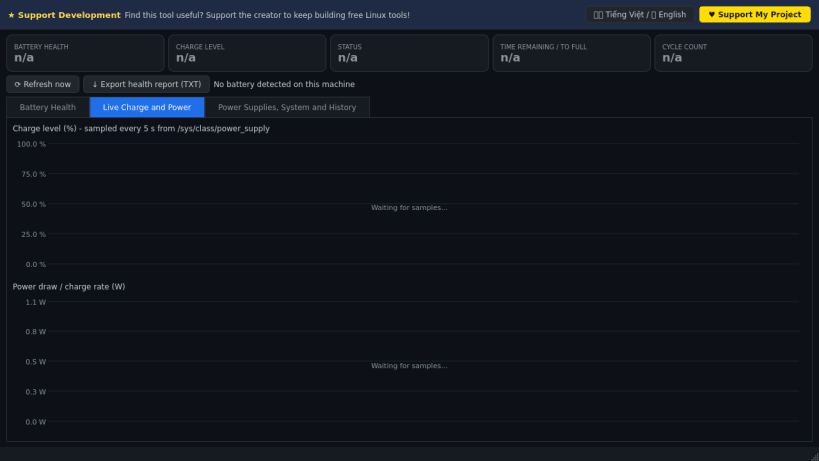
- Live charge-level and power-draw charts sampled every 5 seconds.
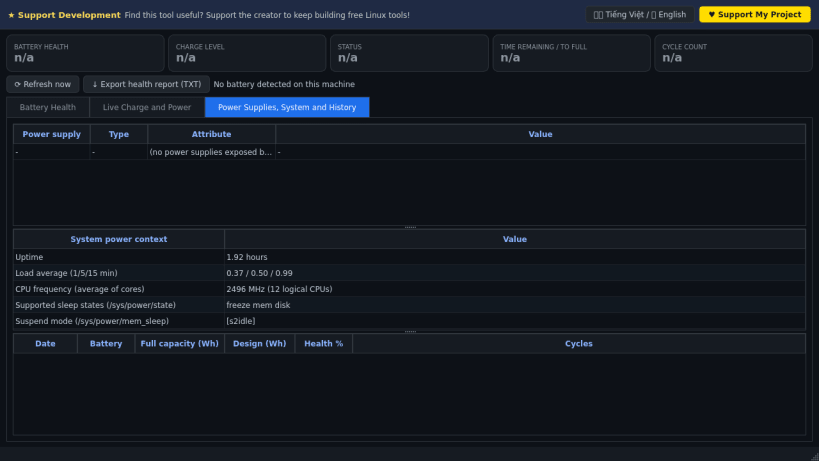
- Raw sysfs attribute browser for every power supply plus system power context (CPU governor, thermal zones, sleep states).
- Daily health history log and exportable TXT report.
- Bilingual donate banner (Vietnamese / English).
Disclaimer: This project is an independent open-source tool and is not affiliated with, sponsored by, or endorsed by NirSoft.
| Revision | Channel | Version | Build | Commit | Download SBOM |
|---|
The build and commit information is derived from build infrastructure records.
Install Battery Health Viewer on your Linux distribution
Choose your Linux distribution to get detailed installation instructions. If yours is not shown, get more details on the installing snapd documentation.


