

BGPVR Player
Install latest/stable of BGPVR Player
Ubuntu 16.04 or later?
Make sure snap support is enabled in your Desktop store.
Install using the command line
sudo snap install bgpvr-playerDon't have snapd? Get set up for snaps.

Details for BGPVR Player
Package name
- bgpvr-player
License
- Proprietary
Last updated
- Yesterday - latest/stable
- Yesterday - latest/beta
Websites
Contact
Source code
Report a bug
External link warning
You are about to open
Do you wish to proceed?
Report a Snap Store violation
Report BGPVR Player for a Snap Store violation
Snap Store Violation Report submitted successfully
Thank you for your report. Information you provided will help us investigate further.
Error submitting report
There was an error while sending your report. Please try again later.
Share this snap
Generate an embeddable card to be shared on external websites.
Live TV, the guide, recordings and films from your TV provider
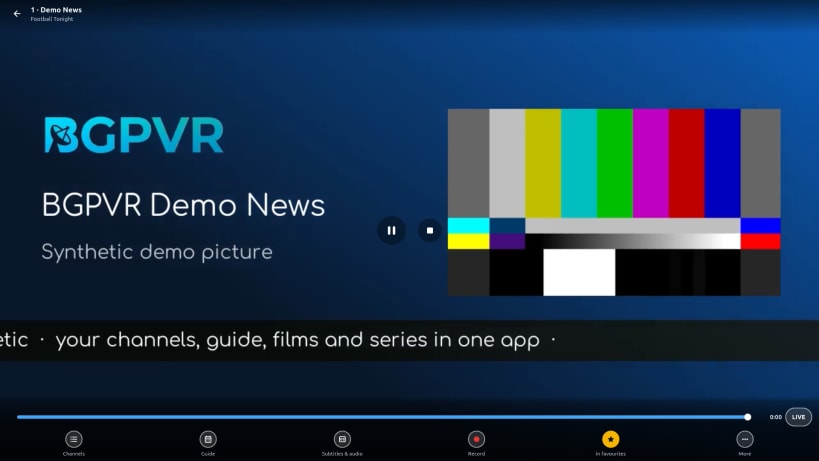
BGPVR Player brings your TV provider's service to your Linux computer or TV box: live channels, the programme guide, catch-up, recordings, films and series.
- Sign in with the account your TV provider gave you (the browser opens for the sign-in).
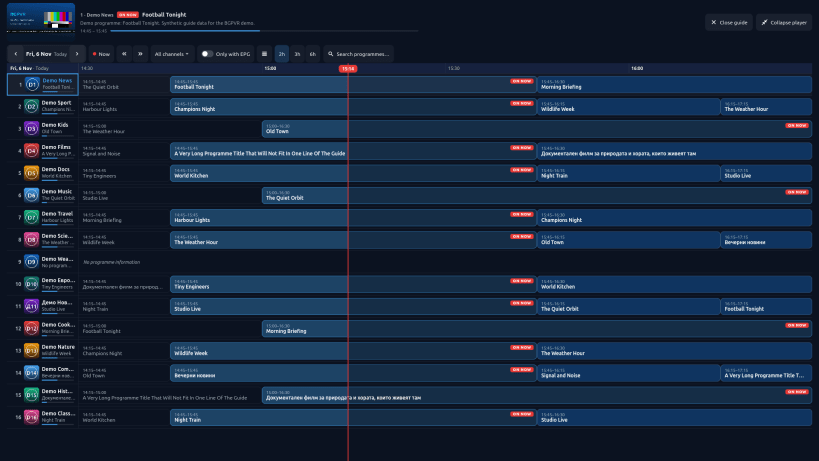
- Live TV with the guide, channel groups and favourites.
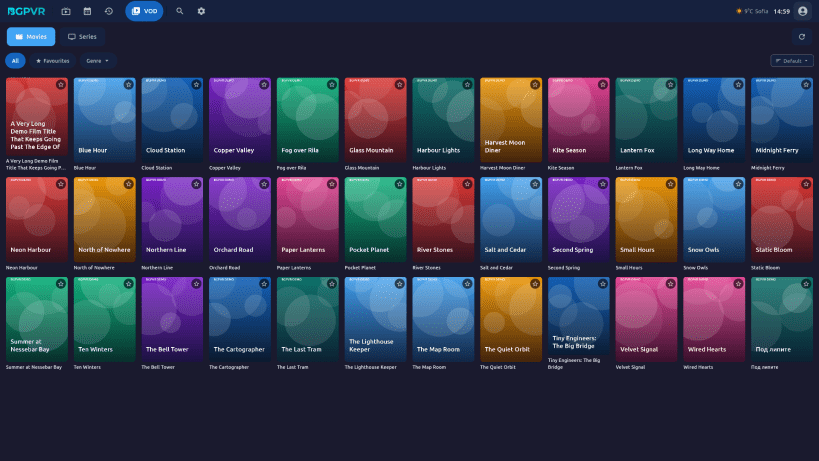
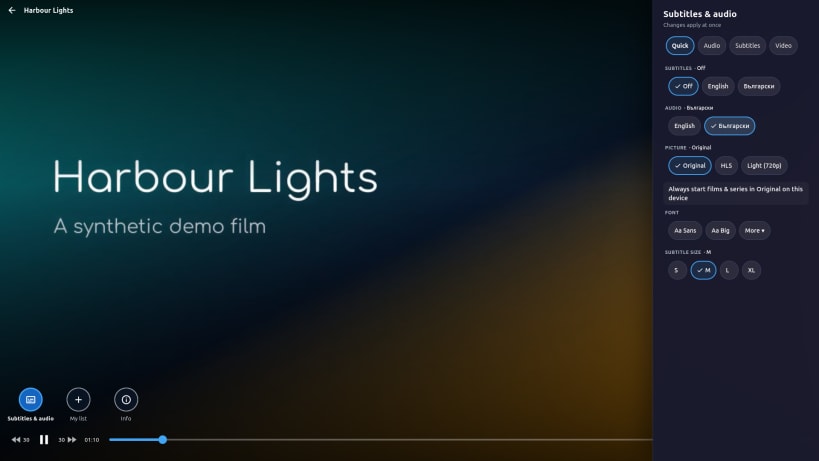
- Catch-up and recordings, films and series, with resume where you stopped.
- A TV mode for big screens: full screen, driven with a keyboard or a remote.
- Hardware video decoding (VA-API / VDPAU) where your graphics card supports it, with a software fallback.
You need an account from a TV provider that uses the BGPVR platform. BGPVR makes the software; the channels come from your provider.
Help and contact: https://bgpvr.com The source of the open-source (LGPL) libraries inside it is published with each release: https://github.com/bgpvr/linux/releases
BGPVR Player (на български): телевизия на живо, програма, наваксване, записи, филми и сериали от вашия доставчик на телевизия, на вашия Linux компютър или ТВ бокс. Нужен ви е акаунт от доставчик, който използва платформата BGPVR.
| Revision | Channel | Version | Build | Commit | Download SBOM |
|---|
The build and commit information is derived from build infrastructure records.
Install BGPVR Player on your Linux distribution
Choose your Linux distribution to get detailed installation instructions. If yours is not shown, get more details on the installing snapd documentation.


