

BinEye
Install latest/stable of BinEye
Ubuntu 16.04 or later?
Make sure snap support is enabled in your Desktop store.
Details for BinEye
Package name
- bineye
License
- Proprietary
Last updated
- Yesterday - latest/stable
Websites
Contact
Source code
Report a bug
External link warning
You are about to open
Do you wish to proceed?
Report a Snap Store violation
Report BinEye for a Snap Store violation
Snap Store Violation Report submitted successfully
Thank you for your report. Information you provided will help us investigate further.
Error submitting report
There was an error while sending your report. Please try again later.
Share this snap
Generate an embeddable card to be shared on external websites.
Utilities to manipulate, view and analyze binary data
BinEye is a suite of utilities to manipulate, view and analyze binary data, designed for developers, reverse engineers and anyone who works with binary formats.
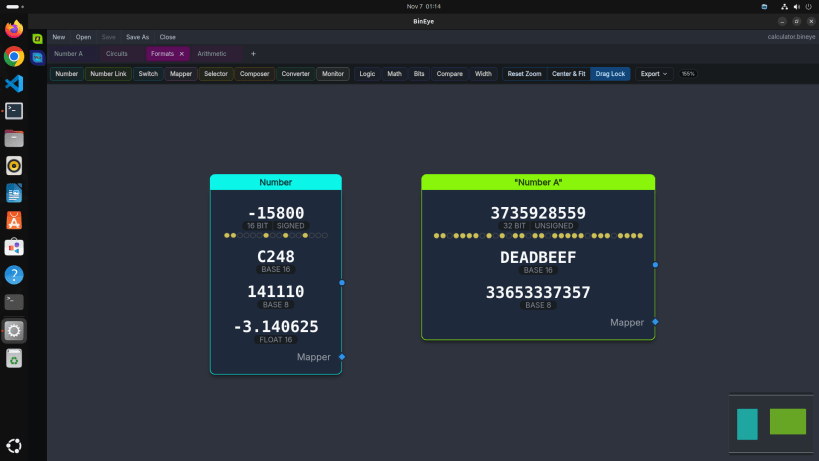
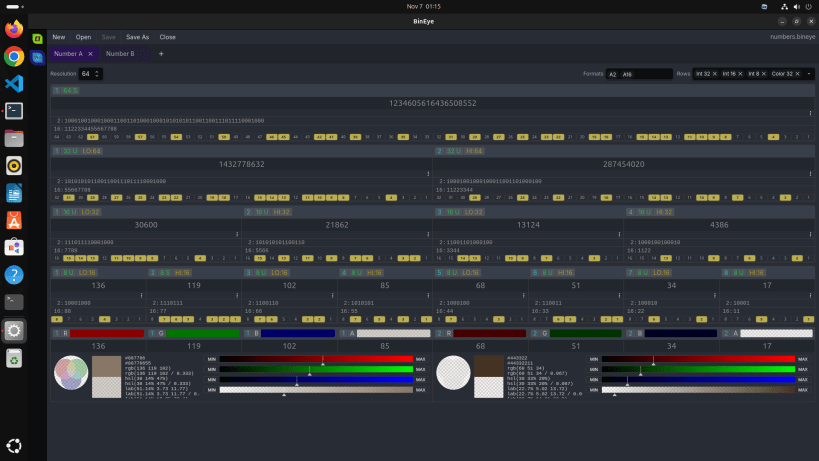
Number sheets show integers bit by bit, from 8 to 1024 bits:
- flip single bits
- read the value split into words of 8, 16, 32 and 64 bits, signed or unsigned
- type it in any base from 2 to 64 or as a floating-point number
- see 32-bit words as RGBA colors
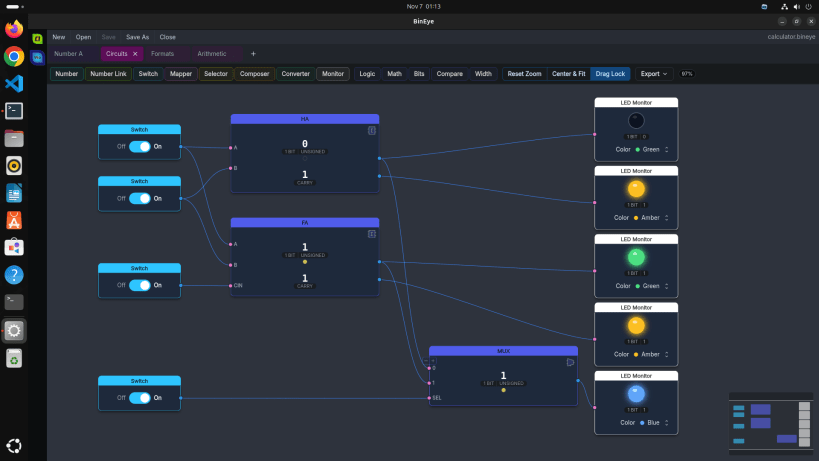
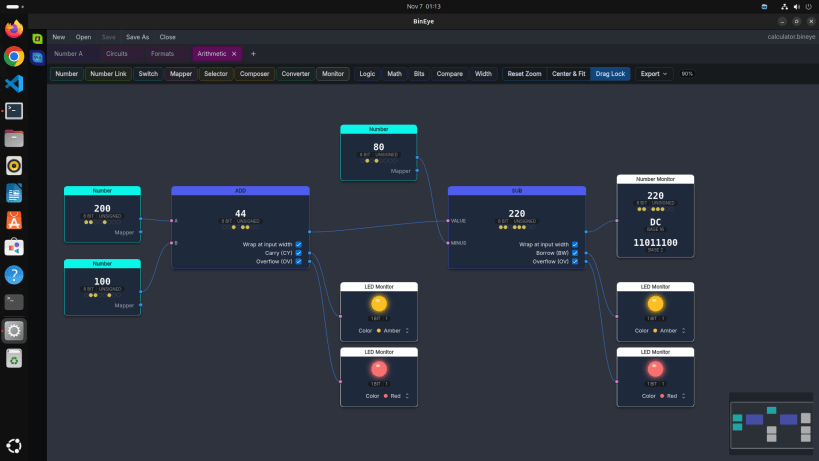
Calculator sheets compute new values from other values. Wire numbers and switches through:
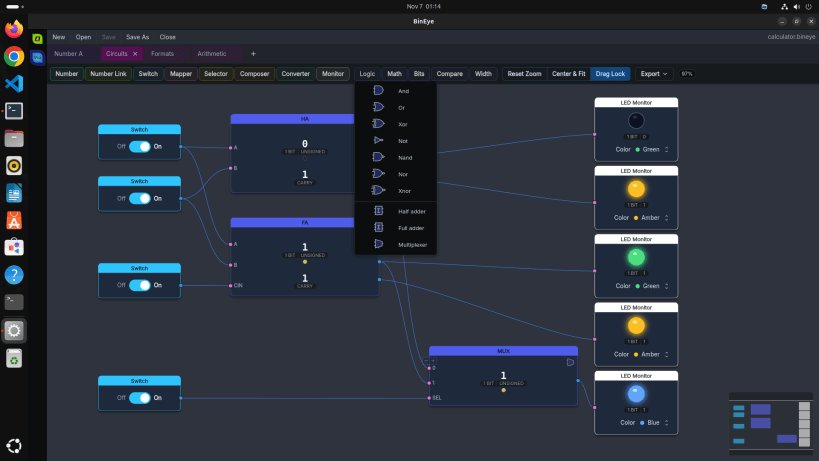
- logic gates, AND to XNOR
- arithmetic with carry, borrow and overflow outputs
- shifts, rotates, bit counts, compares and width changes
- ready-made half adders, full adders and multiplexers
Watch the results on number, bits, color and LED monitors as you edit. A Number takes its value in the formats you pick (hexadecimal, octal, binary, float and more) and switches between signed and unsigned with a click. A calculator sheet exports as SVG or PNG, and a document holds as many sheets as you need.
BinEye opens and saves the files in your own folders. It runs strictly confined: it reads and writes under your home folder and on removable media, and nothing else.
| Revision | Channel | Version | Build | Commit | Download SBOM |
|---|
The build and commit information is derived from build infrastructure records.
Install BinEye on your Linux distribution
Choose your Linux distribution to get detailed installation instructions. If yours is not shown, get more details on the installing snapd documentation.


