

Bolt Launcher (bolt-runescape-launcher)
Install latest/stable of Bolt Launcher
Ubuntu 16.04 or later?
Make sure snap support is enabled in your Desktop store.
Install using the command line
sudo snap install bolt-runescape-launcherDon't have snapd? Get set up for snaps.
Details for Bolt Launcher
Package name
- bolt-runescape-launcher
License
- AGPL-3.0-only
Last updated
- Yesterday - latest/stable
- Yesterday - latest/edge
Report a Snap Store violation
Report Bolt Launcher for a Snap Store violation
Snap Store Violation Report submitted successfully
Thank you for your report. Information you provided will help us investigate further.
Error submitting report
There was an error while sending your report. Please try again later.
Share this snap
Generate an embeddable card to be shared on external websites.
Unofficial snap of Bolt, a free-software third-party game launcher
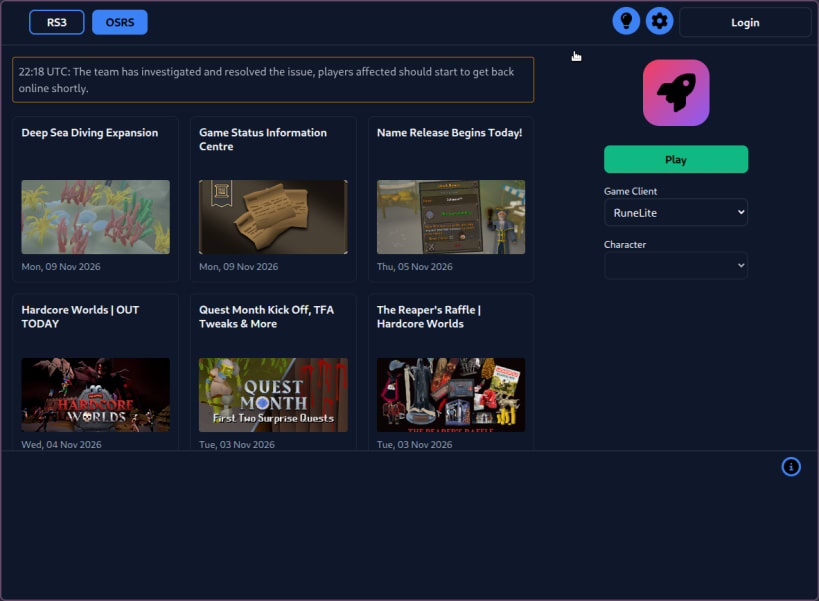
Bolt is a third-party, free-software launcher for RuneScape and Old School RuneScape. It downloads and runs the unmodified game clients (RS3, the official OSRS client via Wine, RuneLite and HDOS). Bolt is not a game client and cannot modify or automate gameplay.
This snap is unofficial. It is packaged and maintained independently of the Bolt project. Please report every problem with this snap to the snap's issue tracker:
https://github.com/mattkae/bolt-runescape-launcher-snap/issues
Do not report snap problems to the Bolt developers. Only go upstream if you have built that same Bolt version from source yourself, outside of the snap, and reproduced the problem there.
Bundled for convenience: Java 21 (RuneLite, HDOS), Wine (official OSRS client) and the Bolt plugin library.
Bolt is an unofficial project and is not affiliated with any of the games or companies it interacts with.
| Revision | Channel | Version | Build | Commit | Download SBOM |
|---|
The build and commit information is derived from build infrastructure records.
Install Bolt Launcher on your Linux distribution
Choose your Linux distribution to get detailed installation instructions. If yours is not shown, get more details on the installing snapd documentation.


