

Bounty Cover Cybershot
Install latest/stable of Bounty Cover Cybershot
Ubuntu 16.04 or later?
Make sure snap support is enabled in your Desktop store.
Install using the command line
sudo snap install bounty-cover-cybershotDon't have snapd? Get set up for snaps.
Details for Bounty Cover Cybershot
Package name
- bounty-cover-cybershot
License
- MIT
Last updated
- Today - latest/stable
Websites
Contact
External link warning
You are about to open
Do you wish to proceed?
Report a Snap Store violation
Report Bounty Cover Cybershot for a Snap Store violation
Snap Store Violation Report submitted successfully
Thank you for your report. Information you provided will help us investigate further.
Error submitting report
There was an error while sending your report. Please try again later.
Share this snap
Generate an embeddable card to be shared on external websites.
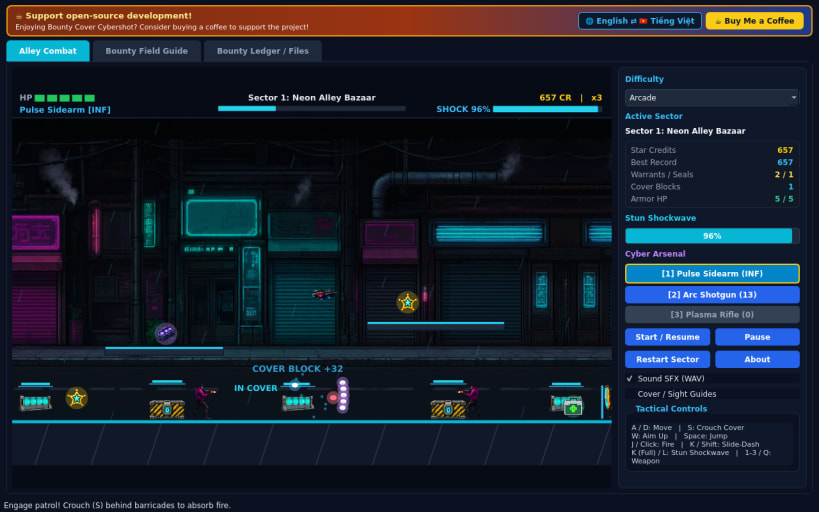
16-bit cyberpunk alley cover shooter with tactical crouching and boss fights
A fast-paced 60 FPS 16-bit cyberpunk side-scrolling cover shooter for Linux! Patrol rain-slick neon undercity sectors, crouch behind glowing energy barricades and alloy crates to absorb incoming volleys, slide-dash past hazards, unleash Stun Shockwaves, and eliminate three Syndicate Bosses.
FEATURES
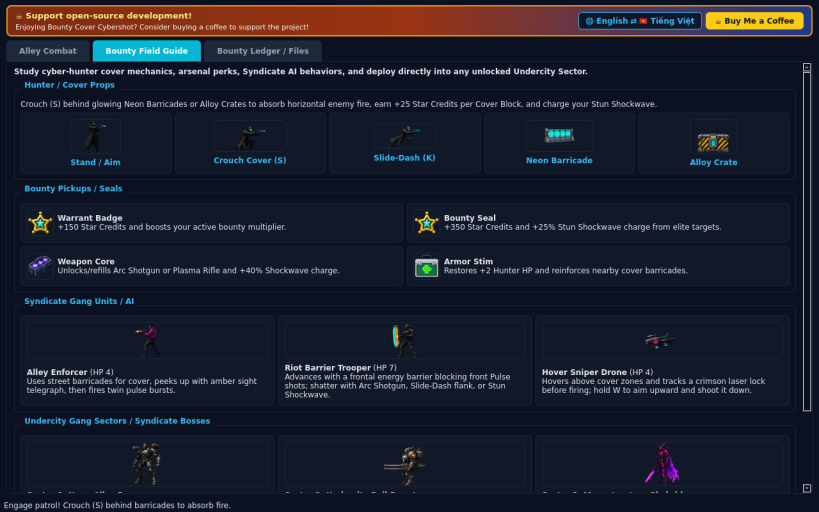
- Tactical Cover Barricades: Crouch (S) behind glowing street barricades and alloy crates to shield against incoming fire while peeking to return volleys and building your Stun Shockwave gauge.
- Cyber Arsenal and Mobility: Move (A / D), jump (Space), aim upward (W) against hovering sniper drones, slide-dash (K) through crossfire with invulnerability frames, and switch between Pulse Sidearm, Arc Shotgun, and Plasma Rifle (1 / 2 / 3 or Q).
- Warrant Badges and Bounty Seals: Collect Warrant Badges, Bounty Seals, Armor Stims, and Weapon Cores across three gang-controlled sectors.
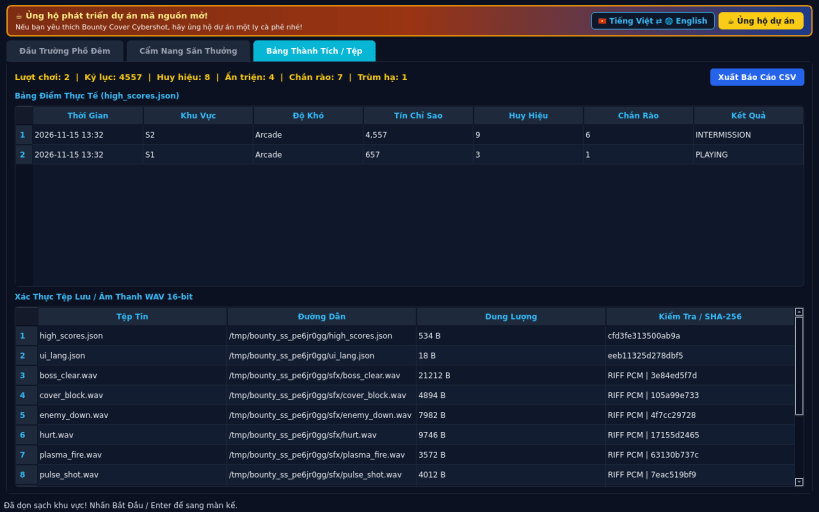
- 3 Undercity Sectors, 3 Bosses, and 3 Modes: Battle across Neon Alley Bazaar, Undercity Rail Depot, and Megastructure Skybridge in Casual, Arcade, and Turbo difficulties with 16-bit PCM WAV audio, persistent JSON high scores, CSV export, and instant English / Vietnamese switching.
SUPPORT AND DONATE
- Open-source development support: https://buymeacoffee.com/thanhnv128b
| Revision | Channel | Version | Build | Commit | Download SBOM |
|---|
The build and commit information is derived from build infrastructure records.
Install Bounty Cover Cybershot on your Linux distribution
Choose your Linux distribution to get detailed installation instructions. If yours is not shown, get more details on the installing snapd documentation.


