

BT Cep Rehberi
Install latest/stable of BT Cep Rehberi
Ubuntu 16.04 or later?
Make sure snap support is enabled in your Desktop store.
Install using the command line
sudo snap install bt-cep-rehberiDon't have snapd? Get set up for snaps.

Details for BT Cep Rehberi
Package name
- bt-cep-rehberi
License
- Proprietary
Last updated
- Today - latest/stable
Websites
Contact
External link warning
You are about to open
Do you wish to proceed?
Report a Snap Store violation
Report BT Cep Rehberi for a Snap Store violation
Snap Store Violation Report submitted successfully
Thank you for your report. Information you provided will help us investigate further.
Error submitting report
There was an error while sending your report. Please try again later.
Share this snap
Generate an embeddable card to be shared on external websites.
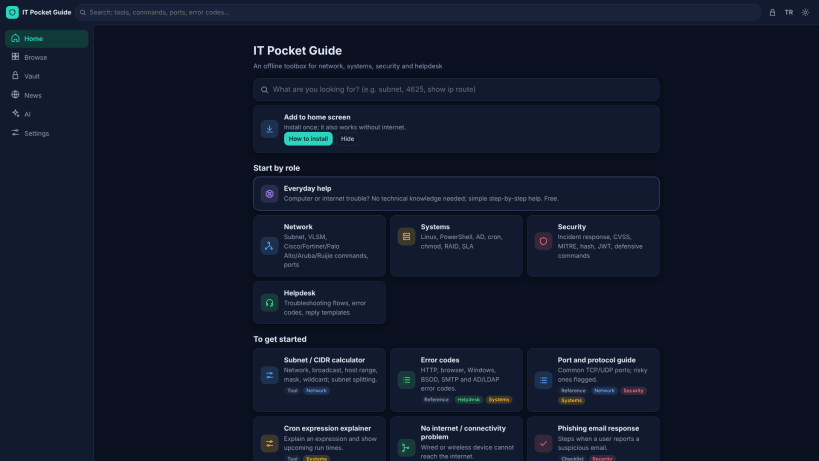
Offline guide and encrypted vault for IT staff
BT Cep Rehberi (IT Pocket Guide) is an offline toolbox and encrypted notebook for network, systems, security and helpdesk staff.
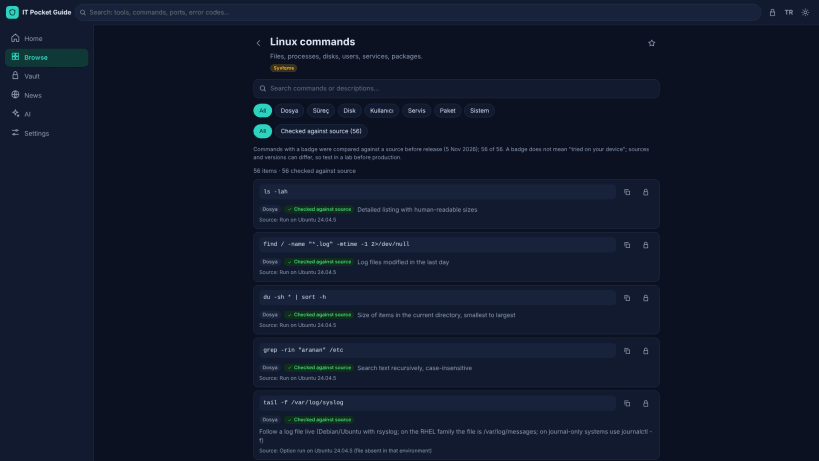
- 558 commands in 20 libraries (Cisco, FortiGate, Palo Alto, MikroTik, Linux, Windows, PowerShell and more), each compared with a written source before release.
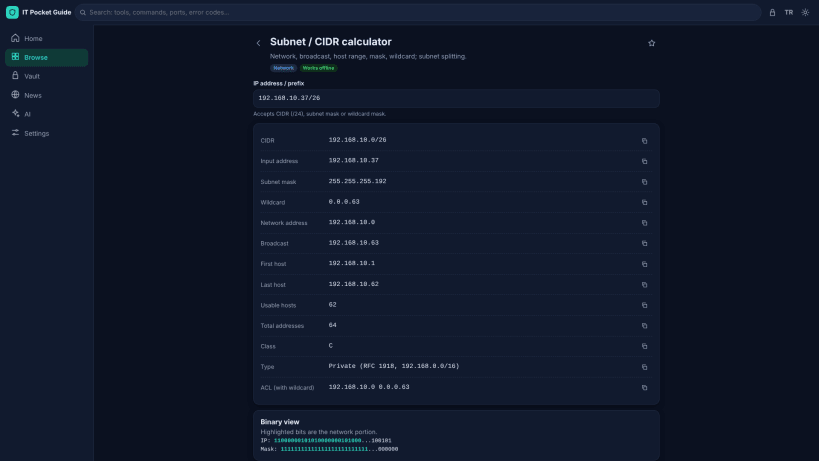
- Subnet/VLSM, CVSS, cron, hash and encoding tools, port guide, error codes.
- Incident response, phishing and helpdesk checklists; step-by-step guides for non-technical users.
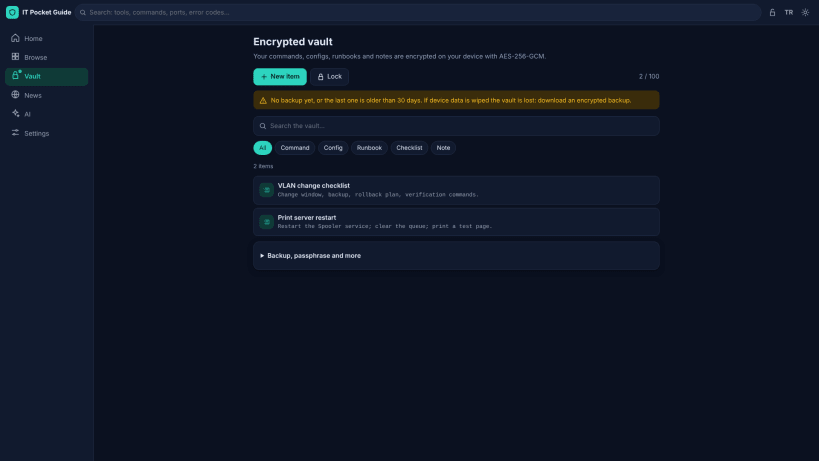
- Your own notes and runbooks stay encrypted on your device (AES-256-GCM, PBKDF2-SHA256 600,000 iterations). Encrypted backup and restore.
- No account, no ads, no analytics. Optional online features (security news, AI with your own key) stay off until you turn them on.
Interface in Turkish and English, light and dark theme. Privacy policy: https://solitary-dust-5a07.gorkem-hincer41.workers.dev/privacy
| Revision | Channel | Version | Build | Commit | Download SBOM |
|---|
The build and commit information is derived from build infrastructure records.
Install BT Cep Rehberi on your Linux distribution
Choose your Linux distribution to get detailed installation instructions. If yours is not shown, get more details on the installing snapd documentation.


