

Budbrain's Marbles (budbrainsmarbles)
Install latest/stable of Budbrain's Marbles
Ubuntu 16.04 or later?
Make sure snap support is enabled in your Desktop store.
Install using the command line
sudo snap install budbrainsmarblesDon't have snapd? Get set up for snaps.


Details for Budbrain's Marbles
Package name
- budbrainsmarbles
License
- Proprietary
Last updated
- 22 August 2026 - latest/stable
Websites
Contact
External link warning
You are about to open
Do you wish to proceed?
Report a Snap Store violation
Report Budbrain's Marbles for a Snap Store violation
Snap Store Violation Report submitted successfully
Thank you for your report. Information you provided will help us investigate further.
Error submitting report
There was an error while sending your report. Please try again later.
Share this snap
Generate an embeddable card to be shared on external websites.
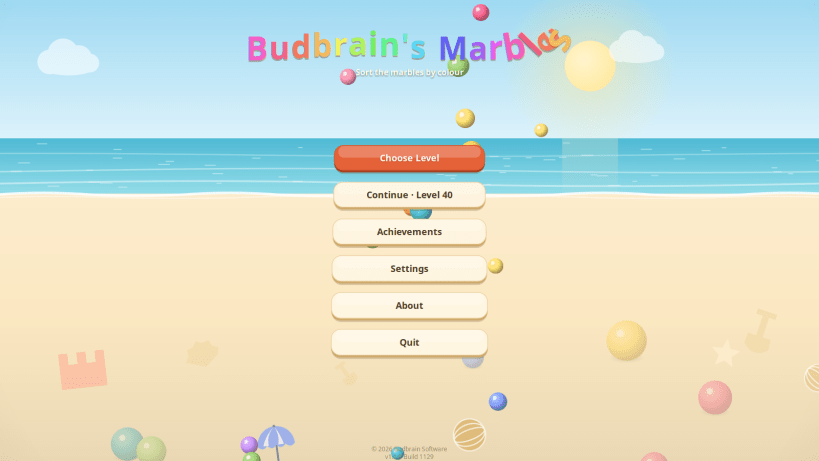
Sort the marbles by colour — a hundred puzzles on a sunny beach
Pick a tube, then pick another one. The top marble flies over in an arc and lands. A marble may only go onto an empty tube or onto one of its own colour. Sort every tube into a single colour and the puzzle is yours.
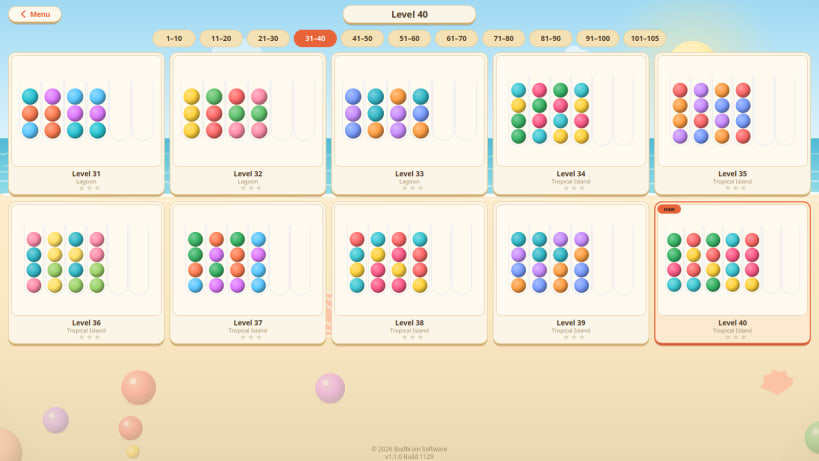
The first puzzles are done in three moves. Later ones hold fifteen colours and take a while to think through — a hundred and five of them, and every single one can be solved.
Took a wrong turn? Take the move back, or start the puzzle over. The game remembers where you stopped, so you can put it down and pick it up days later.
- A hundred and five puzzles, from a quick round to a long think
- Five beaches, each with its own colours and its own marbles
- An undo and a restart whenever you like
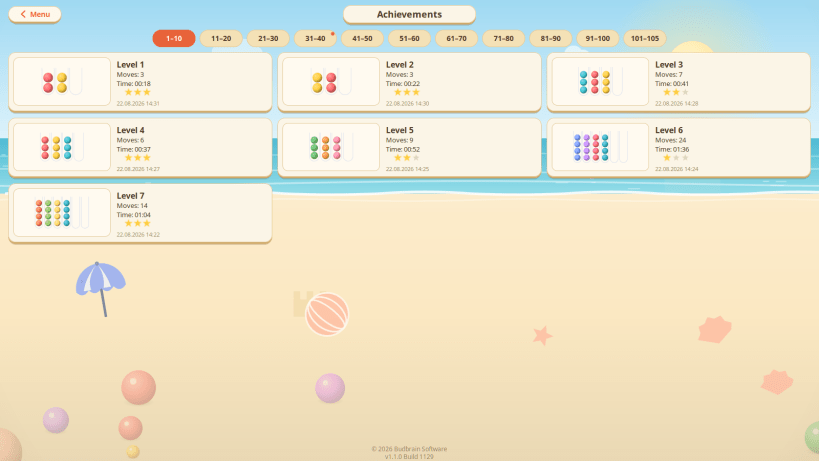
- Up to three stars for solving in the fewest moves
- Every solved puzzle stays on the achievements wall
- Available in 22 languages
Developed by Vera and Josef Sejrek / Budbrain Software
| Revision | Channel | Version | Build | Commit | Download SBOM |
|---|
The build and commit information is derived from build infrastructure records.
Install Budbrain's Marbles on your Linux distribution
Choose your Linux distribution to get detailed installation instructions. If yours is not shown, get more details on the installing snapd documentation.











