

Budbrain's Media Editor (budbrainsmediaeditor)
Install latest/stable of Budbrain's Media Editor
Ubuntu 16.04 or later?
Make sure snap support is enabled in your Desktop store.
Install using the command line
sudo snap install budbrainsmediaeditorDon't have snapd? Get set up for snaps.
Details for Budbrain's Media Editor
Package name
- budbrainsmediaeditor
License
- Proprietary
Last updated
- 7 September 2026 - latest/stable
Websites
Contact
External link warning
You are about to open
Do you wish to proceed?
Report a Snap Store violation
Report Budbrain's Media Editor for a Snap Store violation
Snap Store Violation Report submitted successfully
Thank you for your report. Information you provided will help us investigate further.
Error submitting report
There was an error while sending your report. Please try again later.
Share this snap
Generate an embeddable card to be shared on external websites.
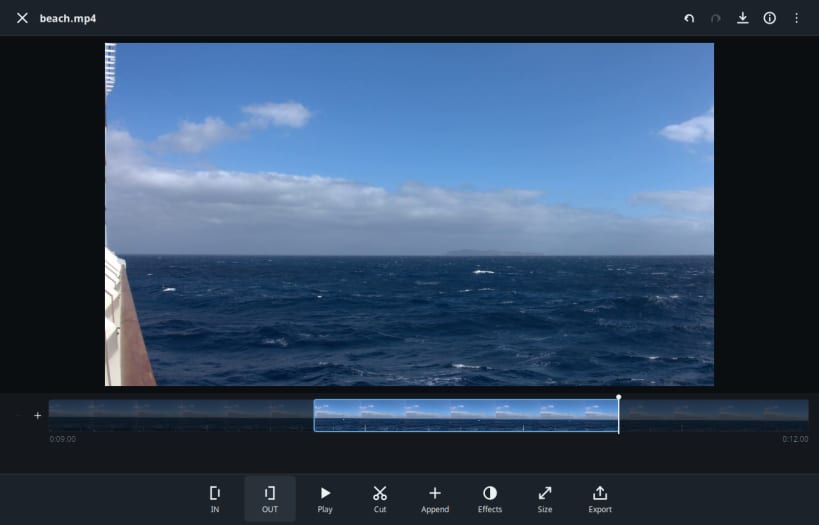
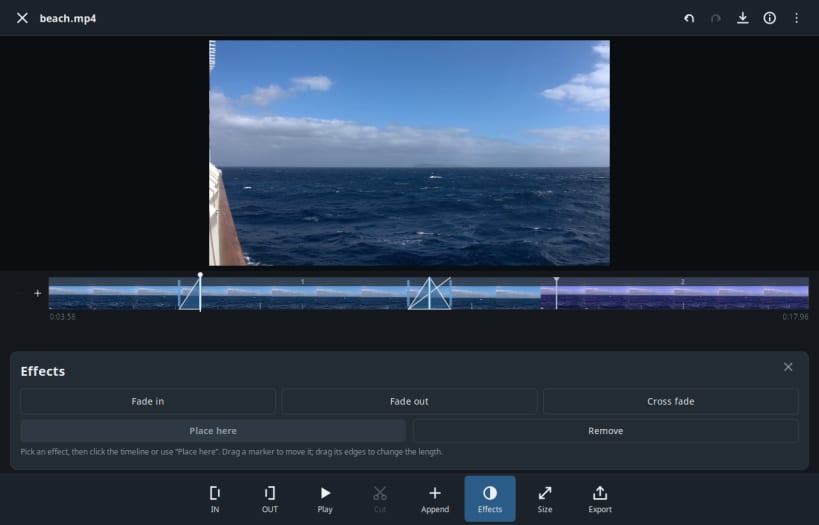
Cut video and edit images - resize, crop, adjust, export
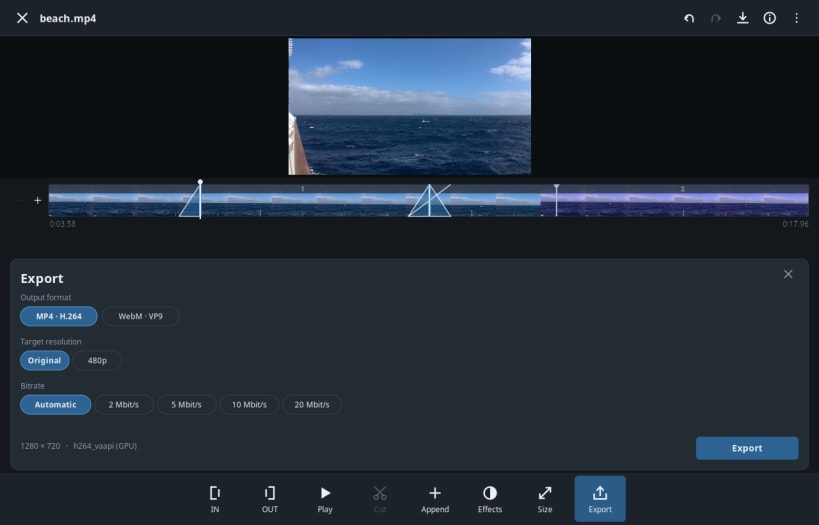
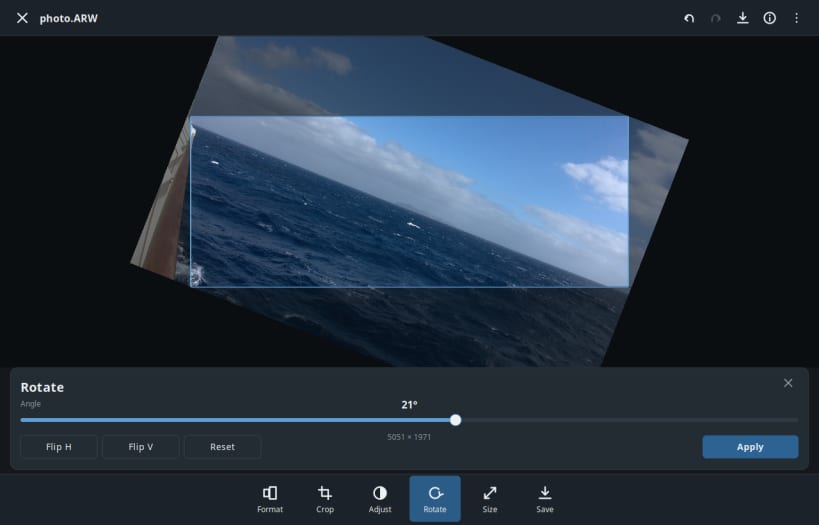
Open a video or an image, work on it, save the result. Cut a video down to the parts you want, resize it, or export it in the exact format a platform asks for. Crop, straighten, resize and adjust photos, then write them back as JPEG, PNG or WebP.
Video is encoded on the GRAPHICS CARD where one is available (VA-API on Intel and AMD, NVENC on NVIDIA). That is the difference between two minutes and an afternoon on a 4K clip.
The original file is never touched. Every step writes a new file, and undo and redo walk the whole history.
- Video: mark in and out, cut out or keep, join the pieces, resize
- Image: crop, free-angle rotate with automatic trim, flip, resize
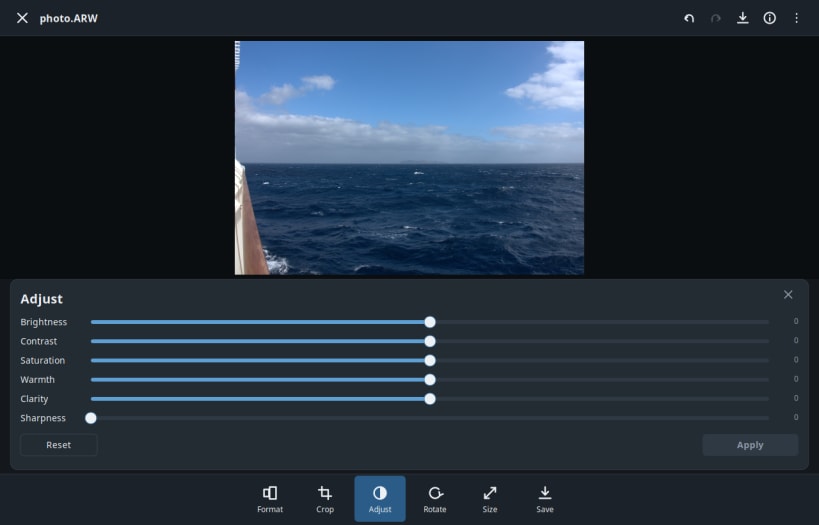
- Adjust brightness, contrast, saturation, warmth, clarity and sharpness
- Export presets for the usual platform formats, fit or fill or stretch
- Reads JPEG, PNG, WebP, GIF, BMP, TIFF, HEIC and AVIF
- Window size and position are remembered
- Works completely offline
Available in 44 languages.
Also available as .deb, RPM, Flatpak, AppImage and for Arch at www.budbrain.de
Developed by Josef Sejrek / Budbrain Software Contact: mediaeditor@budbrain.de
Keywords: video editor, video cutter, trim, image editor, resize, crop, offline
| Revision | Channel | Version | Build | Commit | Download SBOM |
|---|
The build and commit information is derived from build infrastructure records.
Install Budbrain's Media Editor on your Linux distribution
Choose your Linux distribution to get detailed installation instructions. If yours is not shown, get more details on the installing snapd documentation.











