

Bumper Peg Odyssey
Install latest/stable of Bumper Peg Odyssey
Ubuntu 16.04 or later?
Make sure snap support is enabled in your Desktop store.
Install using the command line
sudo snap install bumper-peg-odysseyDon't have snapd? Get set up for snaps.
Details for Bumper Peg Odyssey
Package name
- bumper-peg-odyssey
License
- MIT
Last updated
- Today - latest/stable
Websites
Contact
External link warning
You are about to open
Do you wish to proceed?
Report a Snap Store violation
Report Bumper Peg Odyssey for a Snap Store violation
Snap Store Violation Report submitted successfully
Thank you for your report. Information you provided will help us investigate further.
Error submitting report
There was an error while sending your report. Please try again later.
Share this snap
Generate an embeddable card to be shared on external websites.
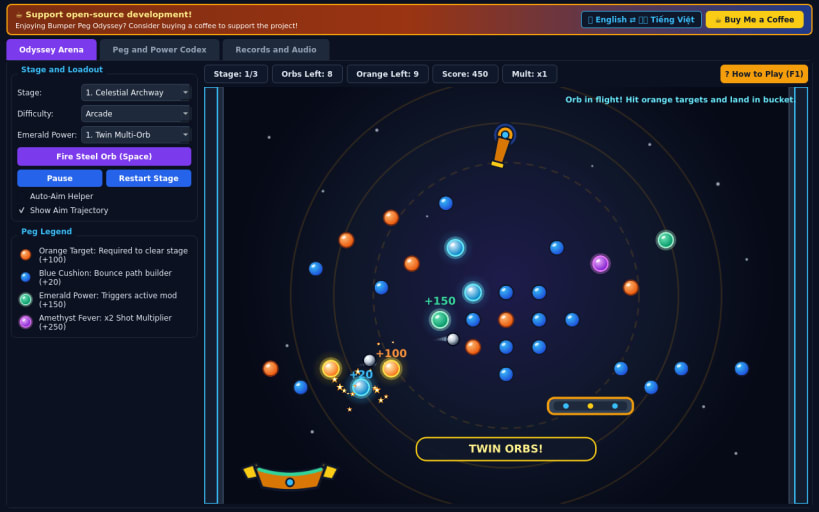
Aim steel balls through glowing crystal pegs into a moving catch bucket
Bumper Peg Odyssey is a 60 FPS arcade physics orb-shooter set across three celestial clockwork peg boards.
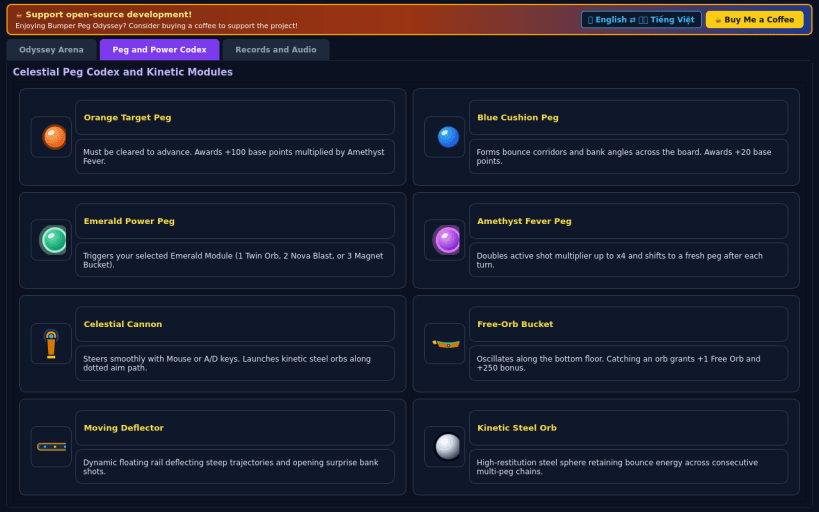
Swivel the top brass launcher cannon with predictive trajectory aiming to drop steel orbs through sapphire, emerald power, and amethyst bonus pegs, illuminating and clearing every fiery orange target peg while catching rebounding orbs in the sliding bottom bucket for free extra shots.
Features:
- 60 FPS sub-stepped elastic ball physics, predictive aim arc & combo scale
- 3 selectable Emerald Power runes (Twin Multi-Orb, Shockwave, Magnet Bucket)
- 3 celestial boards (Archway, Twin Vortex, Prism Pyramid) & 3 difficulties
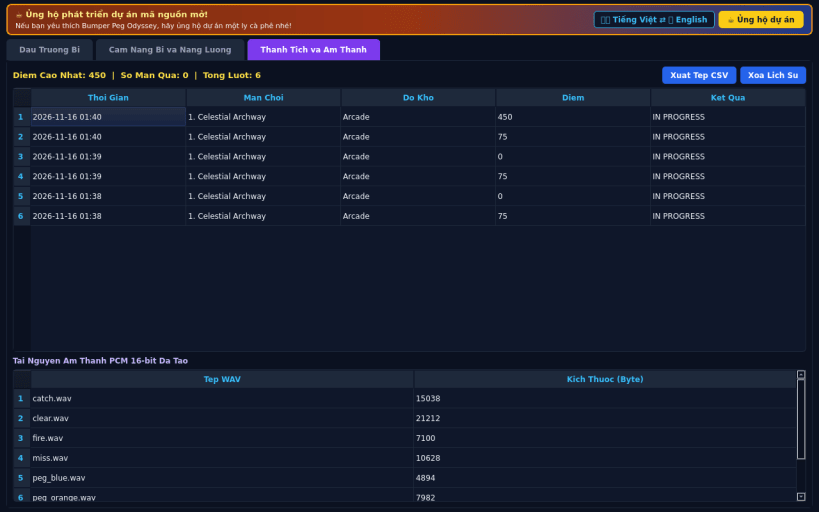
- Real 16-bit PCM WAV sound effects, JSON high scores, CSV export, EN/VI UI
Disclaimer: This project is an independent open-source game and is not affiliated with, sponsored by, or endorsed by any commercial title.
| Revision | Channel | Version | Build | Commit | Download SBOM |
|---|
The build and commit information is derived from build infrastructure records.
Install Bumper Peg Odyssey on your Linux distribution
Choose your Linux distribution to get detailed installation instructions. If yours is not shown, get more details on the installing snapd documentation.


