

BusyMark
Install latest/beta of BusyMark
Ubuntu 16.04 or later?
Make sure snap support is enabled in your Desktop store.
Install using the command line
sudo snap install busymark --betaDon't have snapd? Get set up for snaps.
Details for BusyMark
Package name
- busymark
License
- Apache-2.0
Last updated
- 21 October 2026 - latest/beta
Websites
Source code
Report a bug
External link warning
You are about to open
Do you wish to proceed?
Report a Snap Store violation
Report BusyMark for a Snap Store violation
Snap Store Violation Report submitted successfully
Thank you for your report. Information you provided will help us investigate further.
Error submitting report
There was an error while sending your report. Please try again later.
Share this snap
Generate an embeddable card to be shared on external websites.
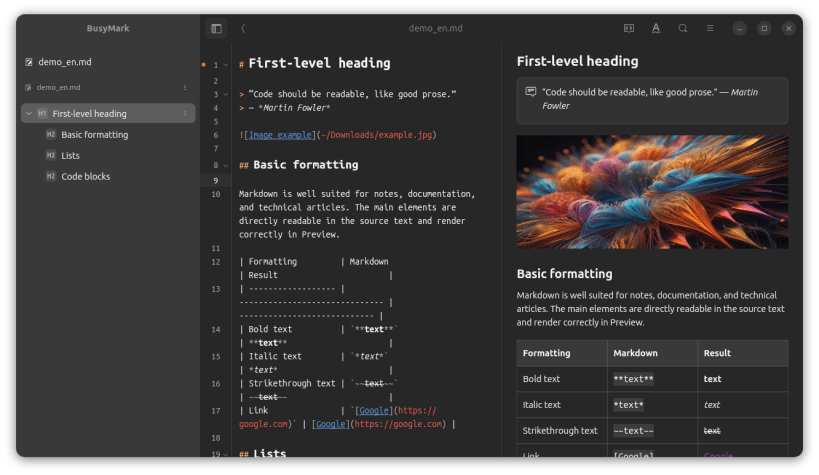
Markdown, Writerside, and Nextcloud Notes editor with Git, diagrams, OpenAPI, and MathJax.
Features
- Markdown editing — Source, Editor, Reading, and Split views with formatting tools, syntax highlighting, code folding, tables, images, links, code blocks, callouts, collapsible content, and document diagnostics.
- Writerside projects — Open and create Writerside-compatible projects; edit Markdown and XML topics; manage instances, tables of contents, reusable TOC libraries, and project structure.
- Nextcloud Notes — Connect to a Nextcloud server, create and edit notes offline, synchronize changes, search and filter notes, manage categories and favorites, and work with attachments.
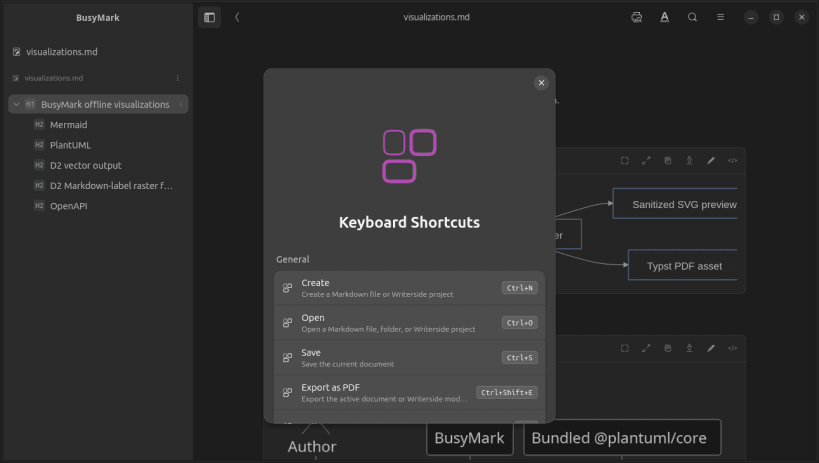
- Navigation and search — Files, Topics, and Outline views, tabbed documents, command palette, keyboard shortcuts, document search and replace, reviewed replacement across local workspaces, and Markdown TOC generation.
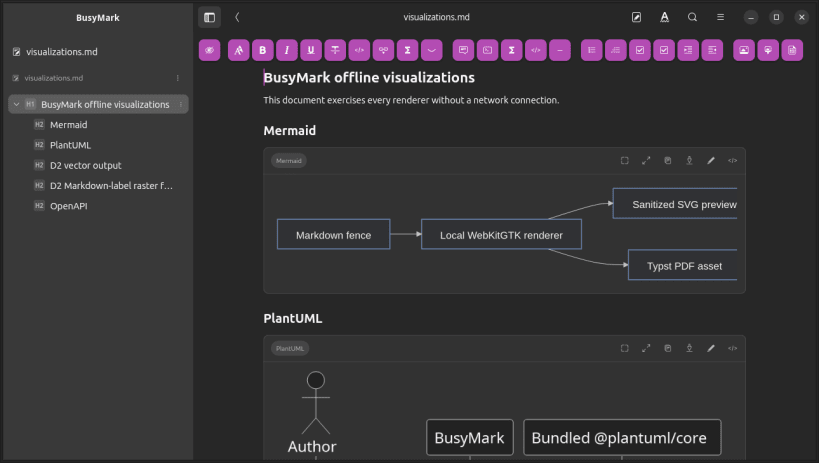
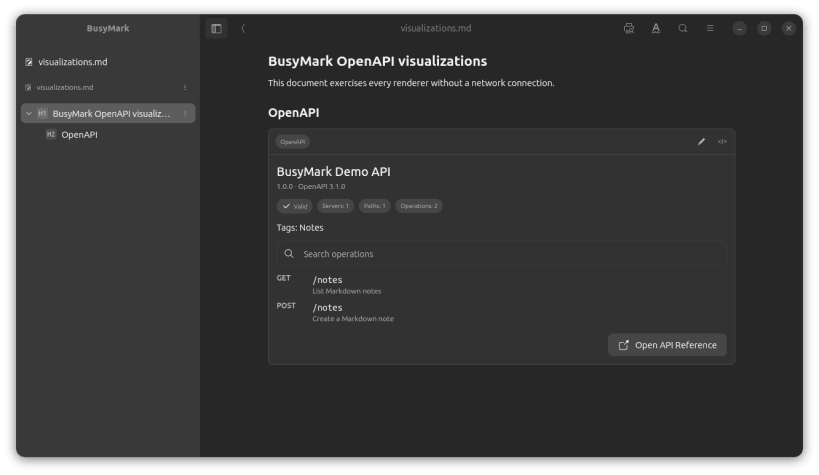
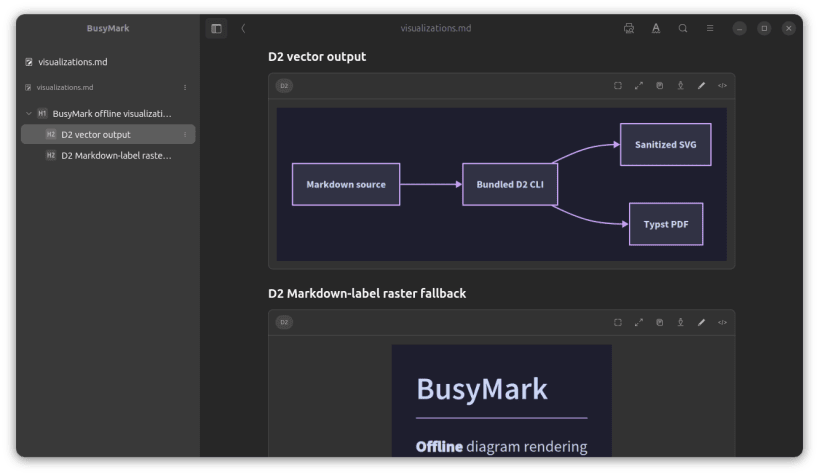
- Technical documentation — Local rendering of Mermaid, PlantUML, D2, fenced OpenAPI specifications, and MathJax mathematical expressions.
- PDF and HTML publishing — Export Markdown documents and Writerside instances to configurable PDF or portable offline HTML, with controls for layout, typography, tables of contents, heading numbering, and HTML styling.
- Git integration for local workspaces — Review changes and diffs, stage and unstage files, commit, create and switch branches, fetch, pull, push, inspect file and project history, compare historical versions, and restore earlier file versions.
- Clipboard and Local History — Reuse source, rich-text, and image fragments during the current session; compare and restore persistent on-device document revisions independently of Git.
- AI-assisted editing — Optional Ollama, OpenAI, and Gemini integration with explicit edit scope and shared context, proposal review before changes are applied, and AI-assisted Git commit-message drafting.
- Workspace reliability — Detect files changed outside BusyMark, recover unsaved documents, restore previous workspace sessions, manage remote-image permissions, and protect Git operations behind workspace trust.
Diagrams and mathematics
BusyMark renders Mermaid, PlantUML, D2, and fenced OpenAPI content locally. Mathematical expressions are rendered with the bundled MathJax environment.
Git
- Detect or initialize repositories.
- Stage, unstage, roll back, and discard changes.
- Commit selected changes.
- Fetch, fast-forward-only pull, push, and set an upstream.
- Create and switch branches.
- Browse project history and per-file history.
- Inspect commit details and changed files.
- Restore a file from an earlier commit.
- Draft commit messages using AI.
Export
BusyMark can export the current Markdown document (including a Nextcloud note) or a Writerside instance to PDF and portable offline HTML.
PDF export supports configurable paper size, orientation, margins, typography, headers and footers, page numbering, table of contents, and heading numbering.
AI editing
AI-assisted editing is optional and disabled by default.
BusyMark supports Ollama, OpenAI, and Google Gemini. Proposed edits are presented for review before changes are applied.
| Revision | Channel | Version | Build | Commit | Download SBOM |
|---|
The build and commit information is derived from build infrastructure records.
Install BusyMark on your Linux distribution
Choose your Linux distribution to get detailed installation instructions. If yours is not shown, get more details on the installing snapd documentation.











