

Cannonball
Install latest/stable of Cannonball
Ubuntu 16.04 or later?
Make sure snap support is enabled in your Desktop store.
Details for Cannonball
Package name
- cannonball
License
- Other Open Source
Last updated
- 4 March 2021 - latest/stable
- 16 March 2021 - latest/edge
Websites
Contact
External link warning
You are about to open
Do you wish to proceed?
Report a Snap Store violation
Report Cannonball for a Snap Store violation
Snap Store Violation Report submitted successfully
Thank you for your report. Information you provided will help us investigate further.
Error submitting report
There was an error while sending your report. Please try again later.
Share this snap
Generate an embeddable card to be shared on external websites.
The Enhanced OutRun Engine
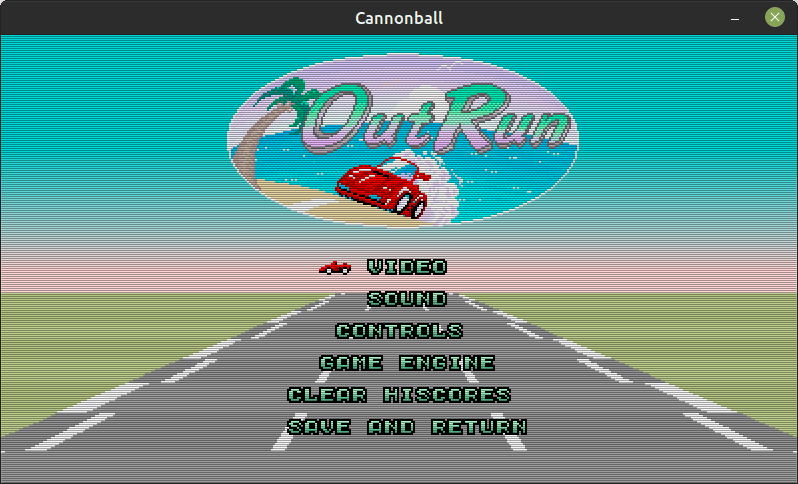
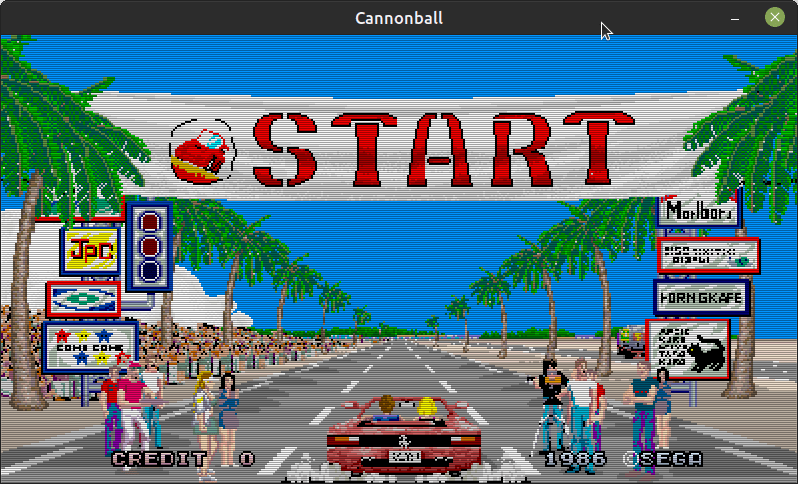
CannonBall is a program which allows you to play an enhanced version of Yu Suzuki's seminal arcade racer, OutRun. Cannonball is not an emulator; it is a complete rewrite of the original game into portable C++.
Install
The snap includes the game engine only; when the game runs for the first time it will download the appropriate ROM files.
 sudo snap install cannonball
 sudo snap connect cannonball:joystick
Enhancements
- 60 fps gameplay (smoother than the original game)
- True widescreen mode (extend the play area by 25%)
- High-Resolution mode (improves sprite scaling)
- New Camera Views
- Time Trial Mode (Beat your time on a chosen level)
- Continuous Mode (Play all 15 stages sequentially)
- Western, Japanese & Prototype Track Support
- Support for Custom Tracks from LayOut
- Customisable Music
- Toggle Fixed Audio ROM
- High Score Saving
- Analog and Digital Controllers Supported
- Automatic gear change
- Cheats (No Traffic, Infinite Time)
- Optional Attract Mode AI Improvements
- More level objects
- Fixes for bugs present in the original game
Controls
Connect joypads, steering wheels and pedals before starting Cannonball. The default keys are as follows. You can redefine the keys in the menu.
- Cursors: Steering
- Z: Accelerate
- X: Brake
- Space: Gear Change
- 5: Insert Coin
- 1: Start
- Shift: Change Camera View
- F1: Pause
- F2: Advance a frame when paused (useful for observing visual problems)
- F3: Toggle/Freeze timers. (i.e. infinite time)
- F5: Menu
An unofficial snap built with ❤︎ by Martin Wimpress using configuration at https://github.com/Wimpressive-Snaps/cannonball-snap from the upstream project https://github.com/djyt/cannonball
| Revision | Channel | Version | Build | Commit | Download SBOM |
|---|
The build and commit information is derived from build infrastructure records.
Install Cannonball on your Linux distribution
Choose your Linux distribution to get detailed installation instructions. If yours is not shown, get more details on the installing snapd documentation.












