

Capcap
Install latest/stable of Capcap
Ubuntu 16.04 or later?
Make sure snap support is enabled in your Desktop store.
Details for Capcap
Package name
- capcap
License
- Proprietary
Last updated
- Today - latest/stable
- Today - latest/edge
Websites
External link warning
You are about to open
Do you wish to proceed?
Report a Snap Store violation
Report Capcap for a Snap Store violation
Snap Store Violation Report submitted successfully
Thank you for your report. Information you provided will help us investigate further.
Error submitting report
There was an error while sending your report. Please try again later.
Share this snap
Generate an embeddable card to be shared on external websites.
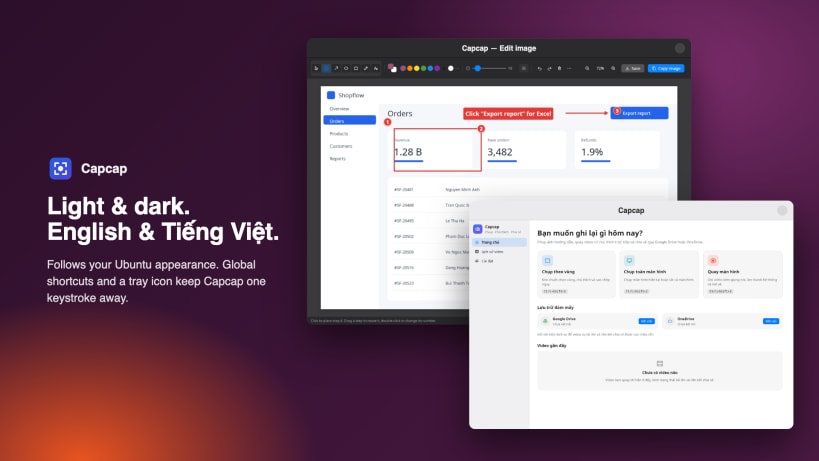
Screenshots, annotations and screen recordings for tutorials
Capcap makes step-by-step guides, bug reports and demo videos fast.
Capture and annotate
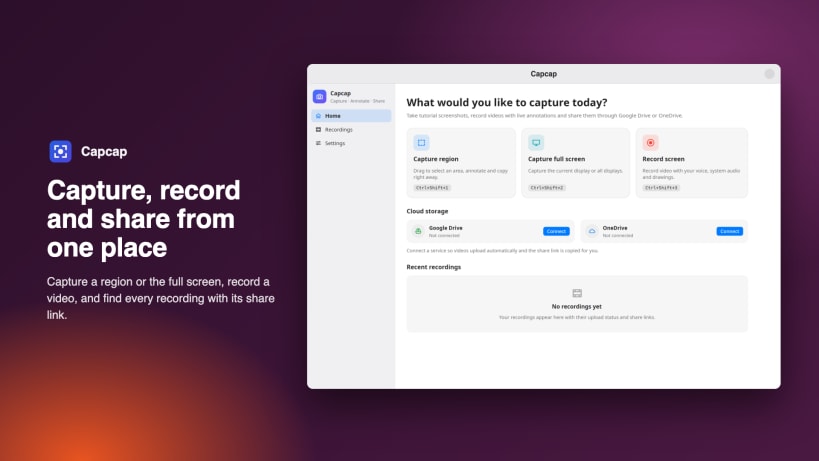
- Capture a region or the full screen with a global shortcut
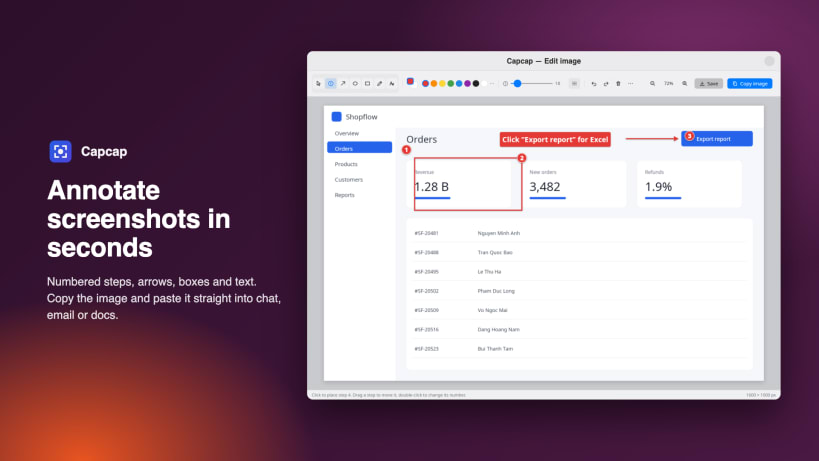
- Add numbered steps, arrows, boxes, freehand lines and text
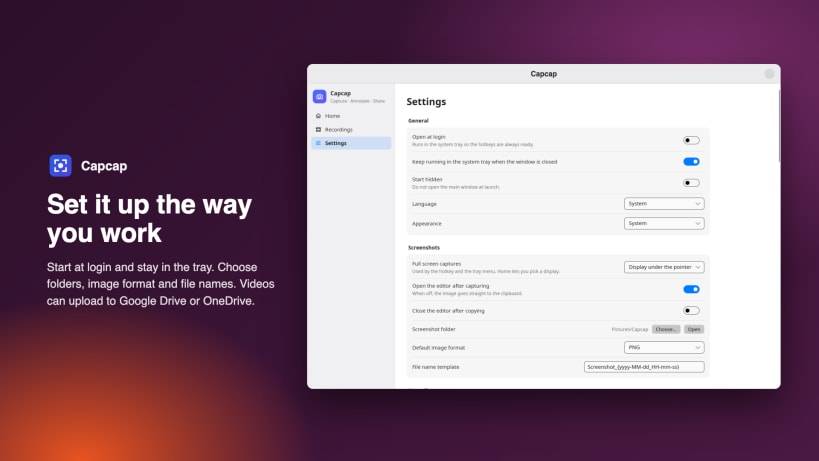
- Copy the image and paste it straight into chat, email or docs, or save it as PNG or JPG
Record your screen
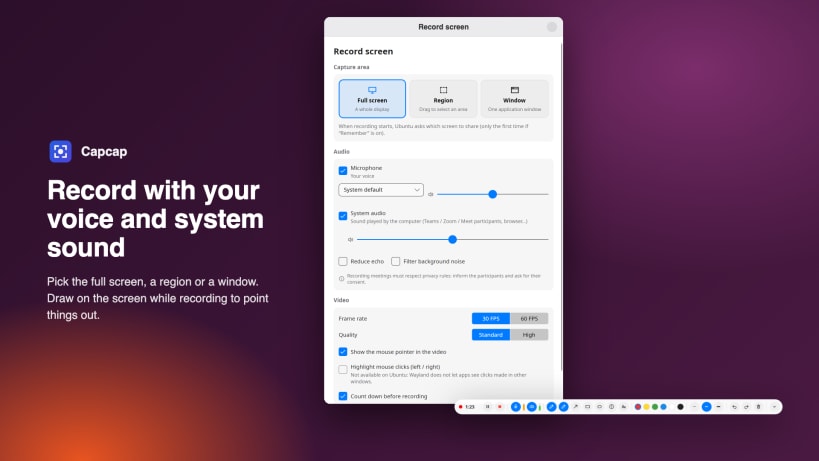
- Record the full screen, a region or a single window
- Your voice and the computer's sound, kept in sync, with optional echo and noise reduction
- Draw on the screen while recording to point things out
- Pause and resume; a recording is recovered if the computer stops suddenly
Share
- Connect Google Drive or OneDrive: videos upload in the background with visible progress
- The share link is copied for you, ready to paste
Works on Ubuntu 24.04 or later with the GNOME desktop (Wayland and X11). Available in English and Tiếng Việt.
First run
- To record your voice, allow "Audio record" in App Center → Capcap → Permissions, or run: sudo snap connect capcap:audio-record
- The first time you capture or record, Ubuntu asks which screen to share. Keep "Remember this selection" ticked so it asks only once.
Website: https://capcap.dev Contact: contact@capcap.dev
| Revision | Channel | Version | Build | Commit | Download SBOM |
|---|
The build and commit information is derived from build infrastructure records.
Install Capcap on your Linux distribution
Choose your Linux distribution to get detailed installation instructions. If yours is not shown, get more details on the installing snapd documentation.












