

Install latest/edge of Celestia-git
Ubuntu 16.04 or later?
Make sure snap support is enabled in your Desktop store.
Install using the command line
sudo snap install celestia-daily --edgeDon't have snapd? Get set up for snaps.
Details for Celestia-git
Package name
- celestia-daily
License
- GPL-2.0+
Last updated
- 22 May 2026 - latest/edge
Websites
External link warning
You are about to open
Do you wish to proceed?
Report a Snap Store violation
Report Celestia-git for a Snap Store violation
Snap Store Violation Report submitted successfully
Thank you for your report. Information you provided will help us investigate further.
Error submitting report
There was an error while sending your report. Please try again later.
Share this snap
Generate an embeddable card to be shared on external websites.
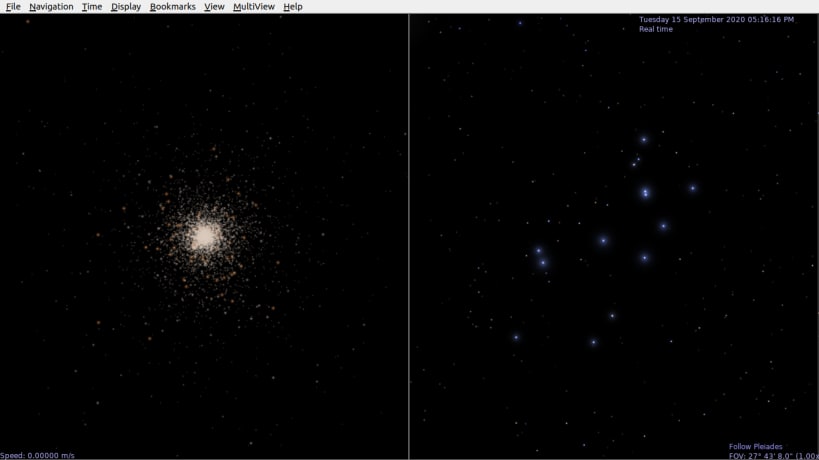
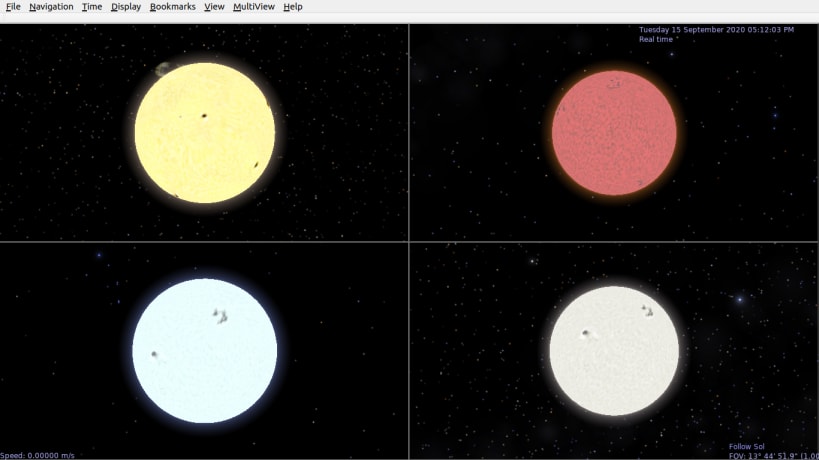
Free, open source, Real-time 3D visualization of space.
Celestia is a real-time space simulation which lets you experience the universe in three dimensions. Celestia does not confine you to the surface of the Earth, it allows you to travel throughout the solar system, to any of over 100,000 stars, or even beyond the galaxy. Travel in Celestia is seamless; the exponential zoom feature lets you explore space across a huge range of scales, from galaxy clusters down to spacecraft only a few meters across. A 'point-and-goto' interface makes it simple to navigate through the universe to the object you want to visit.
Run from terminal : snap run celestia-daily.celestia-qt
To use Add Ons :
- Create .celestia directory inside ~/snap/celestia-daily/current/ and copy celestia.cfg.
- Rename celestia.cfg to .celestia.cfg
- Open .celestia.cfg and find ExtrasDirectories [ "extras-standard" "extras"] and replace it with ExtrasDirectories [ "extras-standard" "extras" "~/.celestia"]
or use the code :
cd ~/snap/celestia-daily/current/
mkdir .celestia
echo "Extras Directories [ "extras-standard" "extras" "~/.celestia"]" > .celestia.cfg
- Paste Add On files inside .celestia directory.
| Revision | Channel | Version | Build | Commit | Download SBOM |
|---|
The build and commit information is derived from build infrastructure records.
Install Celestia-git on your Linux distribution
Choose your Linux distribution to get detailed installation instructions. If yours is not shown, get more details on the installing snapd documentation.












