

Chalk Gravity Sketch
Install latest/stable of Chalk Gravity Sketch
Ubuntu 16.04 or later?
Make sure snap support is enabled in your Desktop store.
Install using the command line
sudo snap install chalk-gravity-sketchDon't have snapd? Get set up for snaps.
Details for Chalk Gravity Sketch
Package name
- chalk-gravity-sketch
License
- MIT
Last updated
- Today - latest/stable
Websites
Contact
External link warning
You are about to open
Do you wish to proceed?
Report a Snap Store violation
Report Chalk Gravity Sketch for a Snap Store violation
Snap Store Violation Report submitted successfully
Thank you for your report. Information you provided will help us investigate further.
Error submitting report
There was an error while sending your report. Please try again later.
Share this snap
Generate an embeddable card to be shared on external websites.
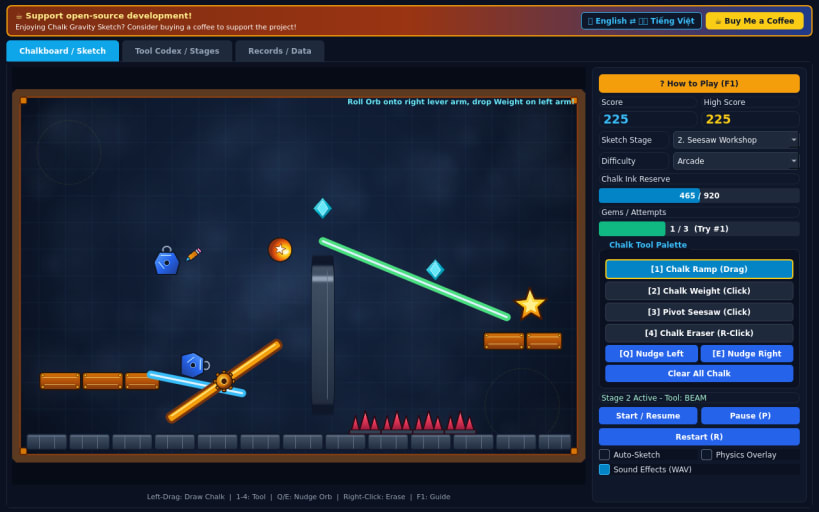
Draw physical chalk ramps, weights, and levers to roll the star orb home
Chalk Gravity Sketch is a 60 FPS interactive chalkboard physics puzzle game played across three escalating sketchbook stages.
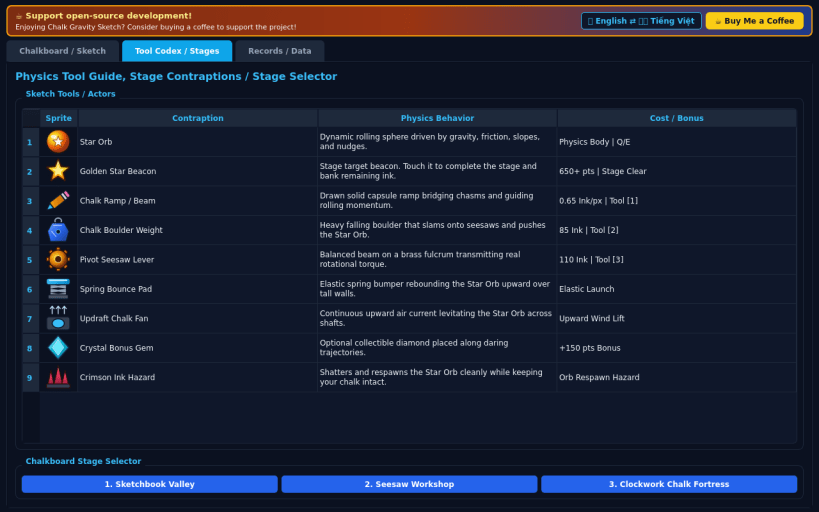
Sketch solid chalk ramps and bridges, drop heavy carved chalk boulder weights, hinge dynamic pivot seesaw levers, and nudge the glowing star orb across ink chasms, spring cushions, and moving gates to collect bonus gems and reach the golden star beacon.
Features:
- Real-time 60 FPS rigid-body chalk ramp, boulder, and seesaw torque physics
- Interactive mouse drawing plus full keyboard sketch and nudge controls
- 3 handcrafted chalkboard stages and 3 difficulty modes (Casual, Arcade, Turbo)
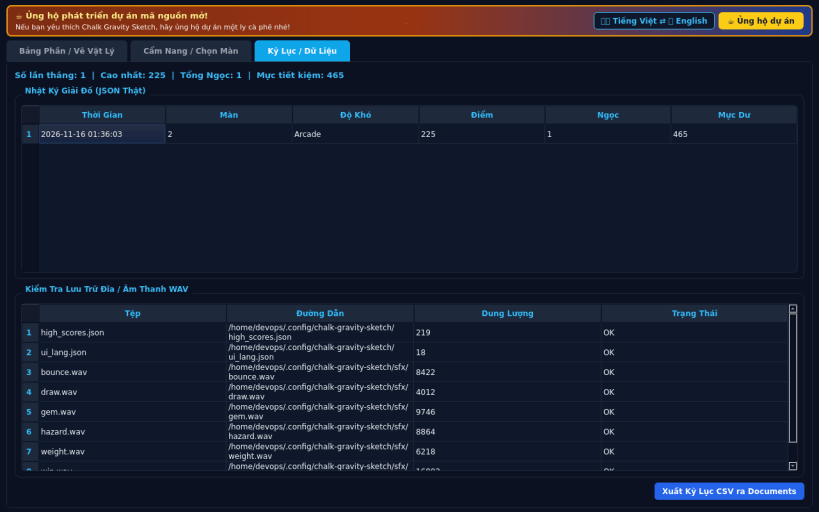
- Real 16-bit PCM WAV audio, persistent high scores, CSV export, EN/VI UI
Disclaimer: This project is an independent open-source game and is not affiliated with, sponsored by, or endorsed by any commercial title.
| Revision | Channel | Version | Build | Commit | Download SBOM |
|---|
The build and commit information is derived from build infrastructure records.
Install Chalk Gravity Sketch on your Linux distribution
Choose your Linux distribution to get detailed installation instructions. If yours is not shown, get more details on the installing snapd documentation.


