

Cinema Video Player
Install latest/stable of Cinema Video Player
Ubuntu 16.04 or later?
Make sure snap support is enabled in your Desktop store.
Install using the command line
sudo snap install cinema-video-playerDon't have snapd? Get set up for snaps.
Details for Cinema Video Player
Package name
- cinema-video-player
License
- MIT
Last updated
- Yesterday - latest/stable
Report a Snap Store violation
Report Cinema Video Player for a Snap Store violation
Snap Store Violation Report submitted successfully
Thank you for your report. Information you provided will help us investigate further.
Error submitting report
There was an error while sending your report. Please try again later.
Share this snap
Generate an embeddable card to be shared on external websites.
Cinema Video Player - Desktop Video Player with Subtitles & Snapshots
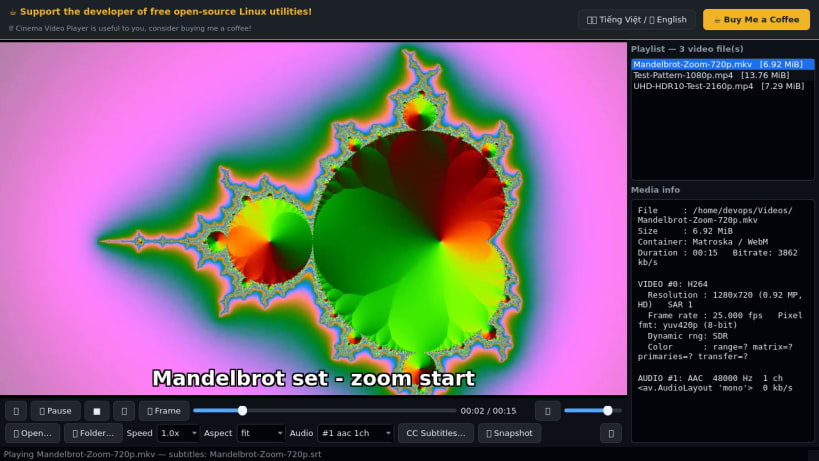
Cinema Video Player is a multi-format desktop video player for Linux built on FFmpeg/libavcodec (PyAV) and QtMultimedia audio output. A lightweight Linux alternative to PotPlayer for multi-format video playback, subtitle overlays, frame stepping, and PNG frame snapshots, it decodes real local media files directly on Linux without external codec packs.
Key Features:
- Multi-Format FFmpeg Decoding: Opens MP4, MKV, WebM, AVI, MOV, TS, FLV, MPEG, and common audio streams using bundled libavformat/libavcodec, with synchronized stereo PCM audio output through QtMultimedia / PulseAudio.
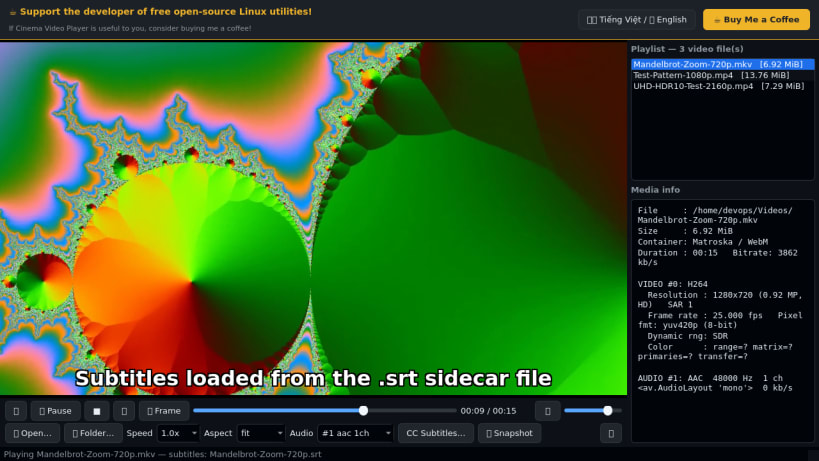
- Subtitle Overlay & Track Selector: Automatically loads sidecar .srt and .vtt subtitle files (or manual subtitle files via dialog) with outlined on-video rendering, plus multi-track audio stream switching.
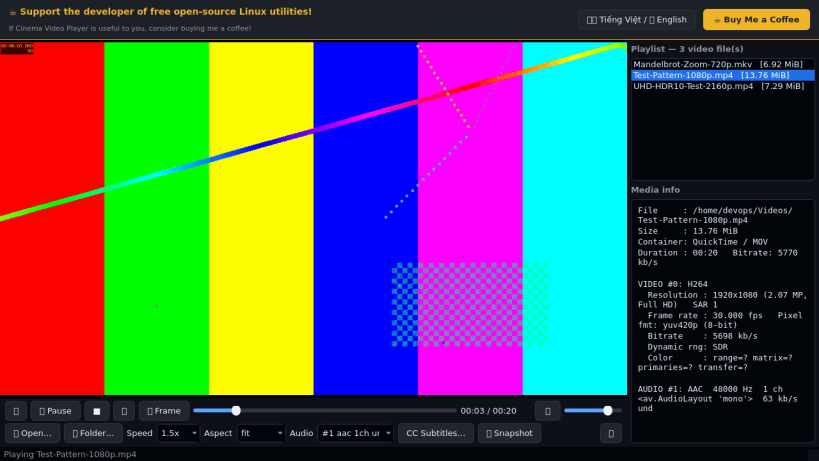
- Playback Controls & Frame Tools: Variable playback speed (0.25x to 4.0x), aspect ratio presets (fit, fill, stretch, 16:9, 4:3, 21:9), single-frame stepping, click-to-seek timeline, and one-click PNG frame snapshots saved directly to ~/Pictures.
- Playlist & Stream Inspector: Automatically scans ~/Videos (plus folder and multi-file pickers) and displays real container bitrate, codec profile, resolution, frame rate, pixel format, and color metadata.
- Bilingual Header Support: Quick toggle between Vietnamese and English.
Disclaimer: This project is an independent open-source tool and is not affiliated with, sponsored by, or endorsed by Kakao Corp. / Daum Communications.
| Revision | Channel | Version | Build | Commit | Download SBOM |
|---|
The build and commit information is derived from build infrastructure records.
Install Cinema Video Player on your Linux distribution
Choose your Linux distribution to get detailed installation instructions. If yours is not shown, get more details on the installing snapd documentation.


