

Clipsy - Clipboard Manager (clipsy)
Install latest/stable of Clipsy - Clipboard Manager
Ubuntu 16.04 or later?
Make sure snap support is enabled in your Desktop store.
Details for Clipsy - Clipboard Manager
Package name
- clipsy
License
- GPL-3.0-or-later
Last updated
- Today - latest/stable
- Today - latest/edge
Websites
Source code
Report a bug
External link warning
You are about to open
Do you wish to proceed?
Report a Snap Store violation
Report Clipsy - Clipboard Manager for a Snap Store violation
Snap Store Violation Report submitted successfully
Thank you for your report. Information you provided will help us investigate further.
Error submitting report
There was an error while sending your report. Please try again later.
Share this snap
Generate an embeddable card to be shared on external websites.
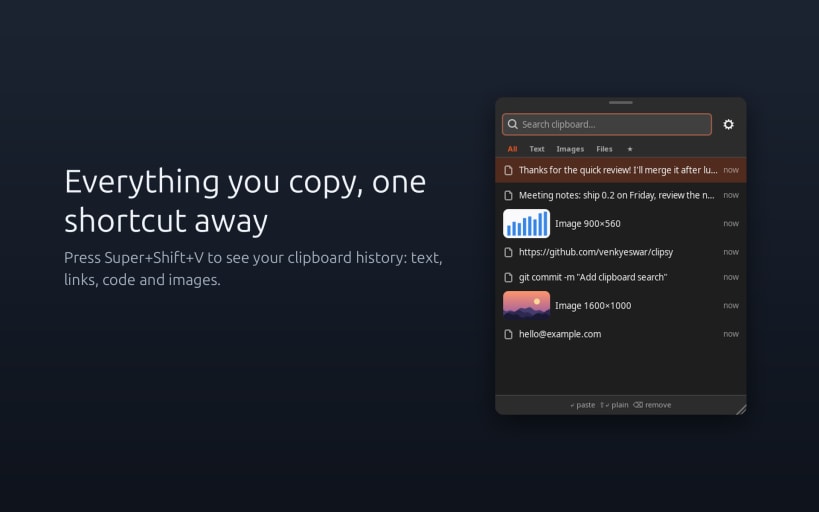
Clipboard manager and history for Ubuntu: text, images and files, one key away
Clipsy remembers everything you copy, so you can find it again in a second.
Press Super+Shift+V and a small, fast popup shows your clipboard history: text, links, code, rich text, images and files. Click an item to use it again.
What you get
- Text, images, files and rich text, with image thumbnails
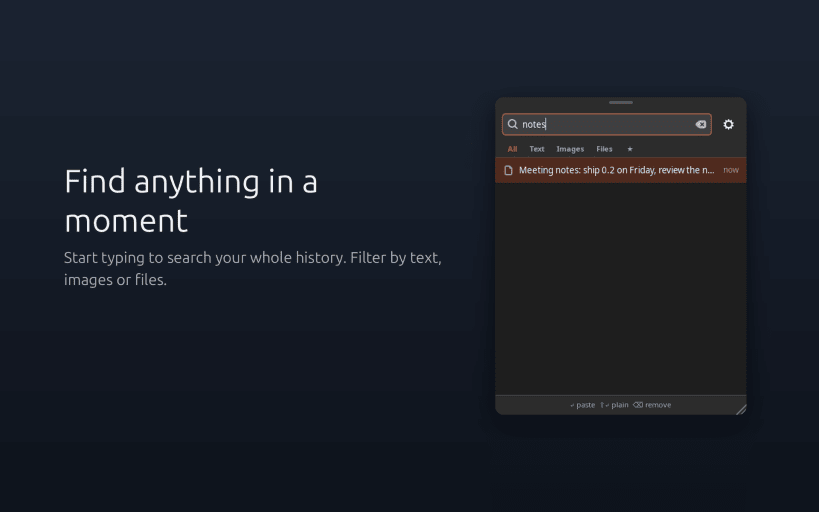
- Search as you type, and filter by Text, Images or Files
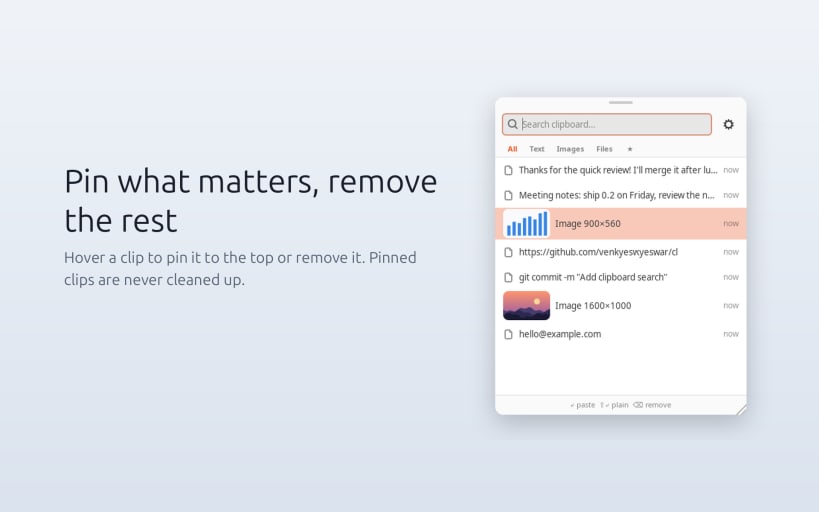
- Pin the clips you reuse. Pinned clips are never cleaned up.
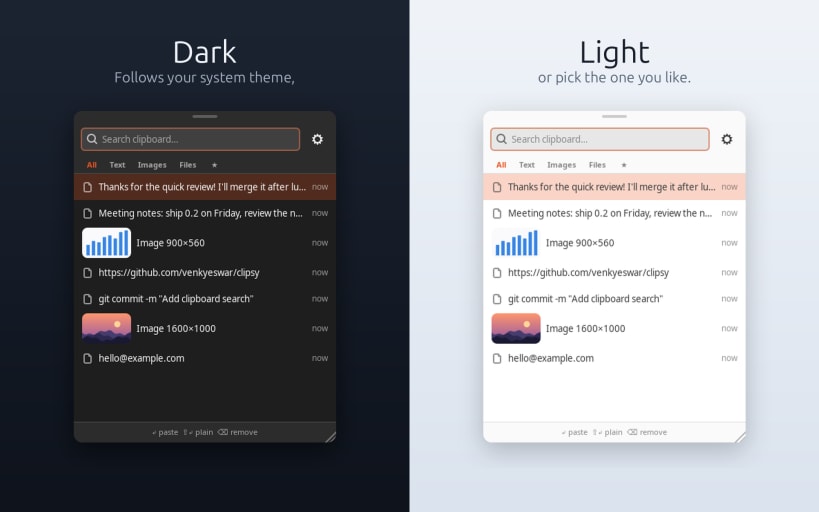
- Light and dark themes that follow your system
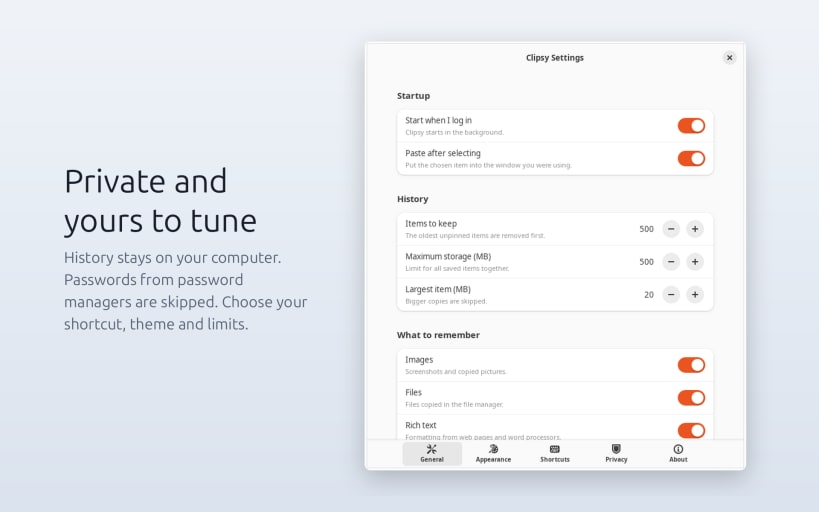
- Your own shortcut, history size and storage limits
- Resize and move the popup. It remembers its size.
- Can start at login and run quietly in the background
Private by design
Your history stays on your computer and is never sent anywhere. Copies from password managers are skipped, and you can pause recording or exclude apps at any time.
Commands Commands
clipsy toggleshows or hides the popupclipsy settingsopens Settingsclipsy pauseandclipsy resumestop and restart recording
Good to know
Works on Ubuntu on Xorg (X11) today. Wayland support is coming. To use Xorg, pick Ubuntu on Xorg from the gear icon on the login screen.
Source code and issues: https://github.com/venkyeswar/clipsy
| Revision | Channel | Version | Build | Commit | Download SBOM |
|---|
The build and commit information is derived from build infrastructure records.
Install Clipsy - Clipboard Manager on your Linux distribution
Choose your Linux distribution to get detailed installation instructions. If yours is not shown, get more details on the installing snapd documentation.


