

Code Tree Capture - Code Snapper (code-tree-capture)
Install latest/edge of Code Tree Capture - Code Snapper
Ubuntu 16.04 or later?
Make sure snap support is enabled in your Desktop store.
Install using the command line
sudo snap install code-tree-capture --edgeDon't have snapd? Get set up for snaps.

Details for Code Tree Capture - Code Snapper
Package name
- code-tree-capture
License
- Proprietary
Last updated
- 23 January 2026 - latest/edge
Websites
External link warning
You are about to open
Do you wish to proceed?
Report a Snap Store violation
Report Code Tree Capture - Code Snapper for a Snap Store violation
Snap Store Violation Report submitted successfully
Thank you for your report. Information you provided will help us investigate further.
Error submitting report
There was an error while sending your report. Please try again later.
Share this snap
Generate an embeddable card to be shared on external websites.
Code Tree Capture – Project Snapshot Tool
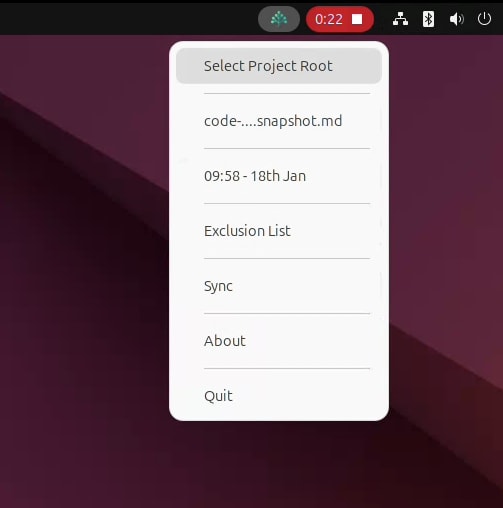
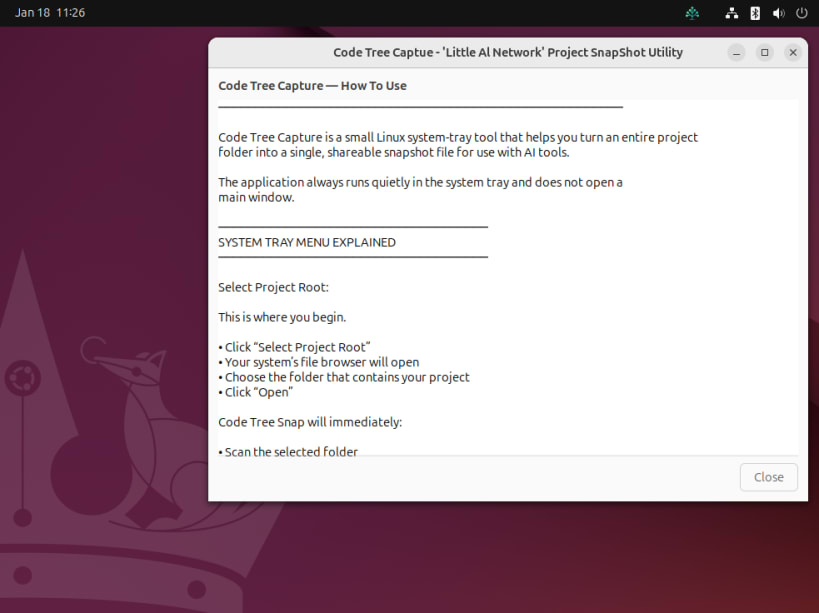
Code Tree capture is a lightweight Linux system-tray tool for creating clean, shareable project snapshots.
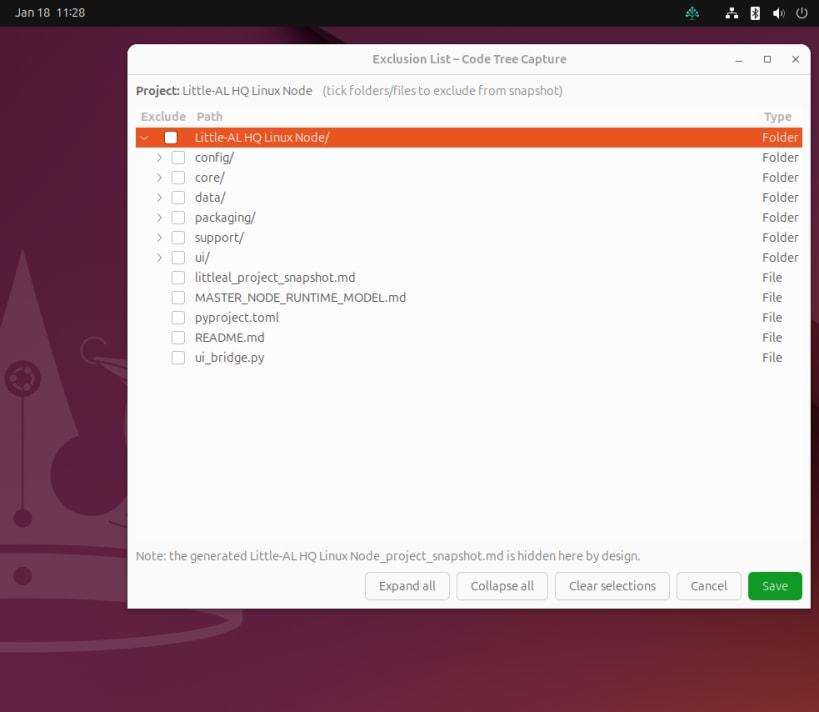
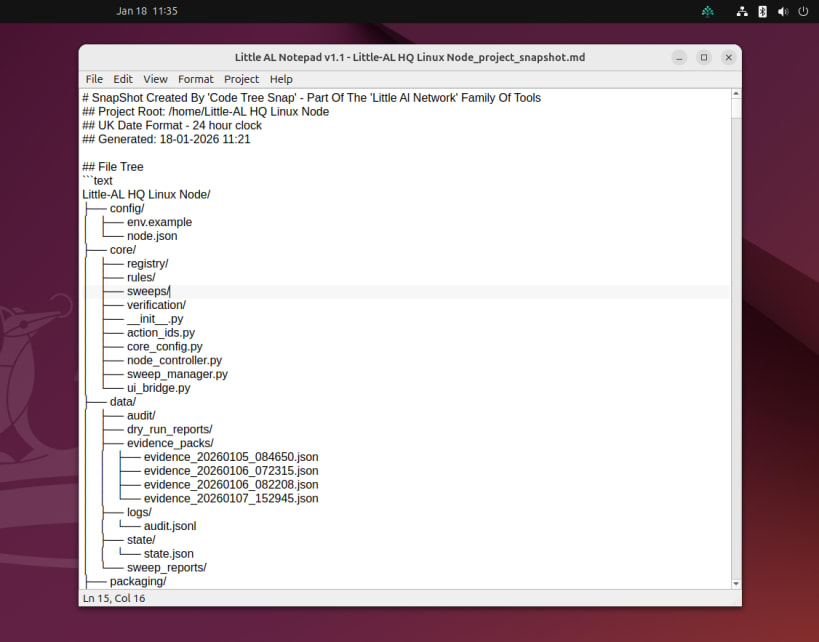
Select a project root, click Sync, and Code Tree Capture generates a deterministic Markdown (.md) snapshot of your project structure (and key file contents where safe), designed for quick AI-assisted reviews and clearer human-to-AI collaboration.
Built for a controlled workflow:
- Does not modify your project files.
- Ignores hidden system files automatically.
- Produces a single snapshot file that can be dragged into an AI prompt or shared with a teammate.
- You will find the saved <Project Name>_project_snapshot.md file in your project root folder.
We hope you enjoy using 'Code Tree Capture'
Little Al Network
| Revision | Channel | Version | Build | Commit | Download SBOM |
|---|
The build and commit information is derived from build infrastructure records.
Install Code Tree Capture - Code Snapper on your Linux distribution
Choose your Linux distribution to get detailed installation instructions. If yours is not shown, get more details on the installing snapd documentation.











