

CodeMind IDE
Install latest/stable of CodeMind IDE
Ubuntu 16.04 or later?
Make sure snap support is enabled in your Desktop store.
Install using the command line
sudo snap install codemind-ideDon't have snapd? Get set up for snaps.
Details for CodeMind IDE
Package name
- codemind-ide
License
- MIT
Last updated
- Today - latest/stable
Websites
Source code
Report a bug
External link warning
You are about to open
Do you wish to proceed?
Report a Snap Store violation
Report CodeMind IDE for a Snap Store violation
Snap Store Violation Report submitted successfully
Thank you for your report. Information you provided will help us investigate further.
Error submitting report
There was an error while sending your report. Please try again later.
Share this snap
Generate an embeddable card to be shared on external websites.
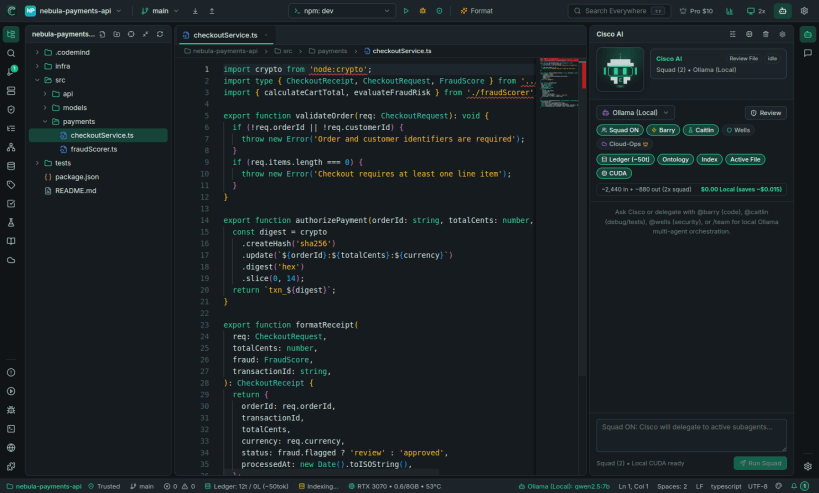
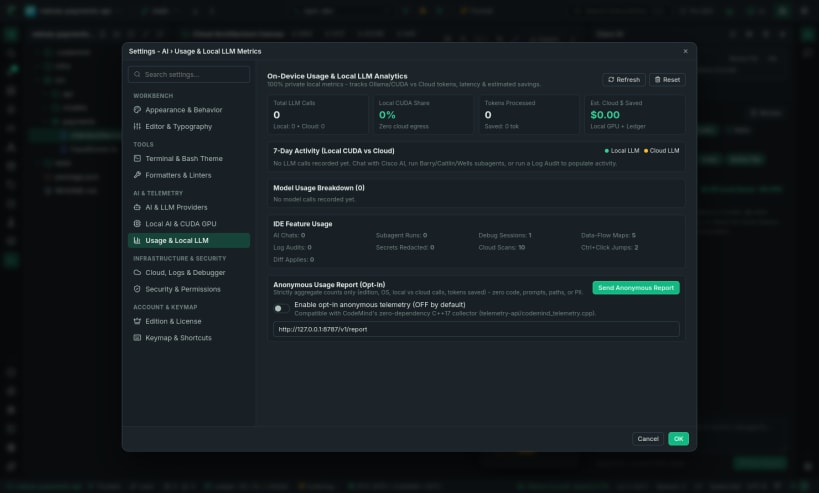
AI-powered desktop IDE with Cisco AI, local Ollama subagents & Cloud Canvas
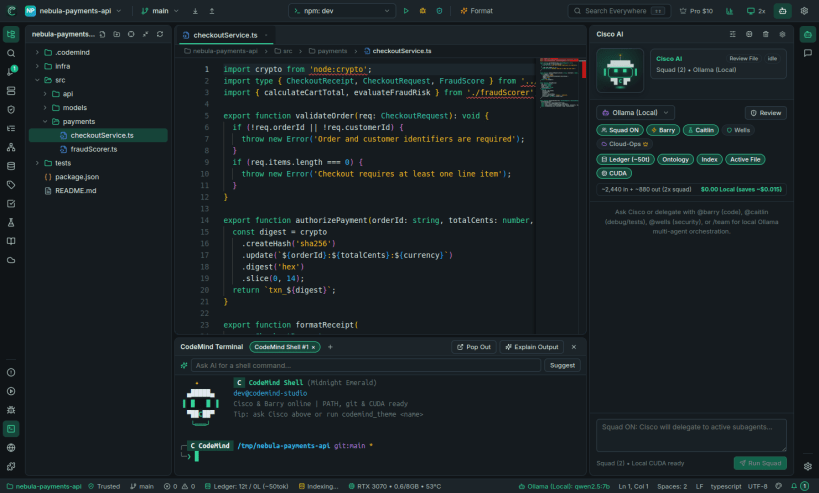
CodeMind IDE is an Electron-native desktop IDE designed for modern full-stack, AI, and cloud engineering.
Key Features:
- Cisco AI & STAR Subagent Squad: Local-first AI coding assistant with specialized Ollama/CUDA subagents (Barry, Caitlin, Wells) plus live pre-send token & cloud cost estimation.
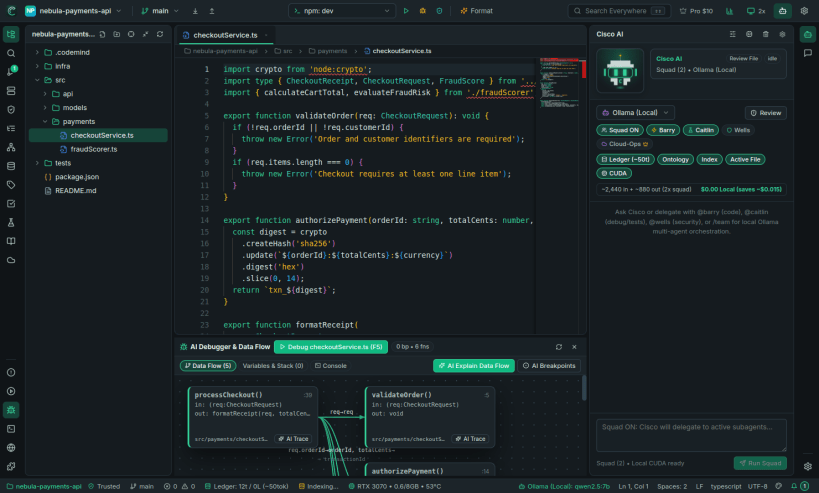
- AI-Assisted Live Step-Through Debugger: Interactive breakpoints, watch expressions, and Inter-Function Data-Flow visualization.
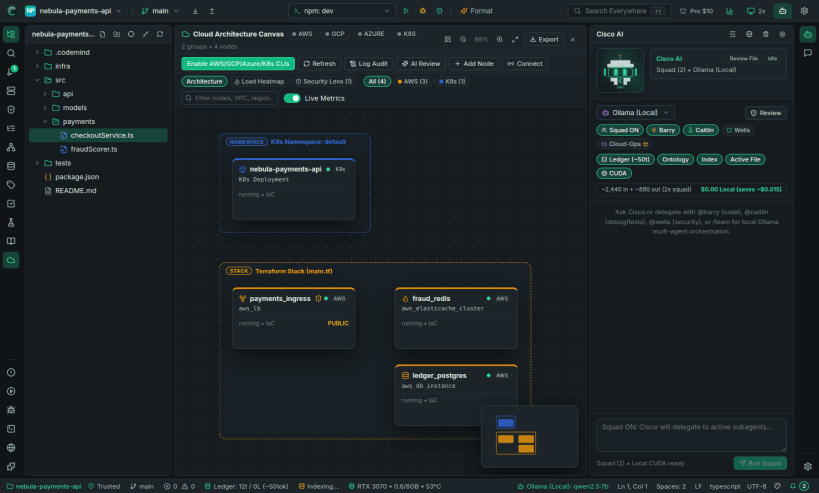
- Multi-Cloud & Kubernetes Architecture Canvas: Visual infrastructure builder with multi-screen pop-out support and automatic CloudWatch LLM Log Audit.
- CodeMind Islands Workbench: 5 crisp themes (Midnight Emerald, Islands Dark, Darcula Warm, Synthwave Violet, CodeMind Light), Fast Background Codebase Indexing, and a theme-synced embedded login shell.
| Revision | Channel | Version | Build | Commit | Download SBOM |
|---|
The build and commit information is derived from build infrastructure records.
Install CodeMind IDE on your Linux distribution
Choose your Linux distribution to get detailed installation instructions. If yours is not shown, get more details on the installing snapd documentation.











