

ColorSmith - Modern Color Picker (colorsmith)

Install latest/stable of ColorSmith - Modern Color Picker
Ubuntu 16.04 or later?
Make sure snap support is enabled in your Desktop store.
Details for ColorSmith - Modern Color Picker
Package name
- colorsmith
License
- GPL-3.0+
Last updated
- 16 September 2026 - latest/stable
- 15 March 2026 - latest/edge
Websites
Donations
Source code
Report a bug
External link warning
You are about to open
Do you wish to proceed?
Report a Snap Store violation
Report ColorSmith - Modern Color Picker for a Snap Store violation
Snap Store Violation Report submitted successfully
Thank you for your report. Information you provided will help us investigate further.
Error submitting report
There was an error while sending your report. Please try again later.
Share this snap
Generate an embeddable card to be shared on external websites.
Professional color picker, gradient maker, and palette manager
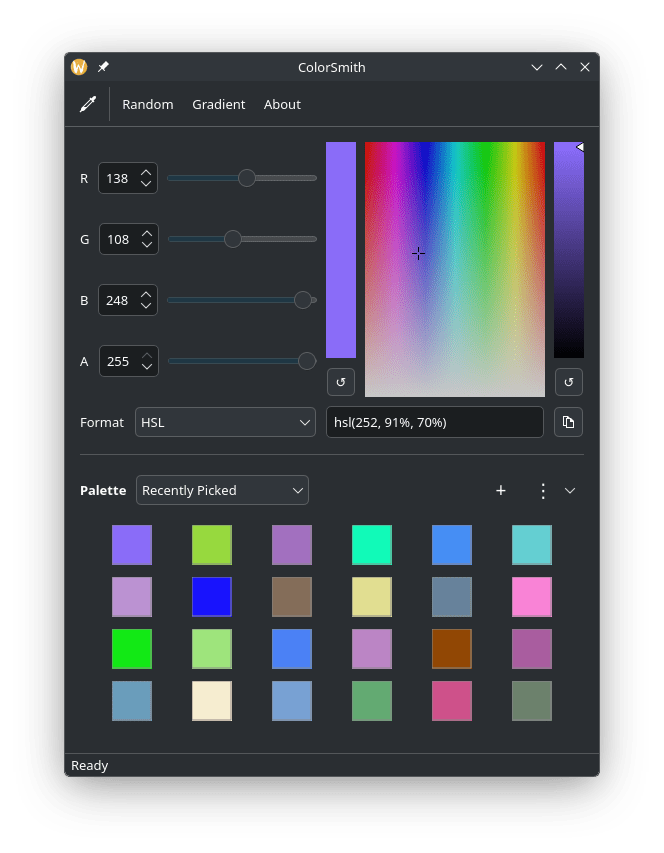
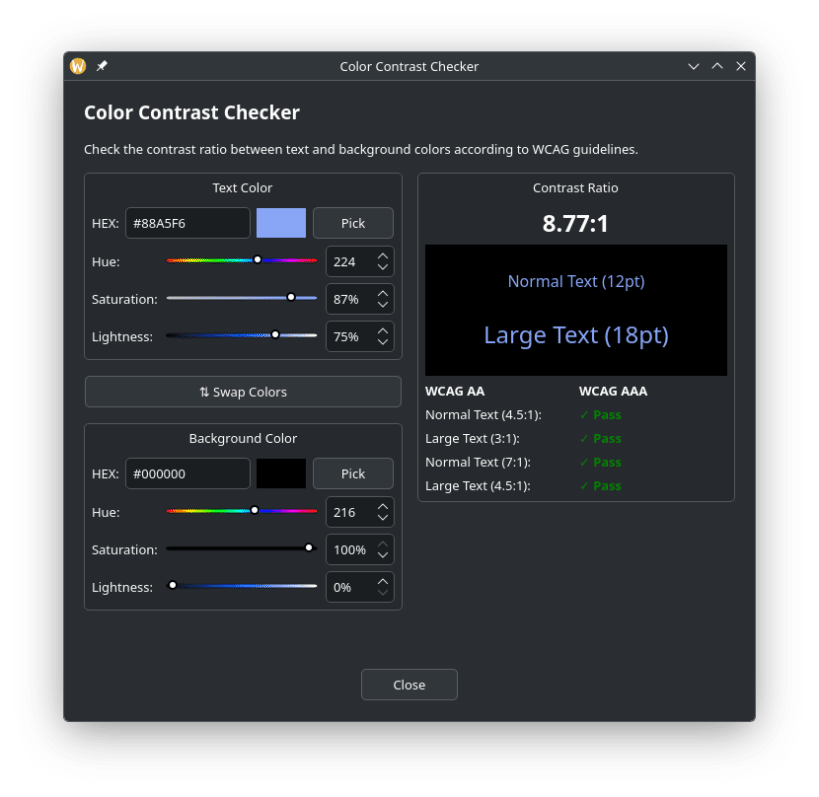
ColorSmith is a comprehensive color management and design tool for developers, designers, and digital artists. It provides an intuitive interface to pick colors, create gradients, manage palettes, and convert between multiple color formats with professional-grade precision.
Color Picking & Selection
- 🎨 Screen Color Picker: Pick colors from anywhere on your screen using native portal integration
- 🎨 HSV Color Plane: Interactive 2D color plane for precise color selection
- 🔆 Brightness Slider: Adjust color brightness with dedicated slider control
- 🎲 Random Color Generator: Generate random colors for inspiration
- 📐 RGBA Support: Full support for alpha channel transparency
Color Formats & Conversion
- 🔄 Format Conversion: Convert between HEX, RGB, and RGBA color formats
- 📋 Clipboard Support: Copy color values with one click
Gradient Maker
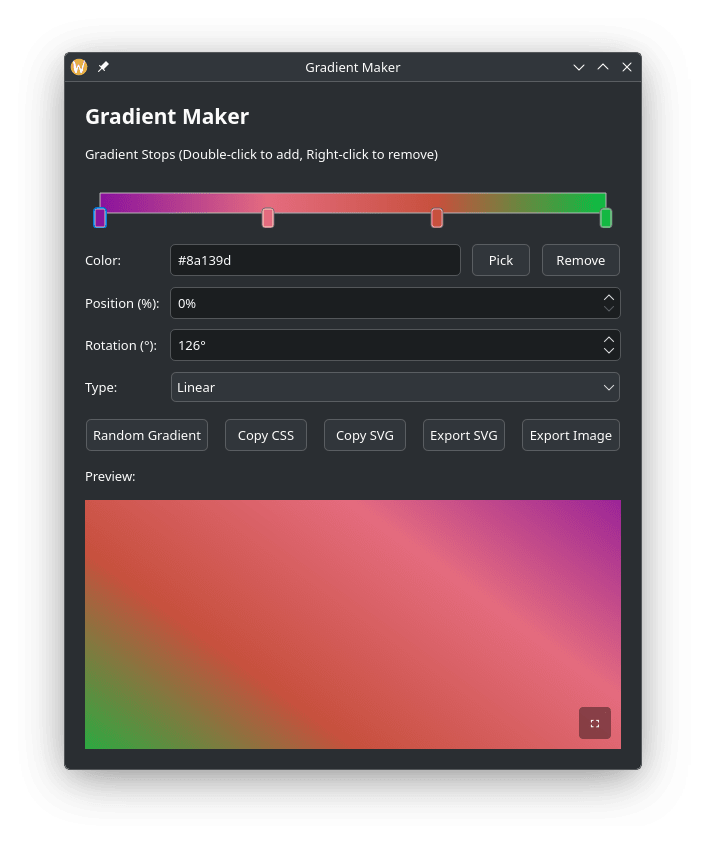
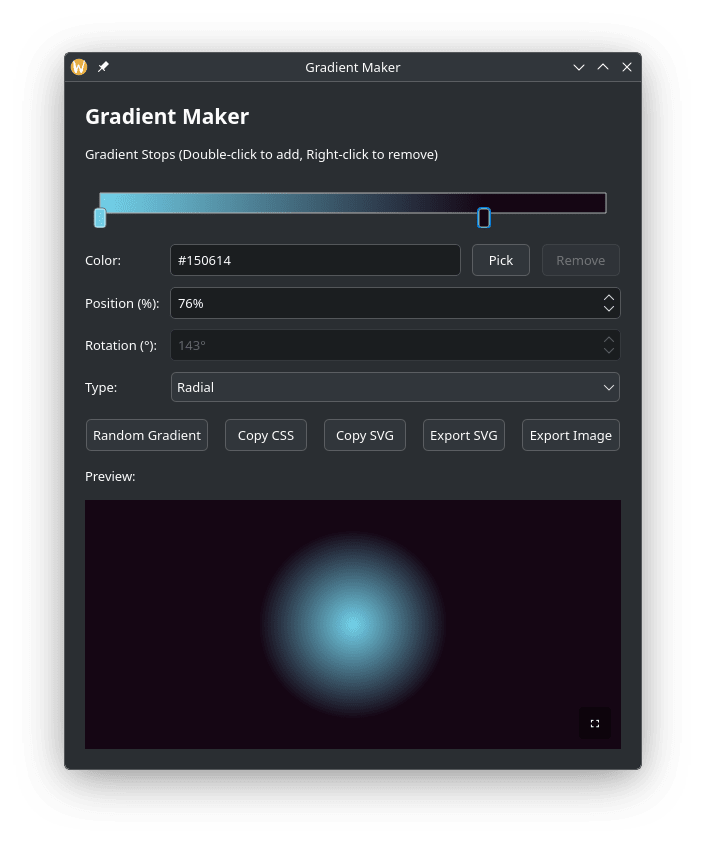
- 🌈 Linear & Radial Gradients: Create beautiful linear and radial gradients
- 🎨 Multi-Stop Gradients: Add, remove, and adjust unlimited gradient stops
- 🔄 Gradient Rotation: Control gradient angle (0–360°)
- 🎲 Random Gradients: Generate random gradient combinations
- 📤 CSS Export: Copy gradient as CSS code for web development
- 📄 SVG Export: Copy or export gradients as SVG files
- 🖼️ Image Export: Export gradients as PNG images with custom dimensions
- 👁️ Fullscreen Preview: View gradients in fullscreen mode
Palette Management
- 🎨 Color Palettes: Create and manage multiple color palettes
- ➕ Quick Add: Add current color to palette with one click
- 🖼️ Image Color Extraction: Generate palettes from images using K-means clustering
- 💾 Import/Export: Import and export palettes in JSON format
- ✏️ Palette Operations: Create, rename, delete, and clear palettes
- 🔖 Named Colors: Add optional names to palette colors
- 📚 Multiple Palettes: Switch between different palettes easily
User Interface
- 🎚️ Precision Controls: Adjust RGB values using sliders and spin boxes
- ⌨️ Keyboard Shortcuts: Comprehensive keyboard navigation and shortcuts
- 💾 Settings Persistence: Remembers your last used color and window geometry
- 🎨 Intuitive Design: Clean, modern Qt-based interface
| Revision | Channel | Version | Build | Commit | Download SBOM |
|---|
The build and commit information is derived from build infrastructure records.
Install ColorSmith - Modern Color Picker on your Linux distribution
Choose your Linux distribution to get detailed installation instructions. If yours is not shown, get more details on the installing snapd documentation.












